Everyone is talking Watch. I get it. It is worth talking about. It’s beautiful, an amazing technological achievement, and it’s manufactured by Apple. What’s not to like? The price tag; that’s what.
I’ve been to the Apple Store to play with the Watch and while impressive, it wasn’t $500 impressive. I am hesitant to purchase a watch that is likely to be replaced by version 2.0 in less than a year. Not to purchase the Watch was an easy decision.
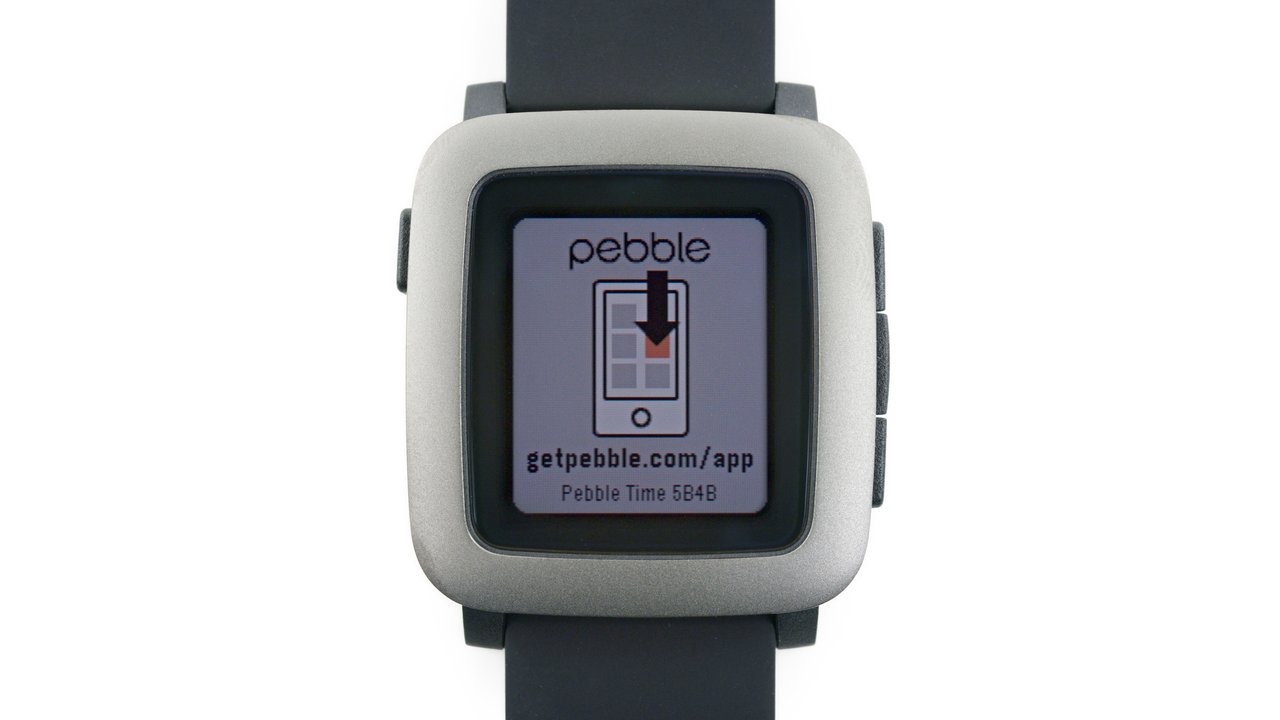
I’ve been wearing an original Pebble Watch for some time now. I get it and I like it as my review states. Shortly after posting my Pebble review, Pebble announced a Kickstarter campaign for a new Pebble Time.
This new Pebble watch will include:
- new watch design
- new user interface
- color e-paper display
- removal of the eight watch-face/application limitation
- new timeline feature
- new battery port location
Despite these new features, the watch will still last 6-7 days on a single charge.
As a Kickstarter backer, this new Pebble Time watch will include a discount and a custom Kickstarter supporter stamp on the back of the watch.
My Pebble Time arrived two days ago and this post shares unboxing images, brief commentary and initial impressions. THIS POST IS NOT A FINAL REVIEW.
#Unboxing images Comments are below each image.
 Delivery by USPS. The zipper graphic makes it easy to know where to start; however, let’s look at another view of the box.
 Yes it is! Time to open this puppy and see what is inside.
 It is time to “unzip” the box.
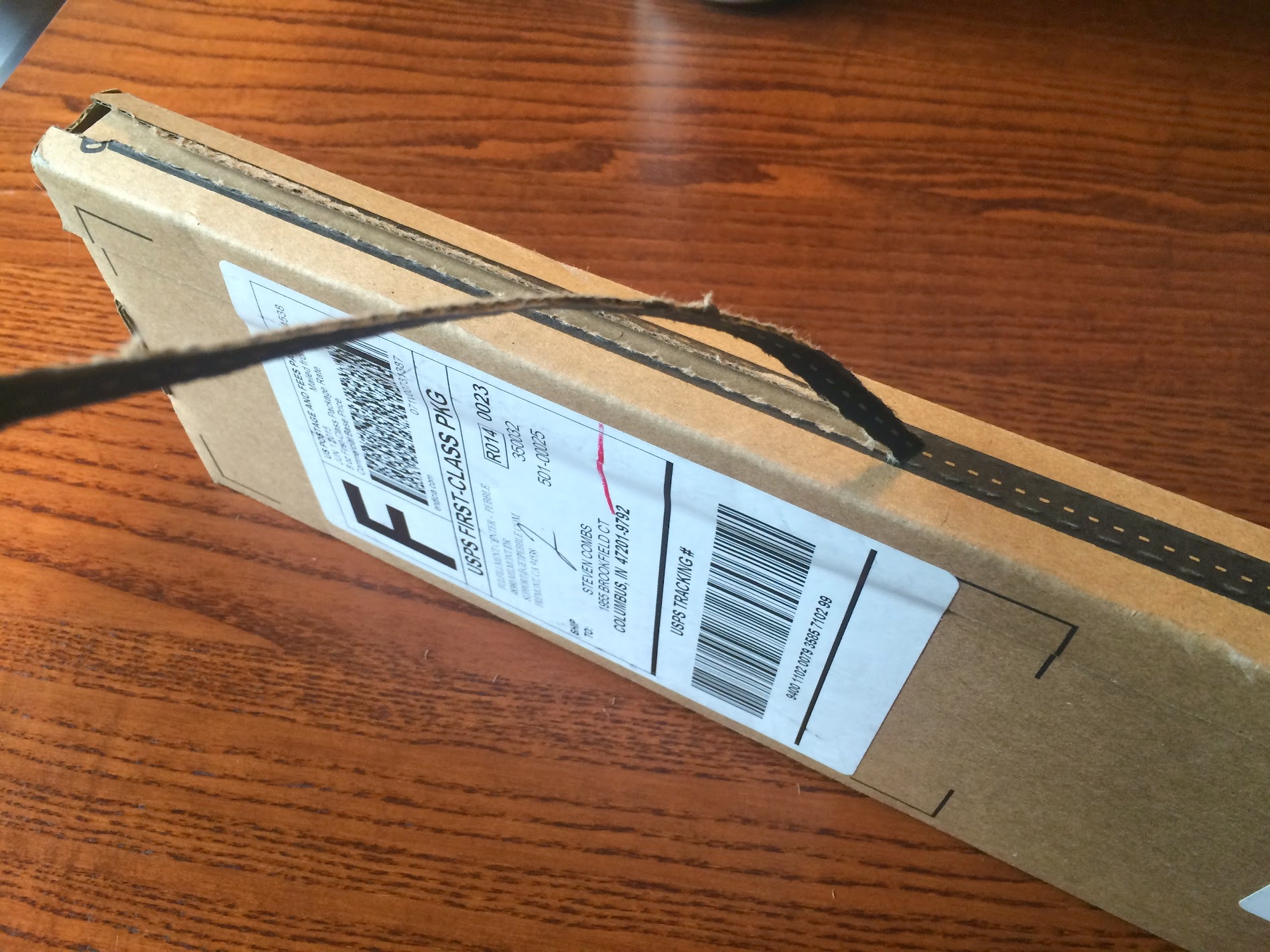 The cardboard “zipper” made it easy to open the box.
 Time to lift the box cover and see what’s inside.
 Pebble won’t win awards for packaging, but that is not important. What’s inside is.
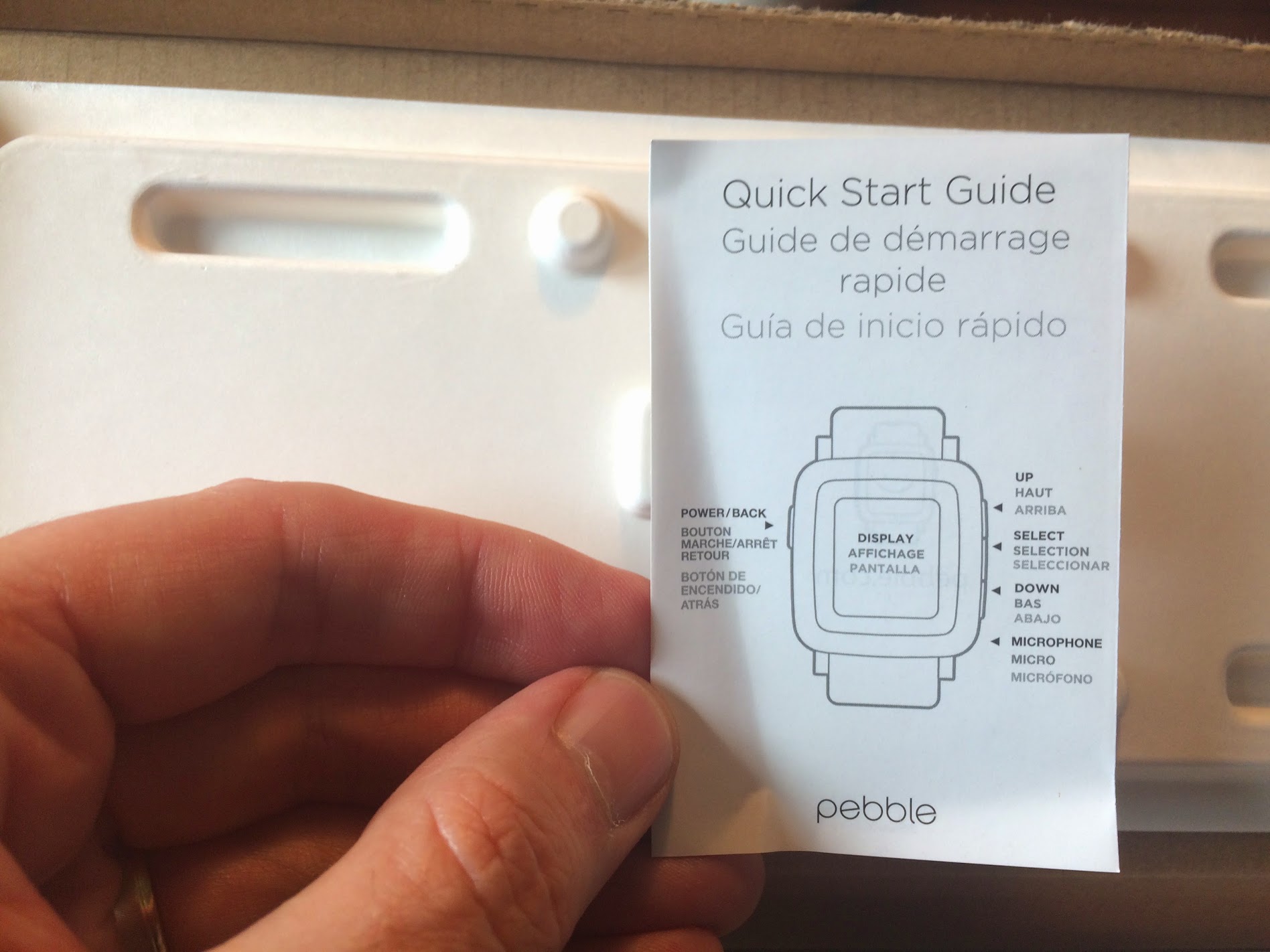 Includes a quick start guide. Didn’t read it. Hey, quality control. How did it get a crease?
 The safety guidelines pamphlet was thicker than the quick start guide. Didn’t read it either, in any language. Enough with the paper, let’s get to the Pebble Time watch.
 Our first look at the Pebble Time and charging cable. No power brick so you will need to charge with an open USB port on computer or as I do; use a dedicated charging station like the 6 port Photive 50W charger.
 Make sure and remove the plastic protective sheet on the watch face. That’s the only protectant on the watch.
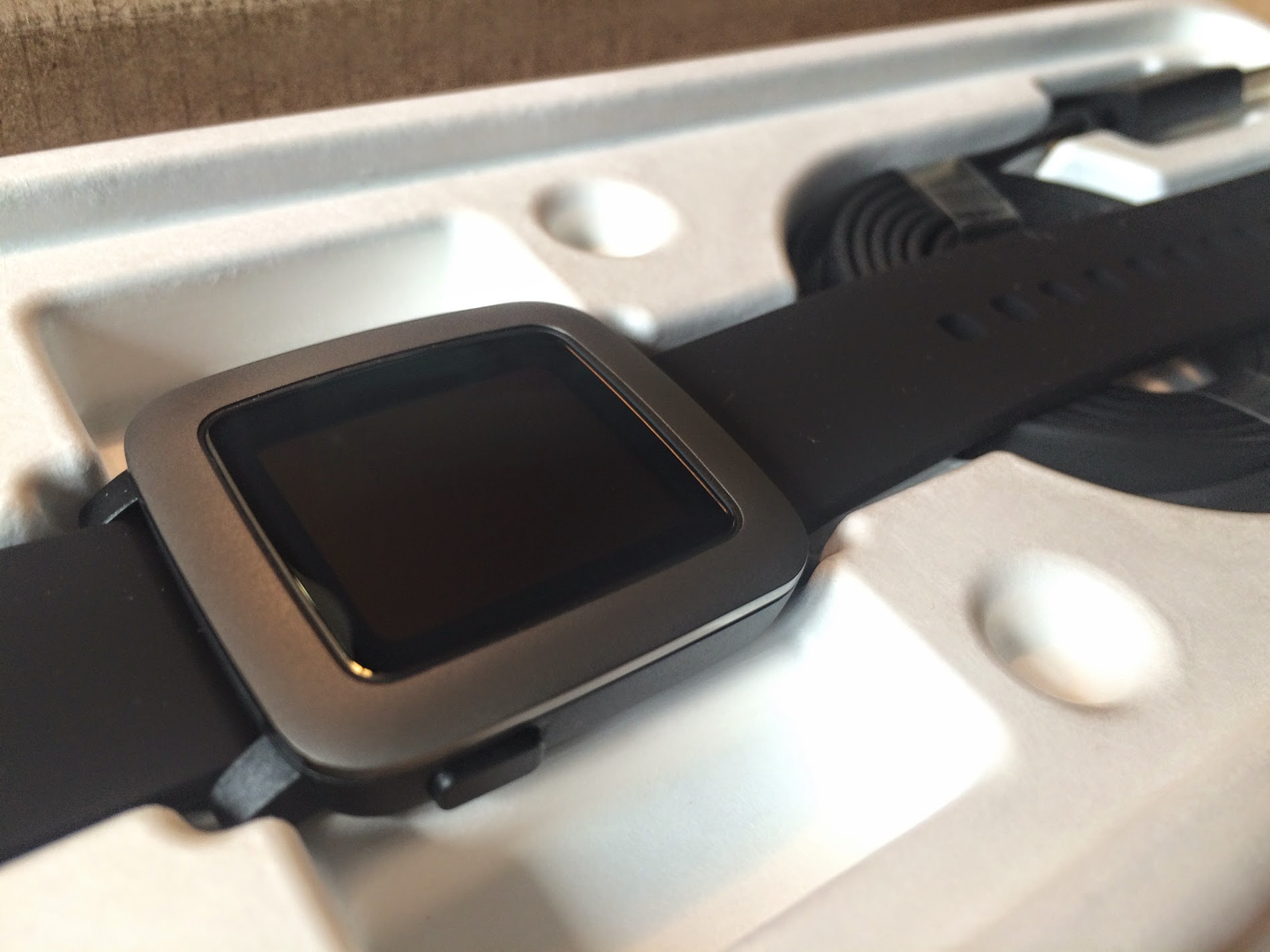 I really like the look of the Pebble Time. While not quite as glamorous as the Watch, it is a far cry better than the Pebble I currently wear.
 The band includes two Pebble stamped band loops as opposed to the single, non-stamped, loop on the original model. The band appears to be made out of the same material as the original.
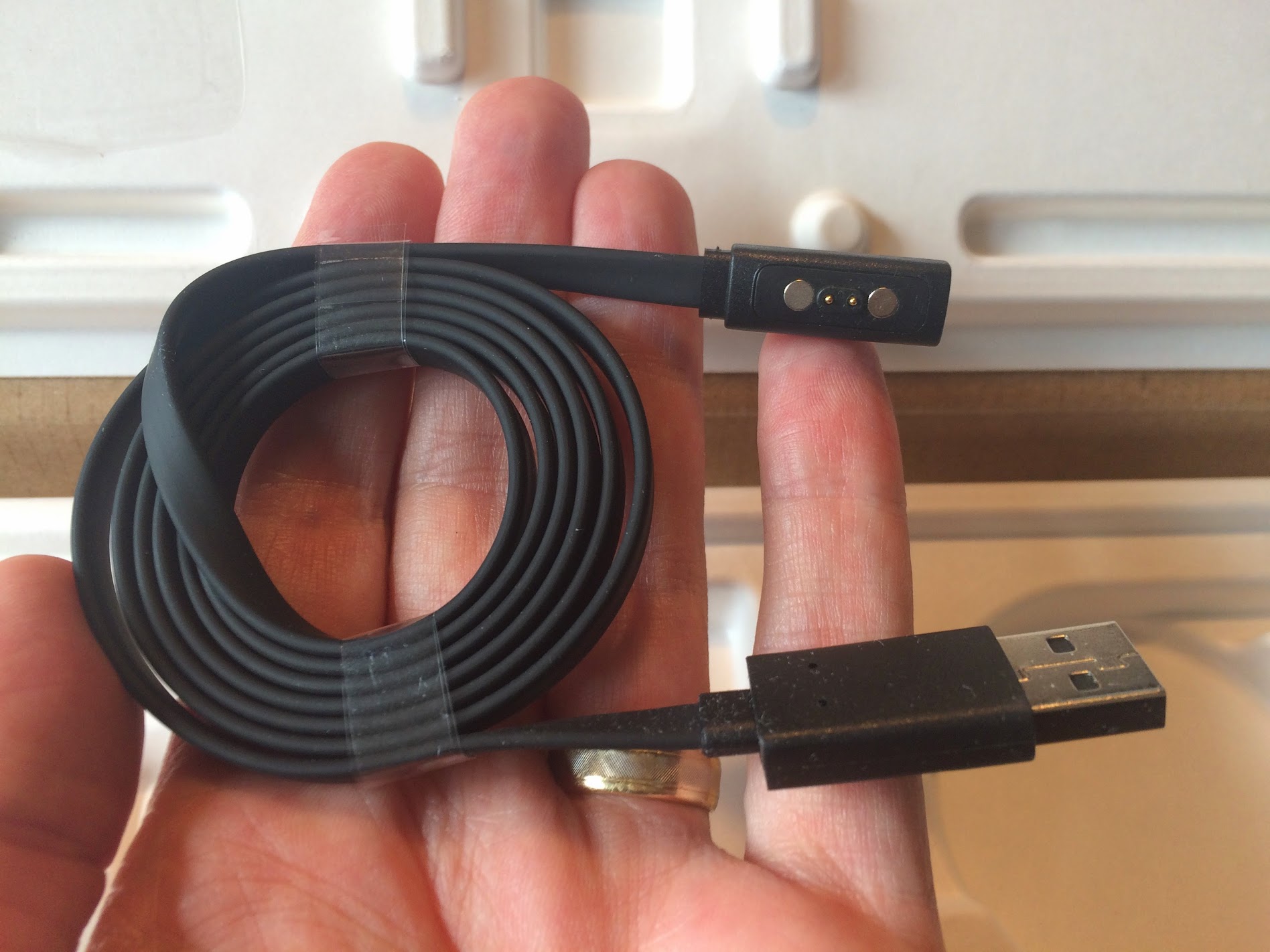 Pebble Time includes a new charging adapter and it is not interchangeable with the original Pebble.
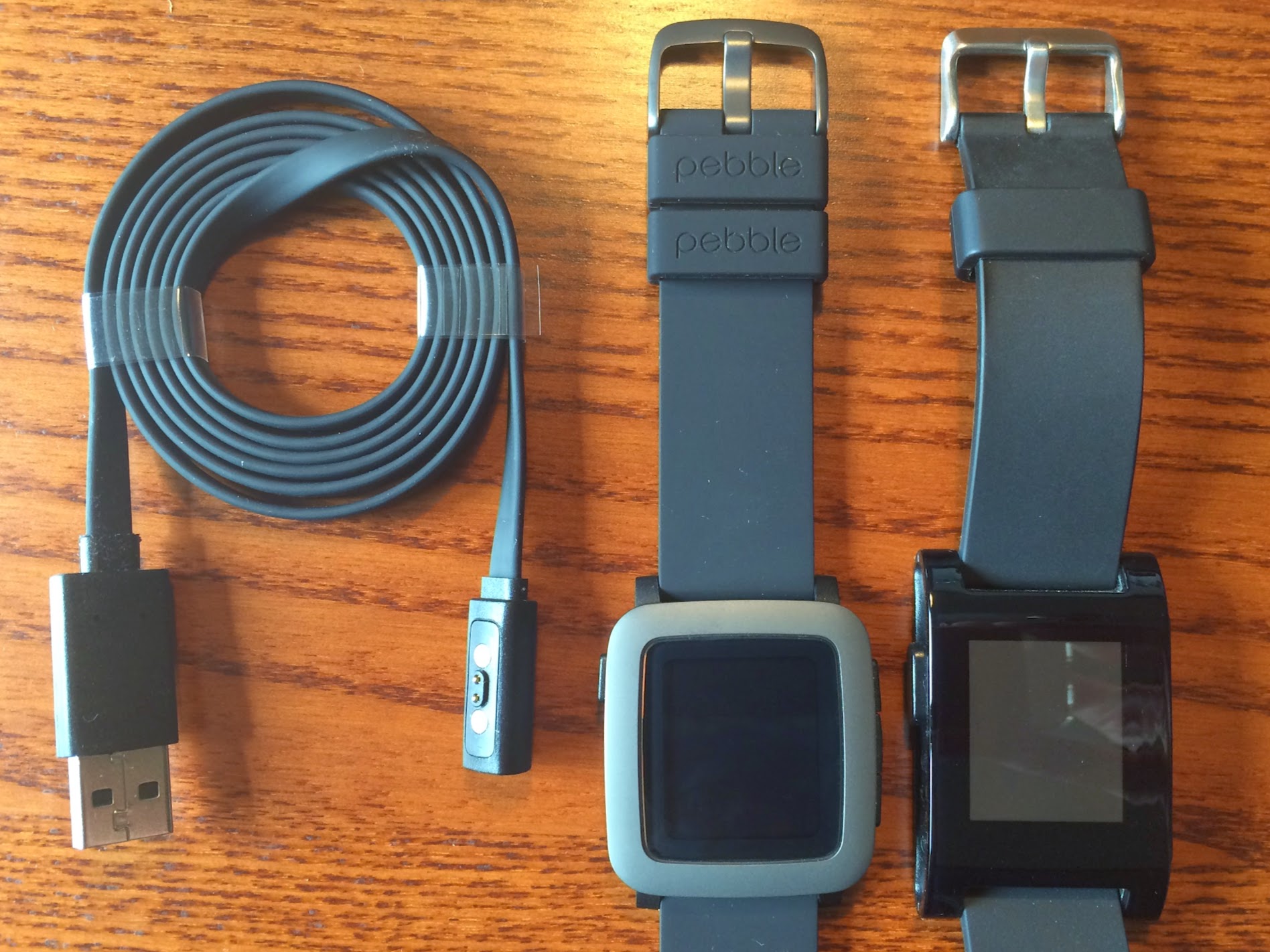 Both the Pebble Time and adapter next to my original Pebble for comparison.
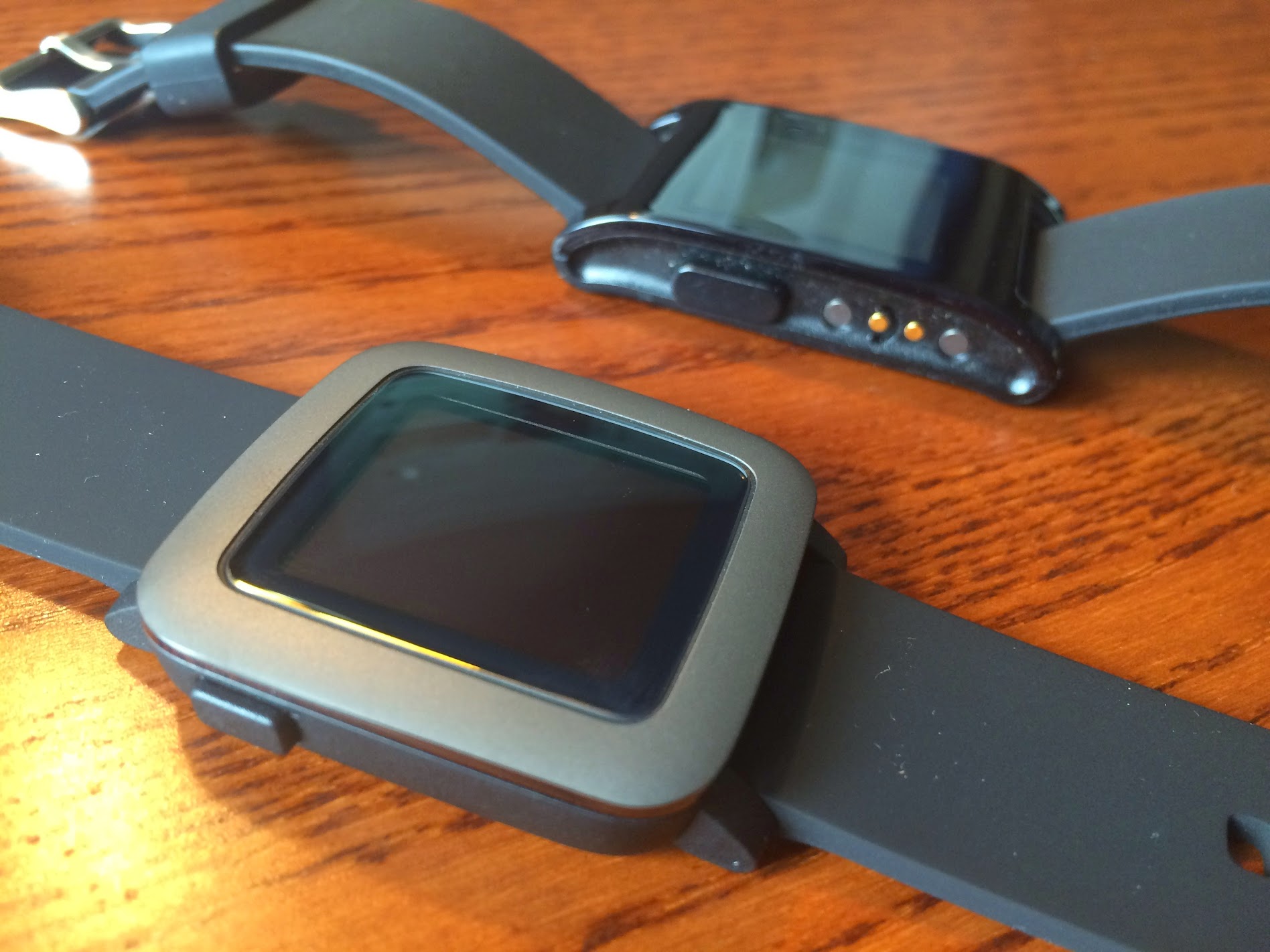 Another comparison shot of the Pebble Time and original “very dirty” Pebble. The Pebble Time looks much better than the original and hides the charging port underneath.
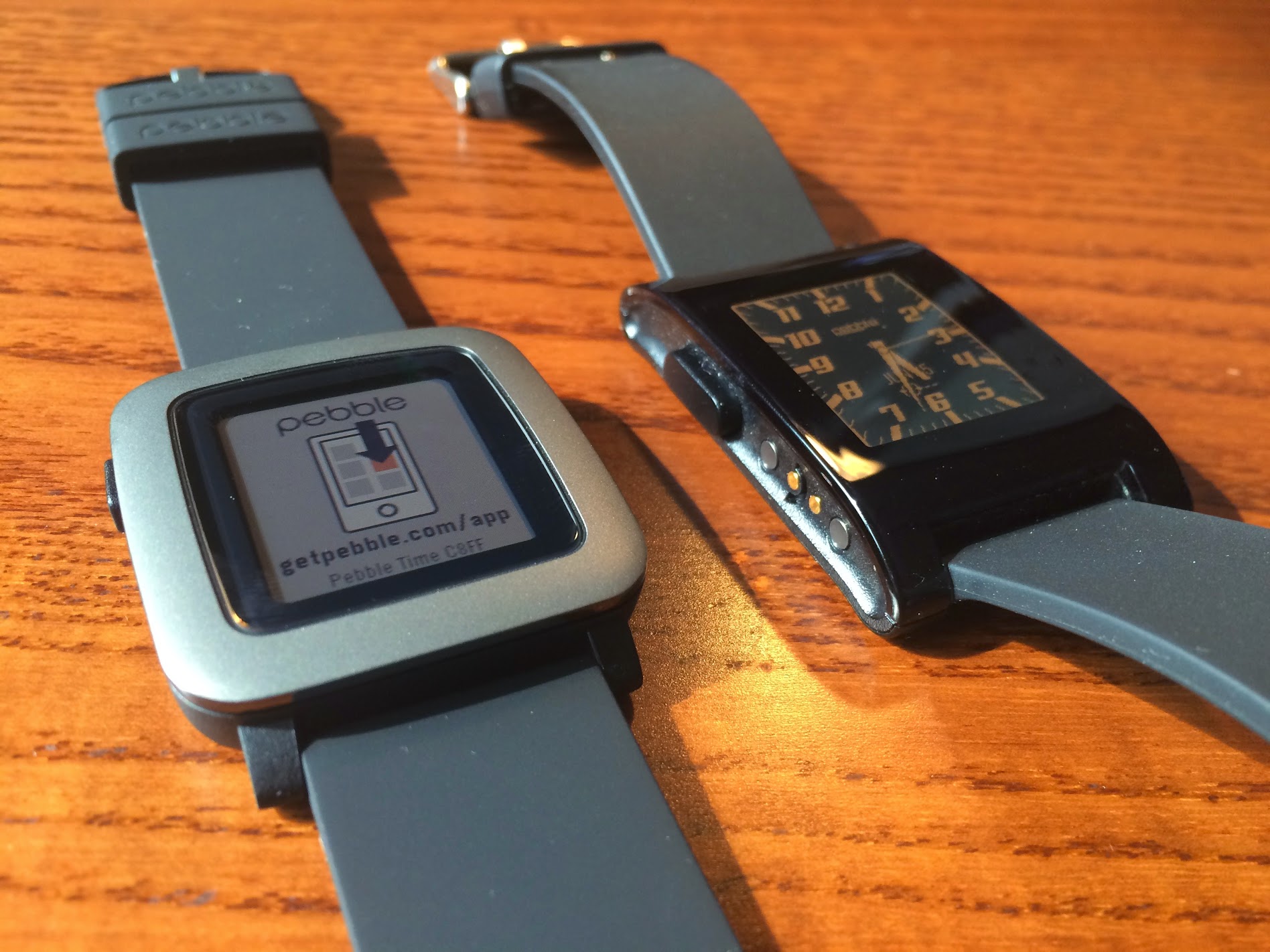 Both watches powered up. The Pebble Time is ready to connect to my iPhone while the original Pebble displays my favorite watch face for the black and white display. I enjoyed my first look at the color e-paper display. As expected, it was easy to read in direct light and always on (unlike other smart watches).
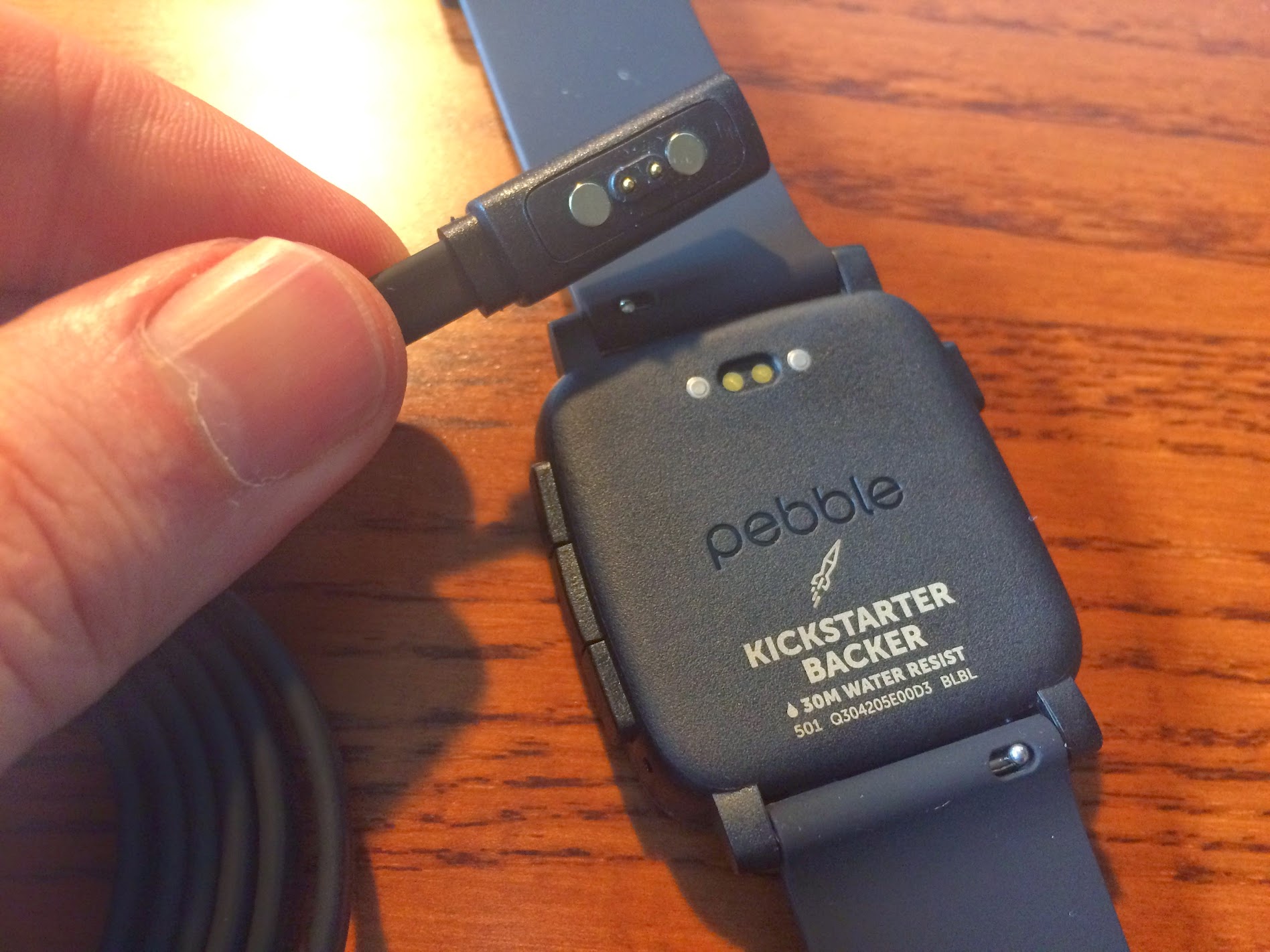 Time to charge the Pebble Time, connect via Bluetooth to iPhone, and load apps/watch faces. As a Kickstarter backer, this watch has the special stamp on the back that will not be found on the retail models when they ship.
 All setup and ready for wear; here’s the Pebble in full sunlight on a rather hairy wrist.
#First impressions Once again, this is not a full review of the new Pebble Time; however, below I are my first impressions. A full review may come after I have spent some time with the Time.
- The color e-paper display is the first thing you notice and I really like it
- The new watch design is more refined than the original
- Setup with iPhone was flawless using the new Pebble Time Watch iOS app
- Watch faces and apps are no longer limited to a total of eight, but rather the watch memory – THANK YOU PEBBLE!
- Color apps and watch faces are limited currently
- Original Pebble apps run on the Pebble Time
- Buttons are still a bit harder to press than I would prefer
- Notifications are different colors based on the origination of the alert (for instance, Gmail notifications are red and Evernote notifications are green)
- Reminder: this is not a touch screen device
- New Timeline is AWESOME and as more apps embrace this feature, the Pebble Time will only get better and better
After 48 hours, I am happy with my Pebble Time. There have been no problems and it works as expected. Pebble adds two important new features: color e-paper and the Timeline. These features will make any past Pebble user happy and the Pebble Time worth the upgrade. I look forward to more “time with the Time” as well as the new apps and watch faces that will bring even more value to the watch.
Photo: Frmorrison, CC BY-SA 3.0, via Wikimedia Commons.

Comments
Comments use GitHub Discussions; sign in with GitHub to join in.