
After receiving and then creating a video/blog post about the FlashROM99 from The Brewing Academy, I went online to show how to play games from the device and experience, for the first time, these Texas Instruments TI-99/4A versions of popular 1980s video games.
TIP: If you enjoy this series, leave a tip.
Before you read the rest of this post, look at my companion video below and then continue reading to learn more about the FlashROM99 and watch me reminisce with video games from the 1980s.
YouTube Video: Playing TI-99/4A 1980s video games from a FlashROM99 | Livestream edit with captions
In the video below, I play several 1980s video games using a Texas Instruments TI-99/4A FlashROM99.
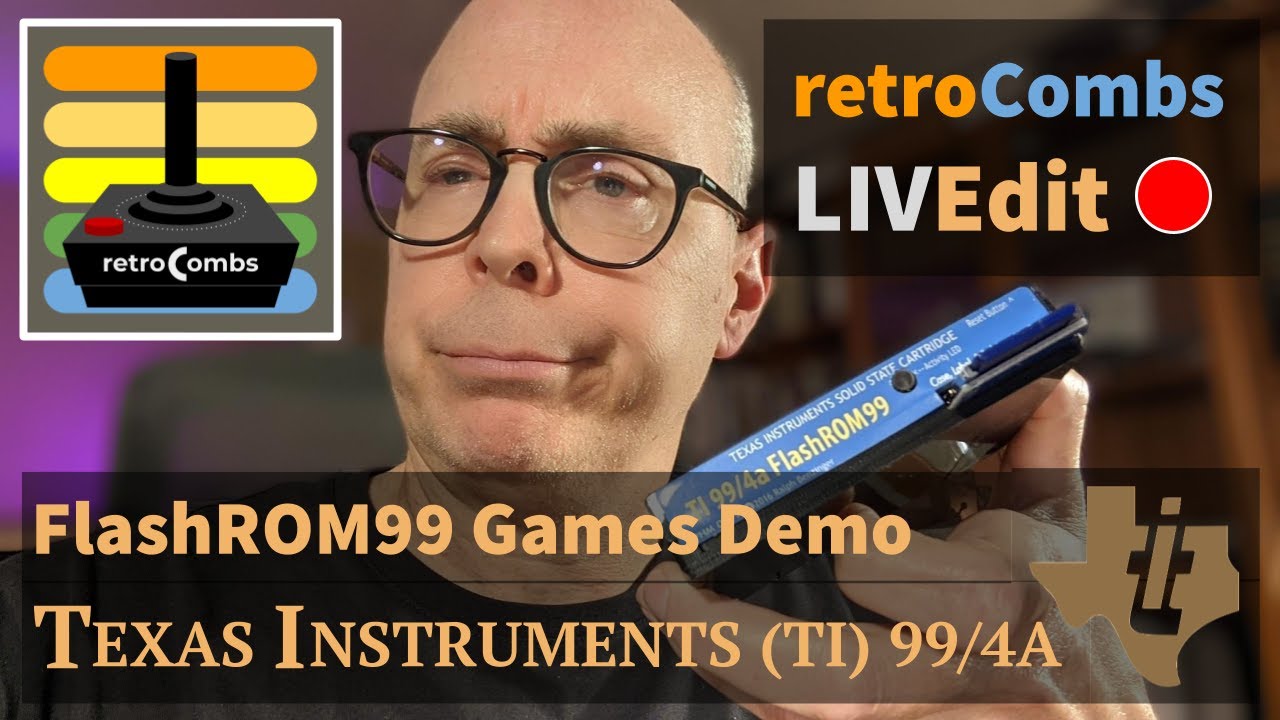 YouTube Video: _Playing TI-99/4A 1980s video games from a FlashROM99 | Livestream edit with captions
Video Errata
Jamie informed me that when playing Burger Time, you don’t throw salt, but pepper, as shown on the screen!
Links Mentioned in this Episode:
Below are the links I mention in the video. All Amazon links are affiliate links. Thanks for supporting the blog and the YouTube channel!
- FlashROM99
- FinalGROM99
- Hyperkin Trooper Joystick
- The Brewing Academy
- My TI-99/4A Purchase
- 32 Kb Memory Side Car Expansion
- Inexpensive 4 Gb SD Cards
- Blackmagic ATEM Mini
List of Games and Time codes
If you want to jump to your favorite game(s), below are the time codes which are embedded in the YT video scrubber:
- 00:00 Introduction
- 01:57 Texas Instruments Software Catalog
- 03:36 Install the FlashROM99
- 05:15 FlashROM99 menu
- 07:00 Burger Time
- 11:27 Rest the FlashROM99
- 12:30 Super Demon Attack
- 17:24 Mars Attack (Locked Up FlashROM99)
- 18:14 Meteor Belt
- 19:48 TI Joysticks
- 20:25 Miner 2049er
- 22:26 Q*bert
- 23:20 Star Trek SOS
- 25:17 Star Wars
- 28:50 Super Fly
- 30:09 Tombstone City
- 31:29 Wingwar
- 33:30 #retroCombs Thanks and Information
- 35:10 Microsurgeon
- 38:22 End Screens
Additional Thoughts
- If you want more information about the FlashROM99, including instructions to prepare and use the device, check out my previous post.
- Since my collection of Texas Instruments TI-99/4A related content is growing, I’ve created a TI-99/4A resource page to highlight that content and share my journey with this recent addition to my retro computing collection.
-
Two stalwarts joined me for this livestream (with about 6 more popping in and out):
- https://twitter.com/KrlezaMislav - A tremendous shout out for sending a Super Chat during the livestream. One of my biggest supporters and “virtual” friends. Thanks for continuing to support the channel and for being a part of the community.
- Jamie - From the Jamie’s Hack Shack YT channel, and neighbor, mentioned his Extralife4kids November 6th, 2021 event. If you’d like to sponsor and support the Children’s Hospital in Louisville, KY, use this link, https://www.extra-life.org/index.cfm?fuseaction=donorDrive.participant&participantID=458561. As the father of a child who has spent many hours in this hospital, I can vouch that they will put the funds to good use.
- I used the Blackmagic ATEM Mini for the first time during this livestream. I have much to learn about this powerful switching device and there’s a bunch of features packed in, via the Mac application, that I’ve yet to explore. I made a mistake and should have purchased the ATEM Mini Pro for $100 more or the Pro ISO for $400 more. Each includes streaming directly from the box and recording. If you want to help me upgrade, leave a tip.
Join the Fun
Don’t miss the retro-computing fun. SUBSCRIBE to my YouTube channel and check out my other posts.
Help make this content better! Leave your comments, corrections, additions, and thoughts in the comments below. You can email me at retrocombs@icloud.com. Thanks for reading and if you are inclined, please let others know about the blog using the hashtag #retroCombs.
🕹️ retroCombs, OUT!
Comments
Comments use GitHub Discussions; sign in with GitHub to join in.