Raspberry Pi Presentation
 On June 17th, I was the guest speaker for our local Columbus area Chamber of Commerce TANK Talk. I was asked to give a presentation about the Raspberry Pi and its use in physical computing, making and education. I decided to expand the presentation to include other physical computing devices such as the Arduino and a Kickstarter project. The presentation description was as follows:
While a Raspberry Pi AlaMode sounds like a tasty treat, it means something completely different in the world of physical computing. In this late afternoon session, Steven will introduce you to the world of physical computing and how a $35 computer, the size of several stacked credit cards, is revolutionizing the way we introduce children and adults to programming and prototyping. And yes, you will learn why a Raspberry Pi AlaMode may not be as tasty to eat as it sounds.
This page collects my online presentation as well as additional notes, images and links. It will also become a clearing house for additional information I will include in future Raspberry Pi presentations.
Presentation
Links
Below are links referenced during my presentation or links that supplement questions and/or discussions.
Introductory Information
- View presentation slides full screen - slides above are a bit small and this link will take you to a full screen version.
- Physical computing Wikipedia entry - learn more about physical computing.
Raspberry Pi
- Download Raspbian operating system (advanced) or Noobs (beginner) - Download the operating system (OS) that powers the hardware. Instructions included; however, for beginners, I recommend the Noobs download. Simply download, copy to an SD card, put the SD card in the Raspberry Pi and plug in the power.
- Purchase Kano kit for kids - Excellent kit, including curriculum, to introduce children to the Raspberry Pi. All you need is a monitor.
- Purchase CanaKit for teens or adults - This kit is a bit more advanced and includes components to connect to the GPIO. A great starter kit.
- Purchase CanaKit barebones kit - perfect if you just want tinker and have an extra keyboard and monitor/TV laying around.
Programming
- Learn more about Scratch - Learn about scratch and even try it out on your own computer or in your browser.
- Learn basic coding skills interactively - Learn how to code with these simple and fun tutorials. Will take you from beginning to advanced concepts.
Arduino
- Purchase an inexpensive physical computing device, the Arduino - At $10 (cable included!), you can’t go wrong.
- Program the Arduino using Codebender - You will need to use the Chrome browser, but this is by far the easiest interactive development environment (IDE) to use and my go to IDE for Arduino programming.
- My Codebender page - My Codebender projects and samples. Updated regularly as projects appear on my workbench.
Get Inspired
- Raspberry Pi Foundation - Home of all things Raspberry Pi.
- Subscribe or download FREE issues of MagPi magazine - Excellent paper and PDF magazine that inspires and keeps you up to date on the latest Raspberry Pi news.
- Learn with adafruit - adafruit is also an excellent supplier of physical computing devices, tools, resources and equipment.
One more thing…
- C.H.I.P. - View this page to learn why I am excited about this new $8 Kickstarter physical computing platform. When the C.H.I.P. arrives, additional information will appear on my embedded systems page.
- Pocket C.H.I.P. - Place the C.H.I.P. into a handheld keyboard/LCD screen combinations and you have the perfect on the go physical computing or gaming development platform (see video below).
 Raspberry Pi Presentation video
My Raspberry Pi blog posts (list updates automatically)
 PicoCalc Out-of-Box Tutorial: Assembly, BASIC, GPIO & Firmware
 AdaBox 019 (Macropad) Unboxing and Live Stream
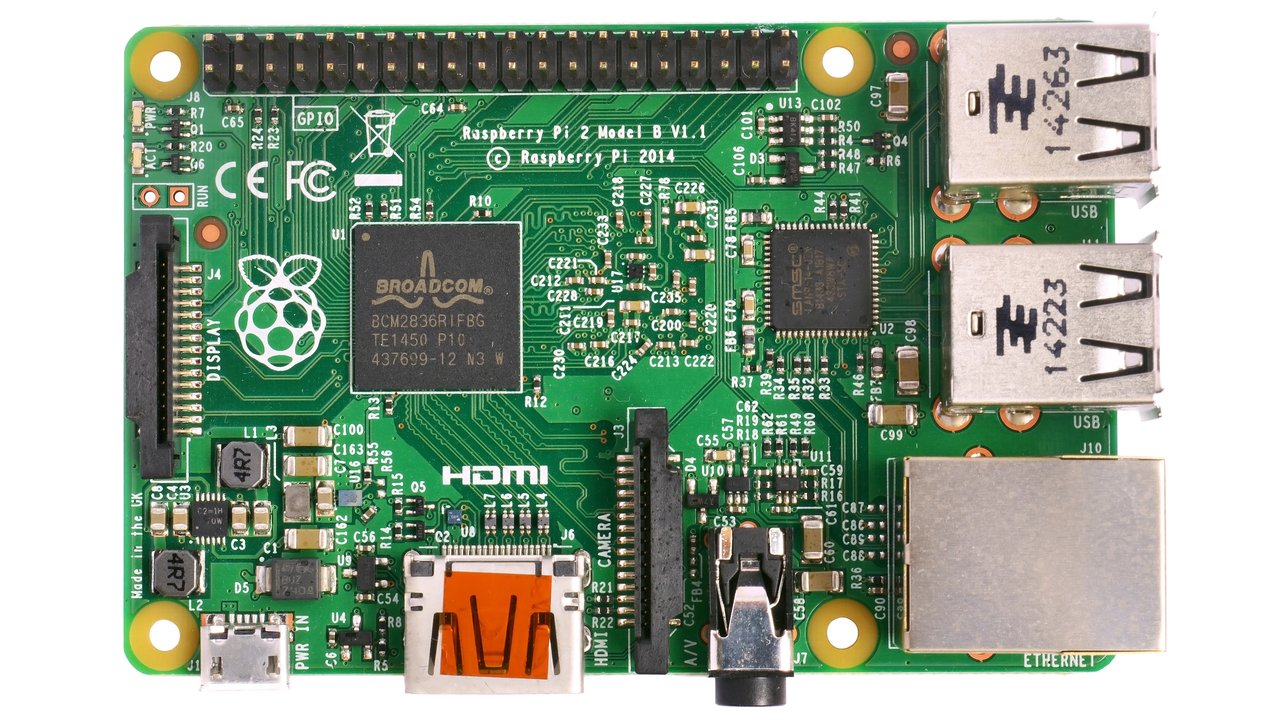 Raspberry Pi presentation page now available
 HOWTO: Update your Raspberry Pi OS and software
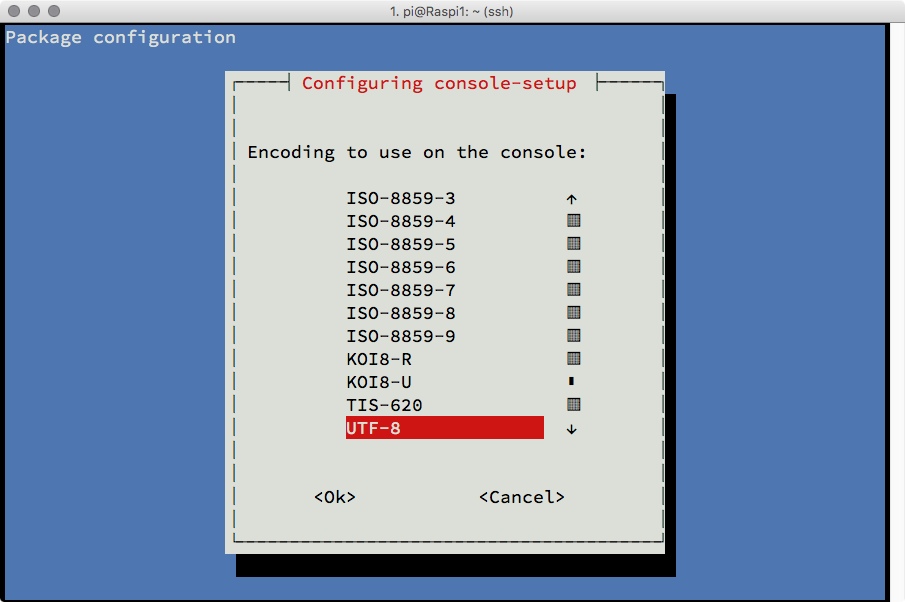 HOWTO: Change the Terminal font size on Raspberry Pi
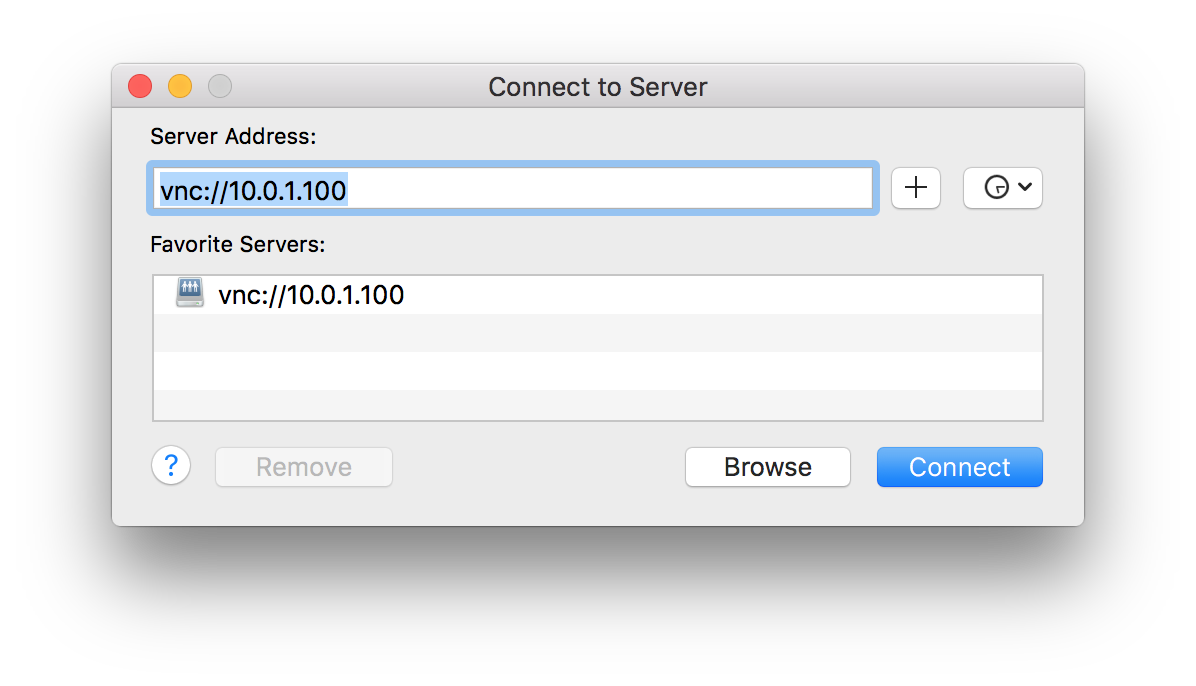 HOWTO: Mirror a monitor connected to a Raspberry Pi on a Mac
 HOWTO: Easily install openHAB on a Raspberry Pi
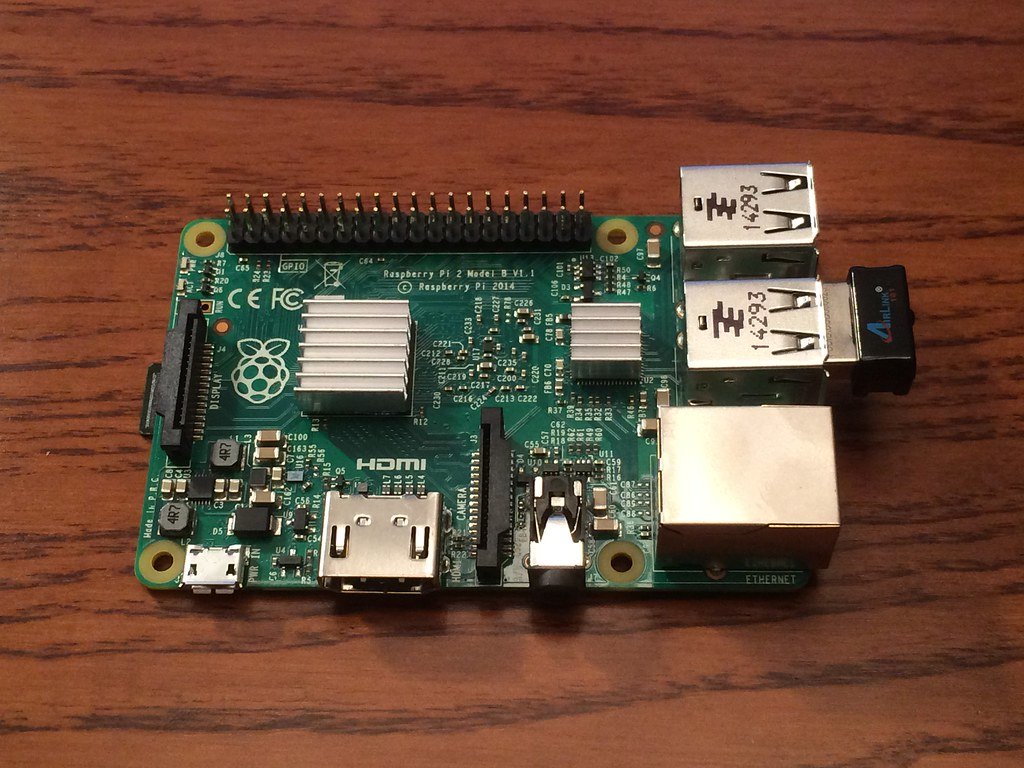 UPGRADE: Raspberry Pi 2 case and heatsink
 HOWTO: Turn your RaspberryPi into a development platform with Coder
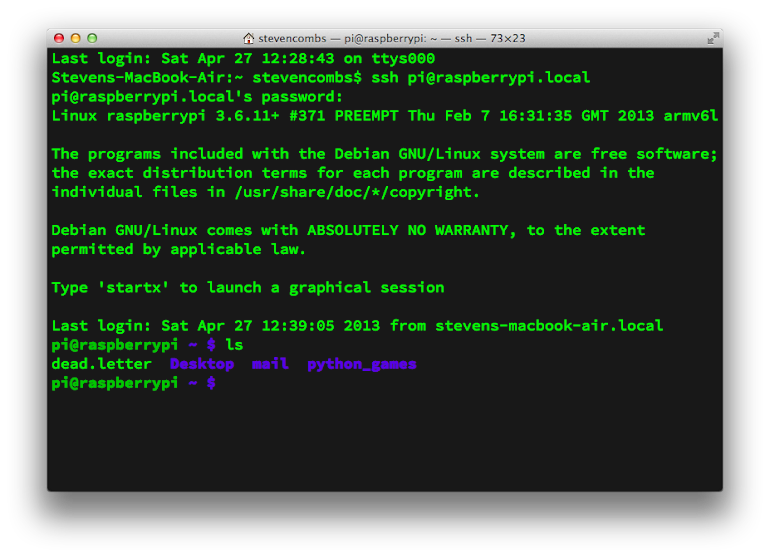 HOWTO: Create an ssh connection to a headless Raspberry Pi
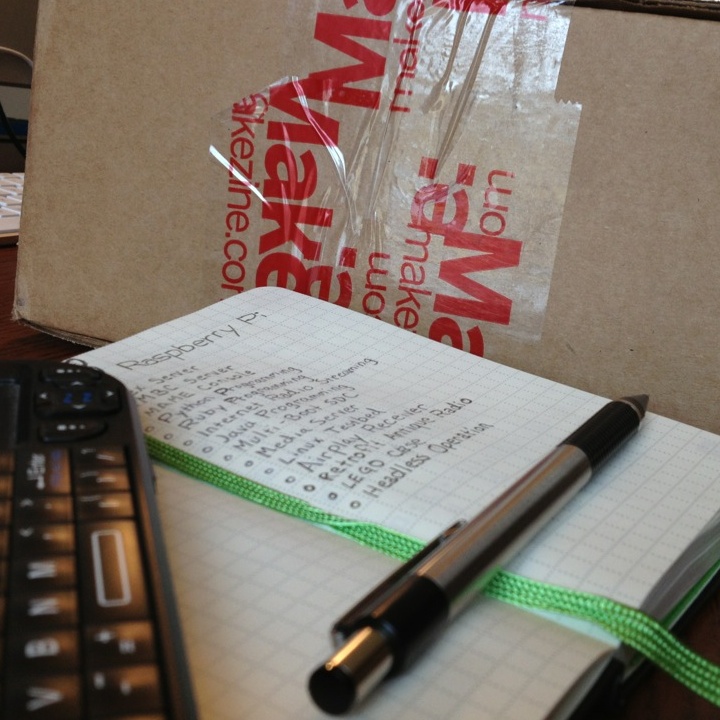 OPENING THE BOX: Maker Shed Raspberry Pi Starter Kit
Images
Below is a teaser image used to promote the presentation.

Discussing the 8-bit days of computing during the presentation

Feedback
Have a question or want to send feedback? You can send me email or use the Support link.