
You’ve got mail! When I opened it, there was a new MEGA65 Intro Disk. The MEGA65 is a modern take on the unreleased Commodore 65, and the MEGA65 team has released version 4 of its official intro disk, a collection of software that shows off what the machine can do: graphics, sound, speed, and C64 compatibility. This release combines the past three years of intro disk collections into one package with a brand-new menu system.
This post is the text companion to my video. It covers what you need to run the disk on real hardware or in the XEMU emulator, the new menu features, the news section, the MEGAZine, and the type-in games. I don’t spoil the demos and games here. I saved those for the livestream. Let’s dig in!
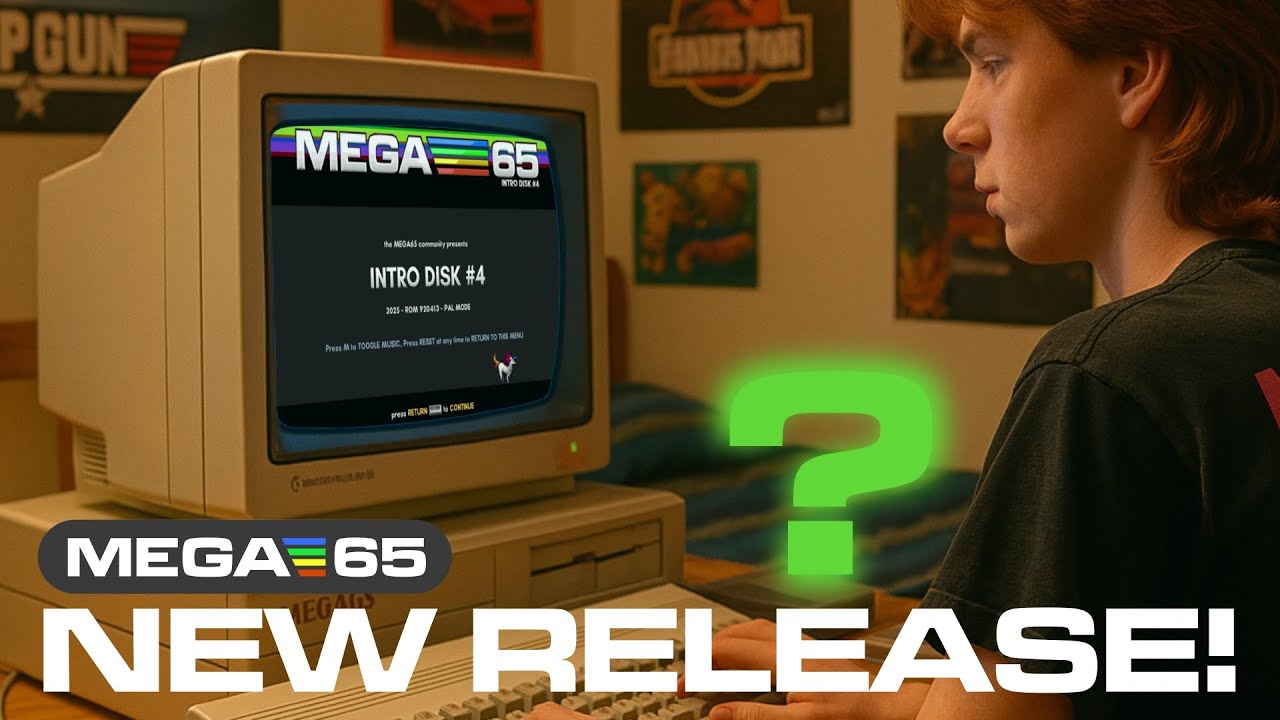
TABLE OF CONTENTS
- TABLE OF CONTENTS
- LINKS
- SUPPORT THE BLOG AND CHANNEL
- COMPANION YOUTUBE VIDEO
- VIDEO ERRATA
- WHAT’S ON INTRO DISK V4
- BEFORE YOU LOAD IT
- NO MEGA65? USE XEMU
- WHY THE INTRO DISK MATTERS
- THE NEW MENU
- THE NEWS SECTION AND THE MEGAZINE
- TYPE-IN GAMES
- THE SCREENFUL OF BASIC COMPETITION
- THE LIVESTREAM
- CONCLUSION
LINKS
Video Mention Links
- 💾 Intro Disk, registered owners: https://files.mega65.org?id=all-intros
- 💾 Intro Disk, public version: https://files.mega65.org?id=all-intros-public
- 💾 Core and SD card files (development build): https://builder.mega65.org/job/mega65-core/job/development/lastSuccessfulBuild/artifact/release-build/pkg/
- 💾 Latest ROM: https://files.mega65.org?id=mega65-rom-beta
- 📼 Gürçe’s XEMU Intro Disk video: https://youtu.be/b9hq102Q5t4
- 📺 Screenful of BASIC 2025 competition: https://itch.io/jam/screenful-of-basic-2025
- 🔴 My Intro Disk V4 livestream: https://youtube.com/live/oIgj7aeiEwM
MEGA65 Links
- My MEGA65 page: retrocombs.com/mega65
- An Introduction to the MEGA65 (video): https://youtu.be/Vr9rLUQZgJI
- MEGA65 website: https://mega65.org
- MEGA65 Discord: https://mega65.org/chat
- MEGA65 Forum: https://mega65.org/forum
- MEGA65 User’s Guide: https://mega65.org/user-guide
MEGA65 Accessories
- 💾 Floppy Disks: https://amzn.to/3DrEOj1
- 👚 Sew Ready Covers (tell Maggie retroCombs sent you!): https://ebay.us/EFNZGp
- 🕹️ Hyperkin Trooper Controller: https://amzn.to/3l1CHXj
- 🕹️ Atari CX40+ Joystick: https://amzn.to/479CFmD
- 📺 Prison TVs on eBay: https://ebay.us/jTv90O
- 🛜 Ethernet Network Cable: https://amzn.to/4cEJyyB
- 🧠 microSD Cards: https://amzn.to/3IYL3Kn
- 🚠 HDMI Cables: https://link.amazon/B0c7sAcRI
- 🔊 3.5mm Shielded Cables: https://amzn.to/3VBsBPL
- 🔈 Edifier Speakers (BIG upgrade and I LOVE these things): https://amzn.to/3vymO2G
- 🐁 Tank Mouse: https://tank-mouse.com/
- 🐁 retroHax mouSter: https://retrohax.net/shop/modulesandparts/mouster/
- 🐁 The Mouse (USB Tank Mouse clone): https://amzn.to/4ah85sa
Disclosure Statement: When you click on links to various merchants on this site and make a purchase, this can result in this site earning a commission. Affiliate programs and affiliations include, but are not limited to Amazon and the eBay Partner Network.
SUPPORT THE BLOG AND CHANNEL
Check out the supporters page to learn about my supporters and how you can join our community. If this post saved you some time, you can also leave a tip.
COMPANION YOUTUBE VIDEO
Title: 💾️ This New MEGA65 Intro Disk Will Blow Your Mind!
 This New MEGA65 Intro Disk Will Blow Your Mind!
VIDEO ERRATA
- Screenful of Code or Screenful of BASIC? The video description calls it the “Screenful of Code competition.” The competition’s name is Screenful of BASIC 2025, as on its itch.io page.
WHAT’S ON INTRO DISK V4
- The past three years of intro disk collections, combined into one package
- A brand-new menu system coded by Mirage, with MEGA65 music
- New demos that push the hardware, updated versions of classic tools, and sneak peeks at upcoming games and utilities
- A larger news section and the new MEGAZine
- A PDF of four type-in BASIC games (on the all-intros disk)
Gürçe, a developer on the MEGA65 team, gave me a first look. He and Mirage have been hard at work with the rest of the team. As Gürçe put it, it’s a Christmas release with a slight delay.
BEFORE YOU LOAD IT
For the best performance on a real MEGA65:
- Install the latest development core. The core and the latest SD card files come in a single package. See the link above.
- Use the latest development ROM. If you own a MEGA65, download it from the File Host at files.mega65.org and put it on your SD card.
- Download the intro disk. Registered owners and the public each have their own link above.
NO MEGA65? USE XEMU
You don’t need the hardware. Gürçe made a video that shows how to set up the XEMU emulator so you can try the intro disk on your computer. The link is above.
WHY THE INTRO DISK MATTERS
If you’re new to the MEGA65, the intro disk is especially important. It’s the easiest way to see the machine in action right out of the box. It shows what developers are creating, and it’s a good way for new owners to explore the system’s features. It’s a taste of the MEGA65’s growing software scene.
THE NEW MENU
Mirage completely rewrote the menu system in C with some assembly. Here’s what’s new:
- Better keyboard navigation: the left arrow now works, in addition to the forward slash key.
- The I key: returns you to the intro selector so you can view previous years’ intro disk entries.
- QR codes: a QR code generator lets you jump from the MEGA65 to a URL on your phone, so you can rate programs and leave feedback for developers. I’ll show this on a livestream.
Gürçe emphasized how important your feedback is to MEGA65 developers. Tell them what you like, what could be better, and what features you’d like to see.
A big thank you to Mirage for a polished, elegant menu, and for ironing out so many differences between the hardware and the emulator. I hear that really tested his patience.
THE NEWS SECTION AND THE MEGAZINE
The news section is packed with information about developer activities, new tools, and resources. Gürçe noted it’s much larger than on earlier intro disks, which let the team promote more developer activity: PC tools, alternative cores, and resources for new users and developers.
Then there’s the MEGAZine, an electronic MEGA65 magazine now on the intro disk. I love that it offers a delayed-gratification experience, a different flavor from the instant fun of the rest of the disk.
TYPE-IN GAMES
The all-intros disk includes a PDF of four type-in BASIC games. Type them in and save them to the intro4.d81 disk image, and you can run them straight from the intro disk menu. It’s a great keyboard workout, and it takes me back to when type-in programs from magazines were how we found software and, more importantly, learned to program.
THE SCREENFUL OF BASIC COMPETITION
The MEGA65 community isn’t just about intro disks. The Screenful of BASIC 2025 competition challenges developers to see what they can do within the limits of BASIC, fitting a whole program on one screen. Not long after the results are announced, you’ll be able to add the entries to your SD card and run them from the new intro menu.
THE LIVESTREAM
I didn’t want to spoil the demos, games, and applications in the video. Right after the premiere, I went live to take a first look at the titles on the new disk, explore some hidden gems, and take requests from my retroCombians in chat. If you missed it, the livestream replay is waiting for you.
CONCLUSION
Intro Disk V4 combines three years of intro disks, adds a new menu with QR codes, a bigger news section, the MEGAZine, and type-in games, and it runs on real hardware or in XEMU. It’s an exciting time for the MEGA65 community. To learn more about the machine, visit mega65.org or my MEGA65 page.
What are you most excited to find on the new intro disk: graphics demos, utilities, or games? Let me know in the comments below, and I’ll share your comments with the MEGA65 community. If this post helped, leave a tip.
That’s it for me, folks. 🕹️ retroCombs, OUT!
Comments
Comments use GitHub Discussions; sign in with GitHub to join in.