Blog Posts

This page lists every site post. It can be a bit unwieldy to search through this list and I recommend that you use this page to simply review the most recent blog posts or browse and look for interesting titles. If you use a Mac, consider typing ⌘ + F to bring up the Find dialog box and search for a specific word or title.
RSS feed Click the RSS logo on the left to subscribe using your favorite RSS reader. Don’t have one? Let me suggest one.
 Installing Twister OS on a Raspberry Pi 500, Using Only the Pi 500
 Roguecraft DX on the MEGA65: From 2.7KB to 240 Colors
 Raspberry Pi 5 and an M.2 SSD Hat: From the Box to Booting From an SSD
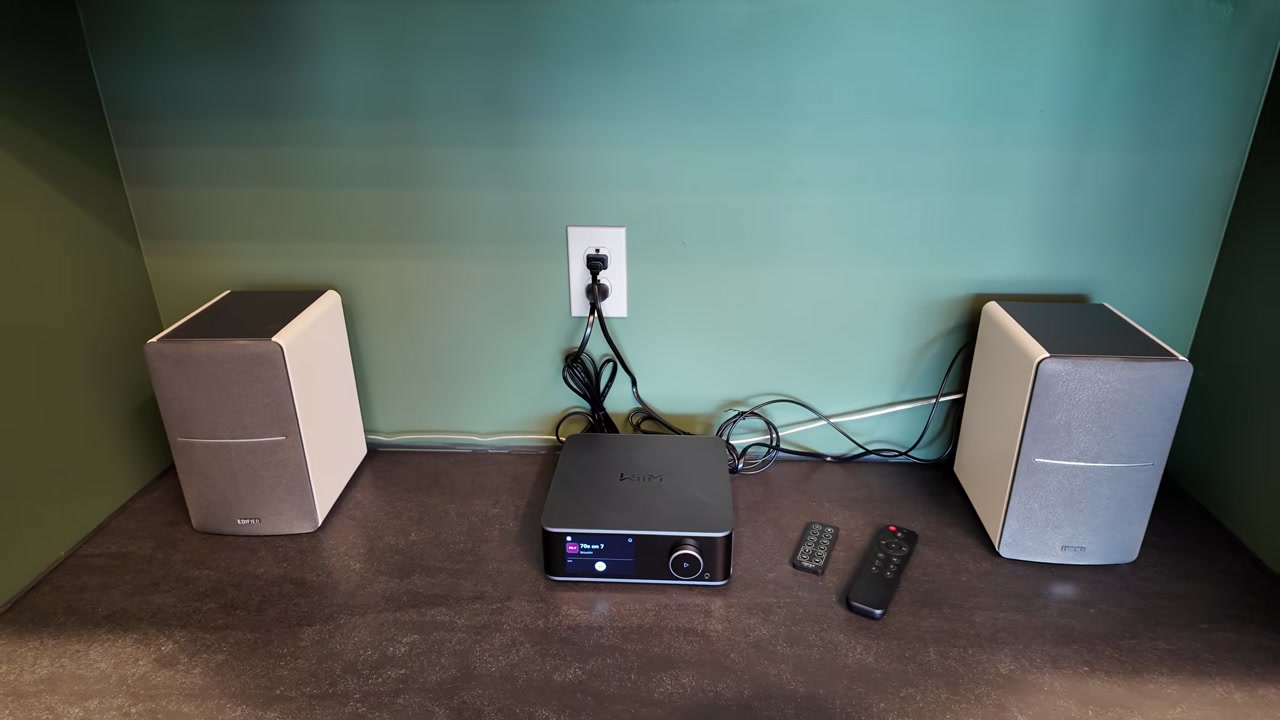 WiiM Ultra Review: Desk Audio With Edifier R1280DB Speakers
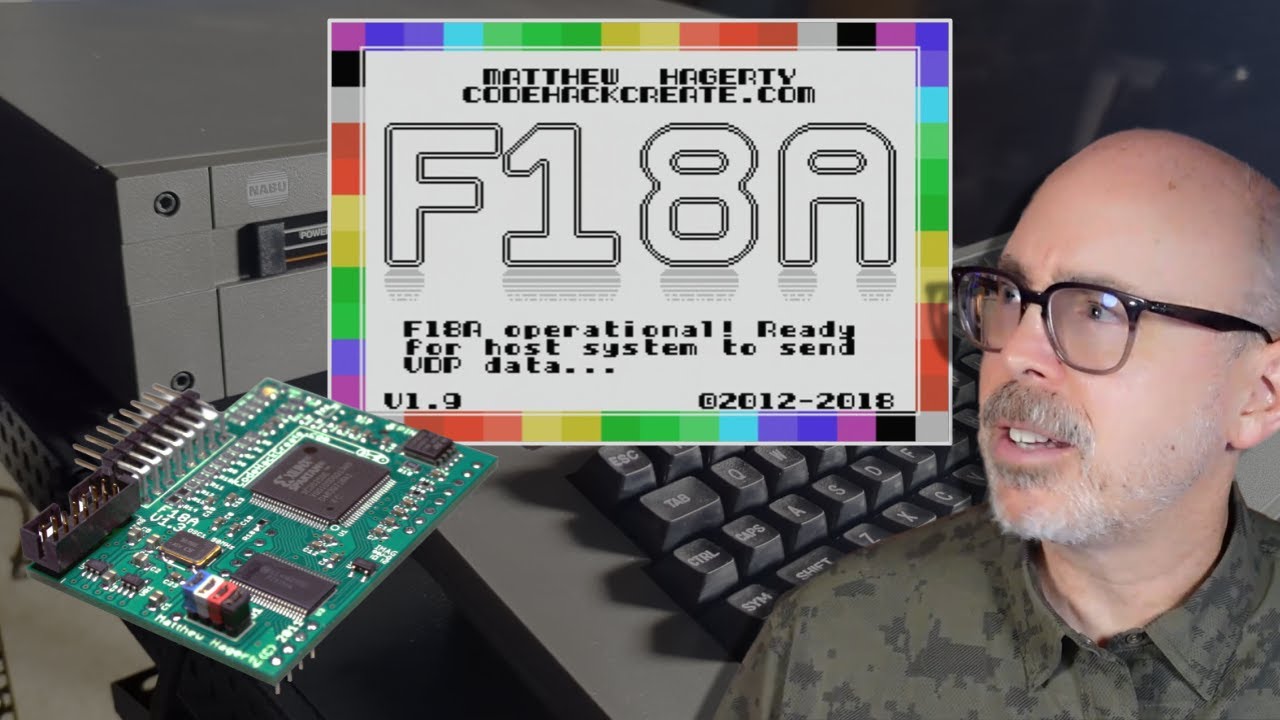 NABU Mod: Adding 80-Column Mode with an F18A
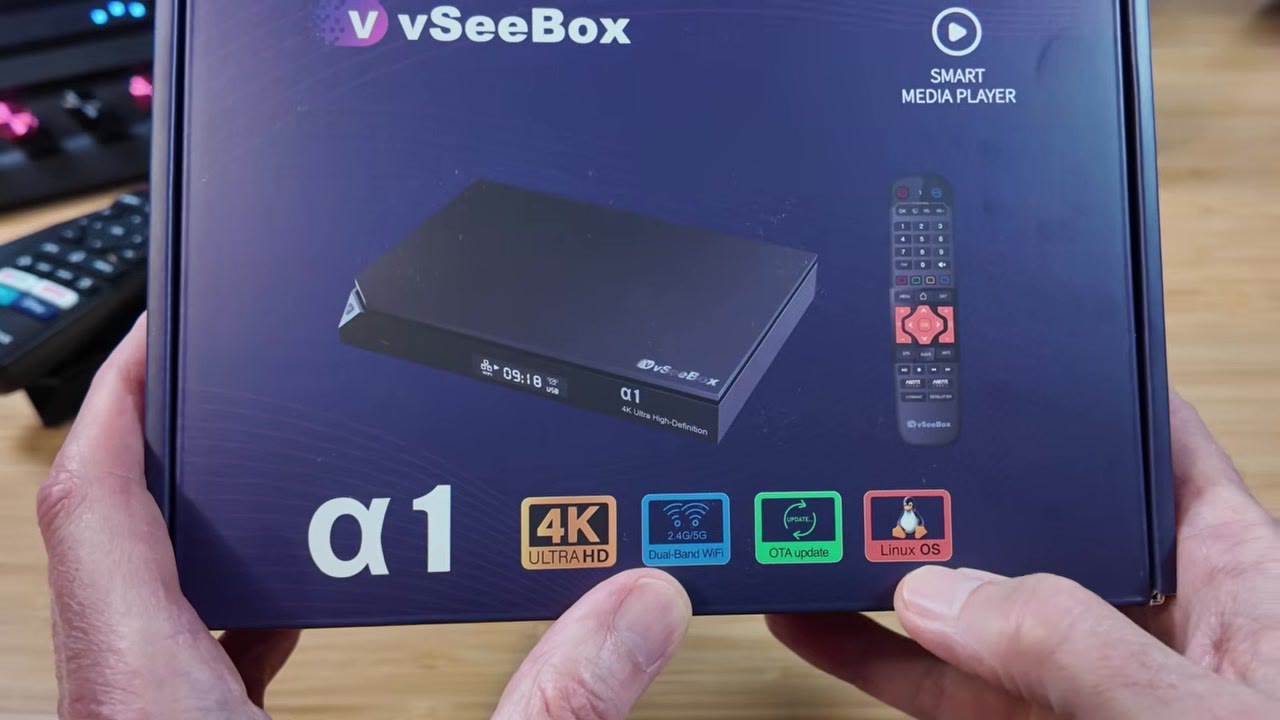 vSeeBox α1 Review: A Linux Media Player That Walks Away From Android TV OS
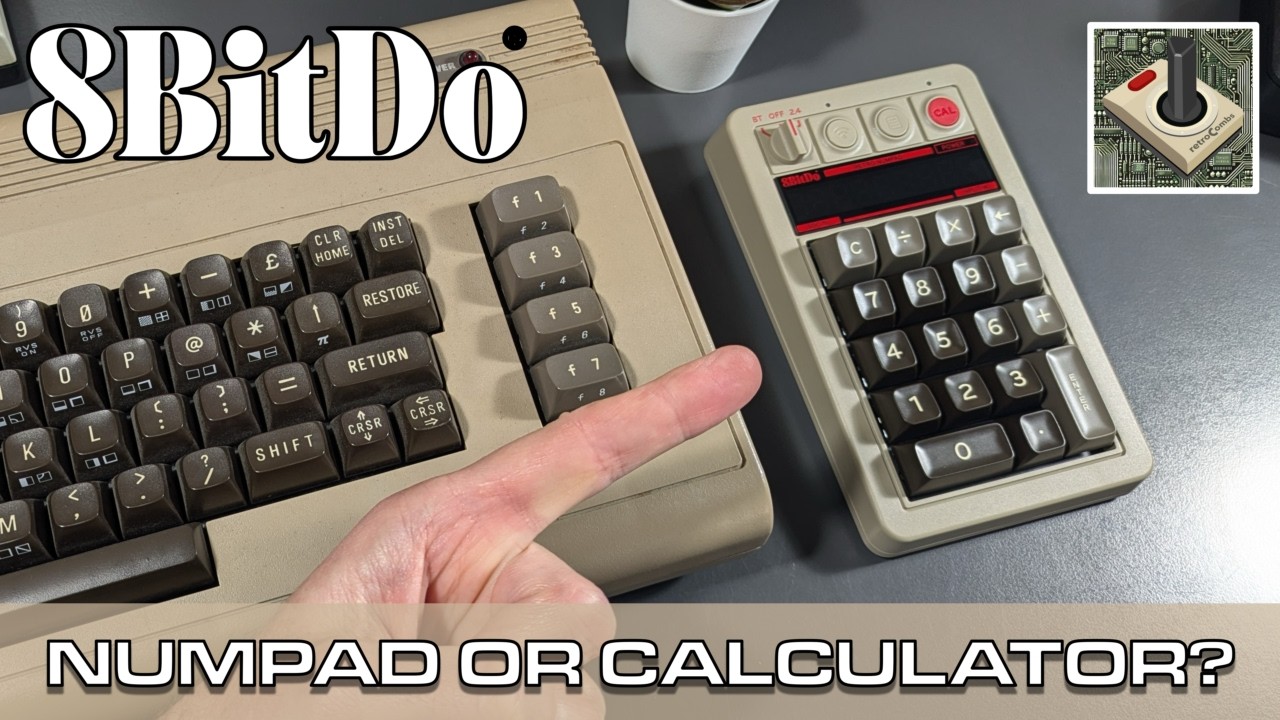 8BitDo Retro 18 Mechanical Numpad: The C64 Keyboard Gets a Sibling (and a Calculator)
 The MEGA65 Intro Disk V4: What It Is and How to Run It
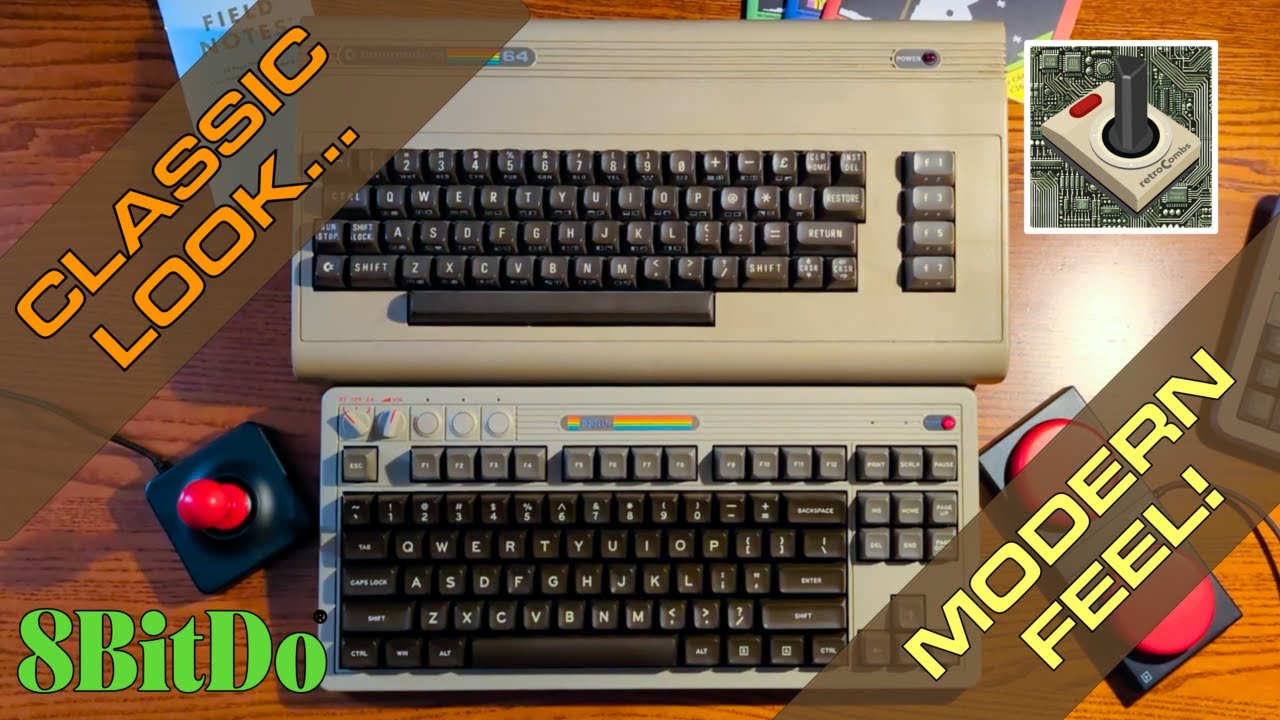 8BitDo Retro Mechanical Keyboard C64 Edition: Commodore Looks, Modern Keyboard
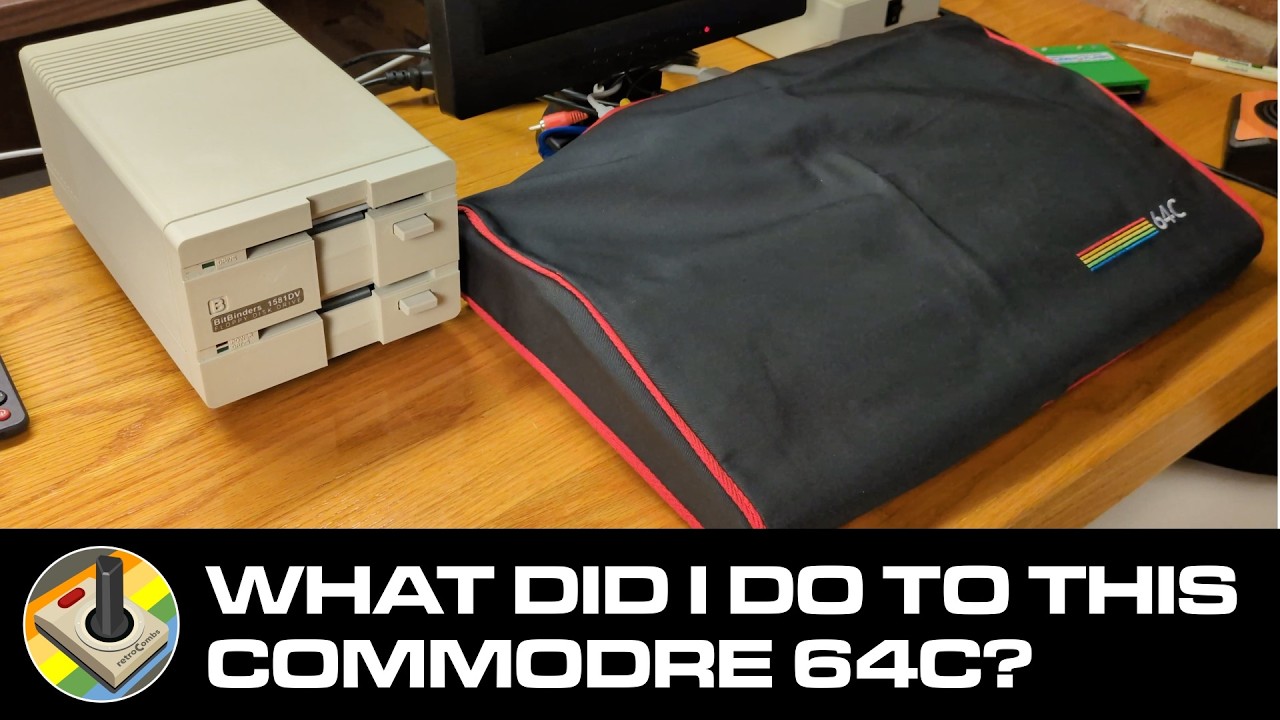 Cleaning Up a Dirty Commodore 64C and Building My Four-Drive C64 Setup
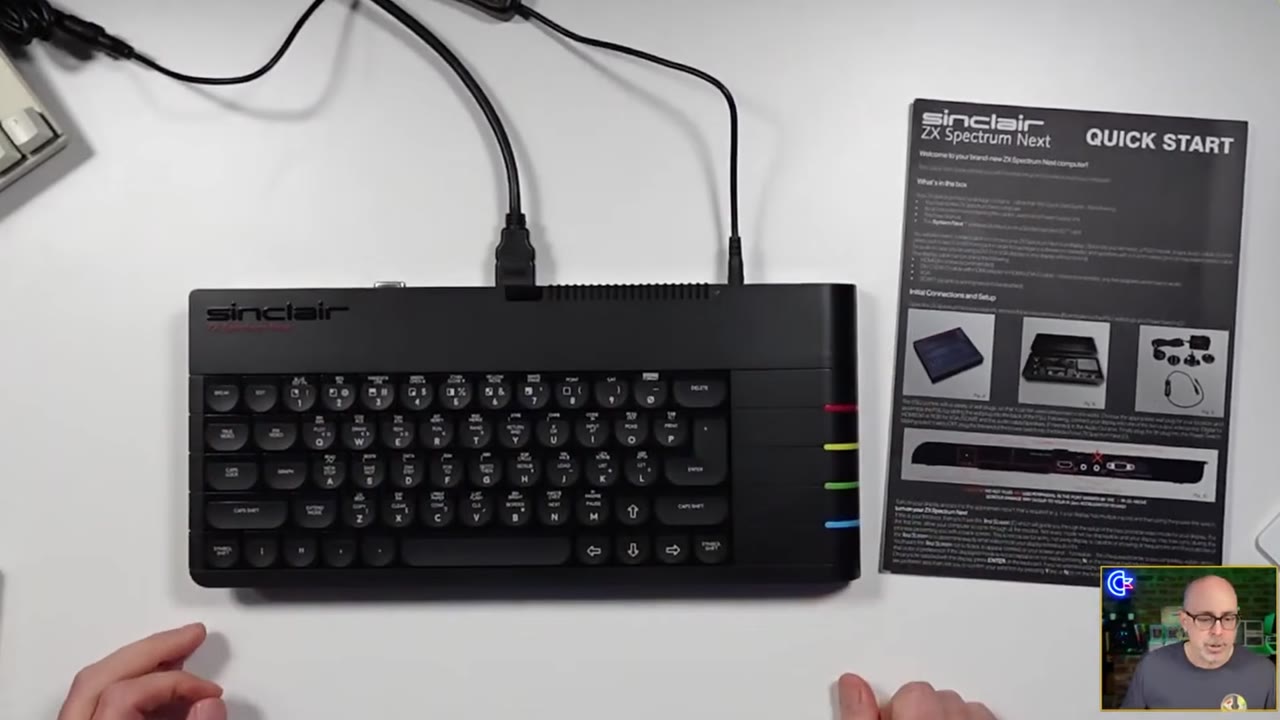 ZX Spectrum Next Quick Start Guide: Tips for New Issue 3 Owners
 I Spent $6 at a Honolulu Vintage Show: Here’s What I Found!
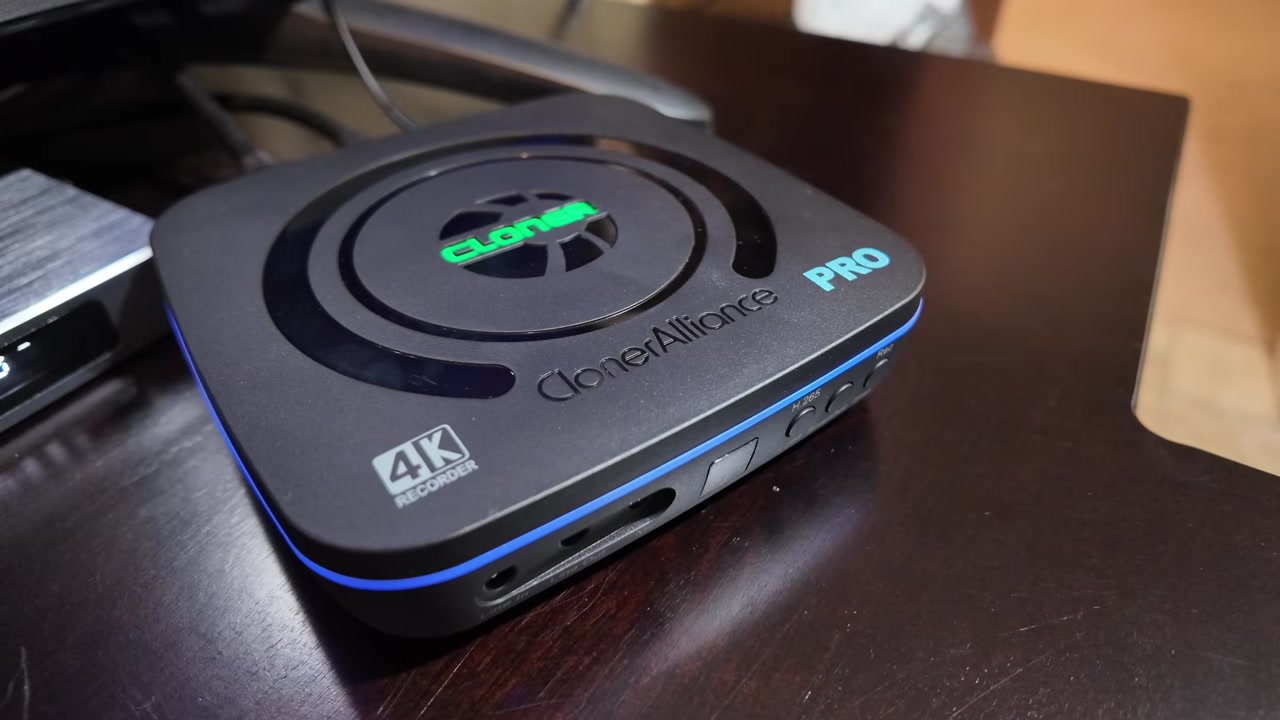 ClonerAlliance UHD Pro Review: A Standalone HDMI Recorder for Android TV Boxes
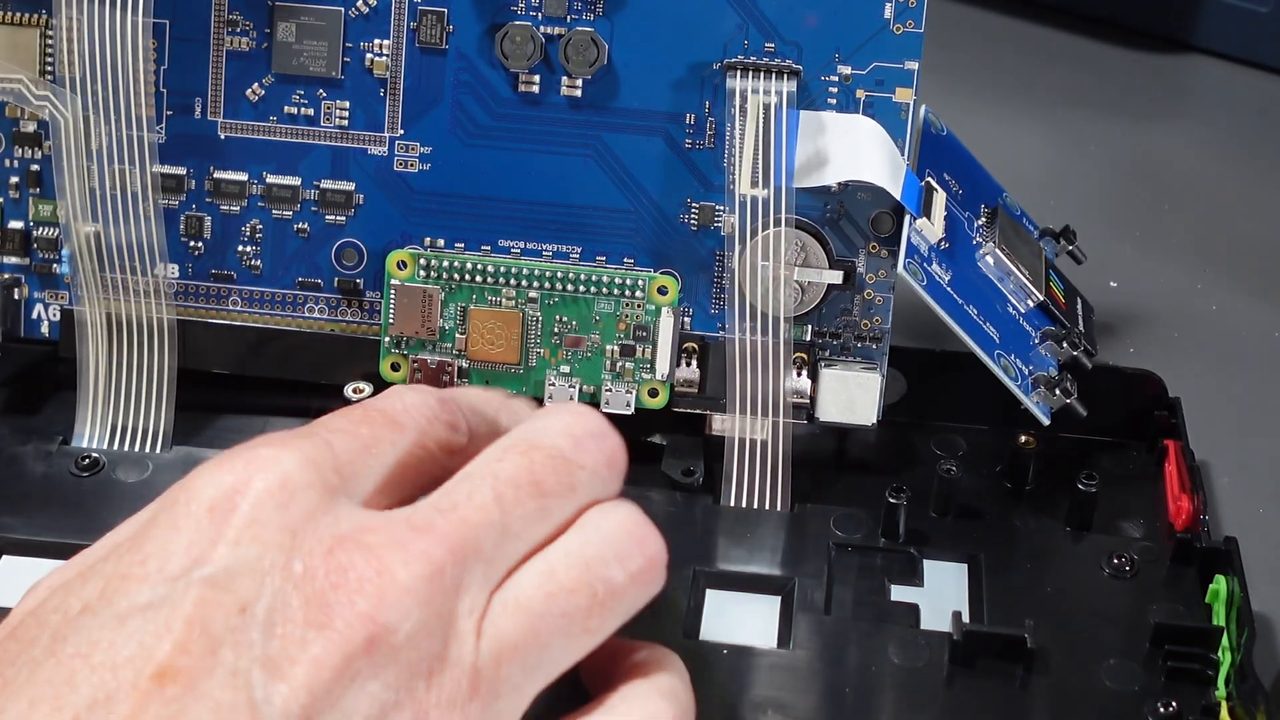 ZX Spectrum Next NextPi Install Guide: Add a Raspberry Pi Zero Accelerator
 MEGA65 User’s Guide Chapter 7 - Transferring Files
 PicoCalc Out-of-Box Tutorial: Assembly, BASIC, GPIO & Firmware
 MEGA65 User’s Guide Chapter 6 - Using Disks and Disk Images
 MEGA65 User’s Guide Chapter 5 - Upgrading the MEGA65
 MEGA65 User’s Guide Chapter 4 - Configuring Your MEGA65
 MEGA65 User’s Guide Chapter 3
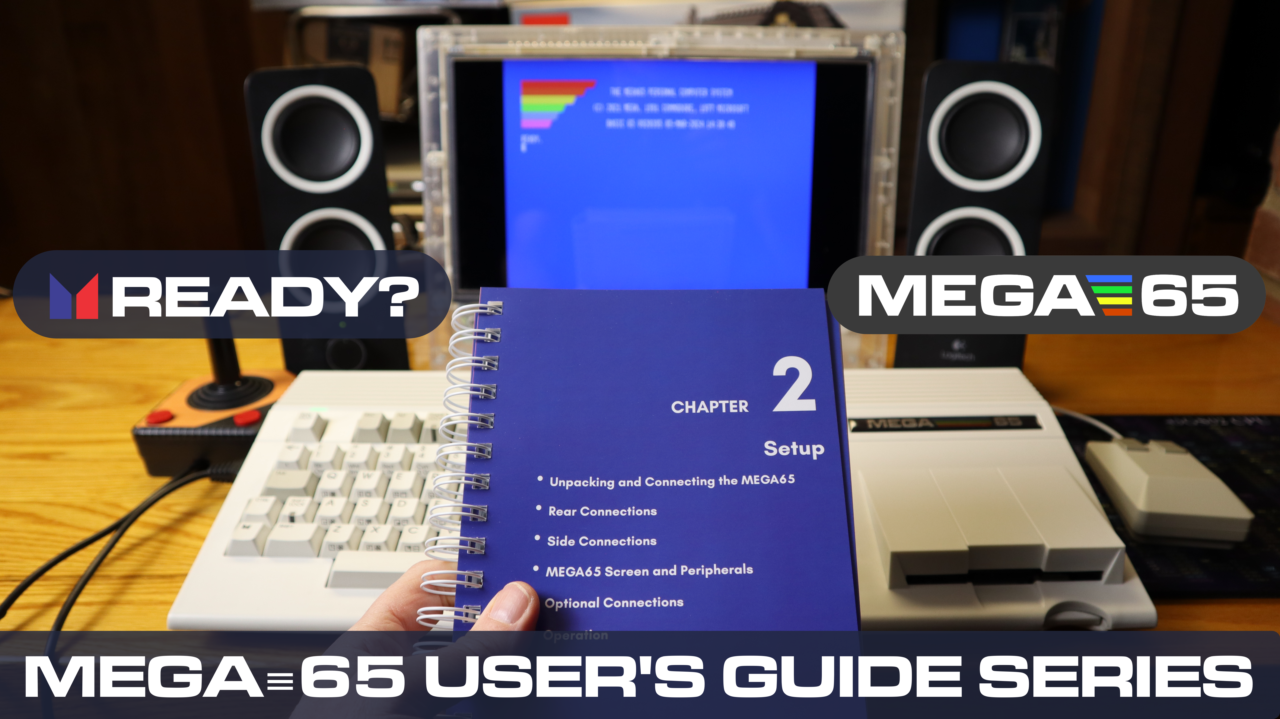 MEGA65 User’s Guide Chapter 2
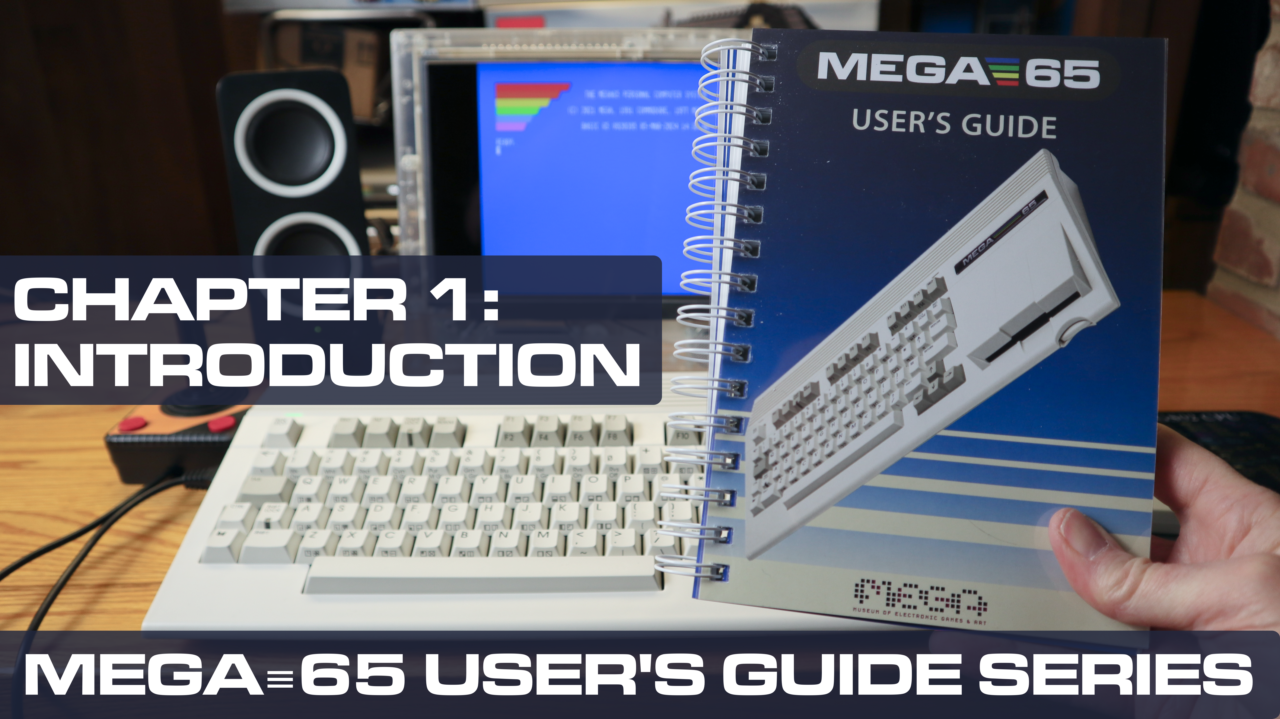 MEGA65 User’s Guide Chapter 1
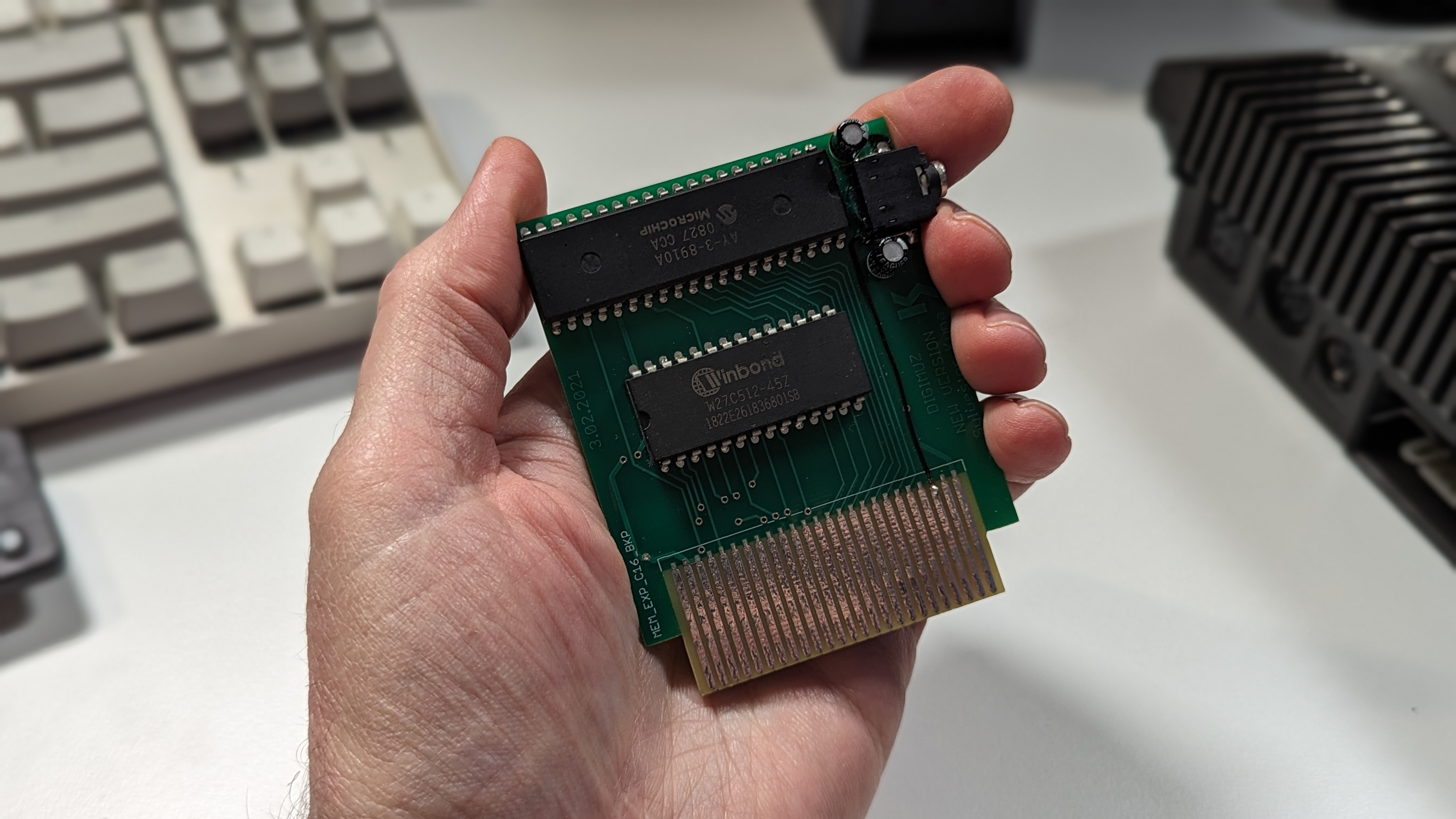 The DigiMuz for the Commodore Plus/4 and C16
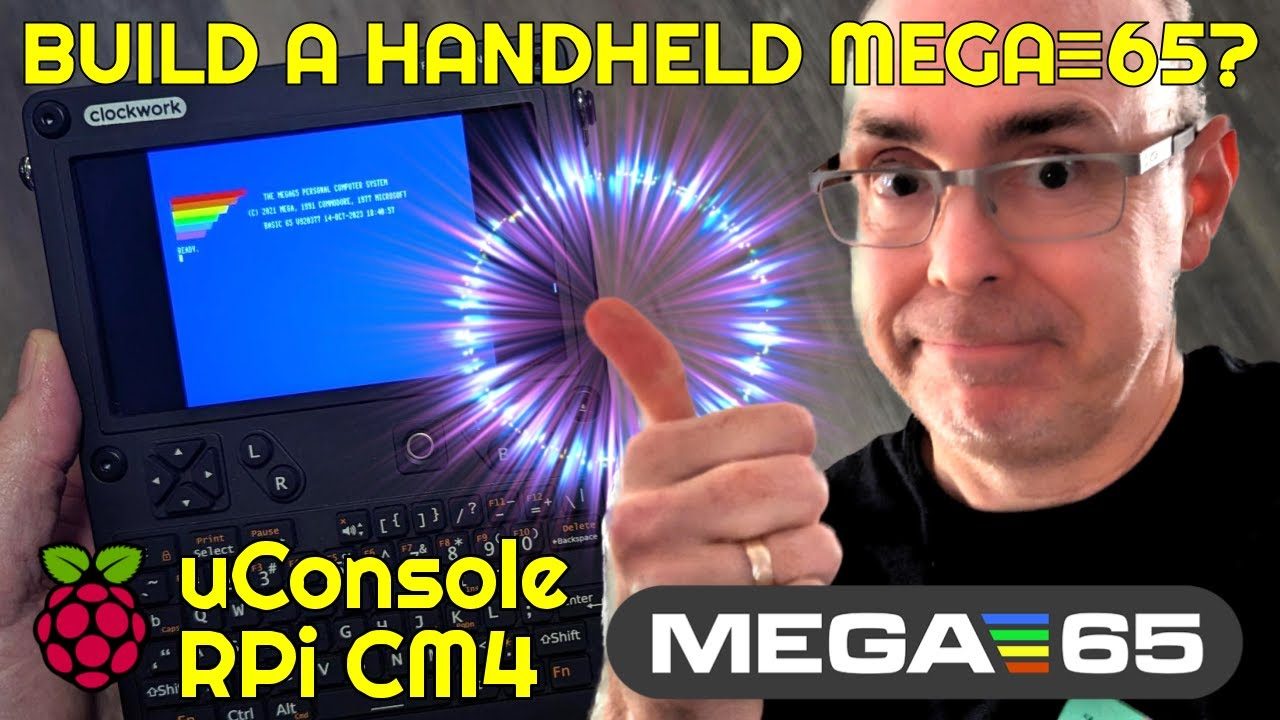 Install the MEGA≡65 Emulator on the Clockwork uConsole
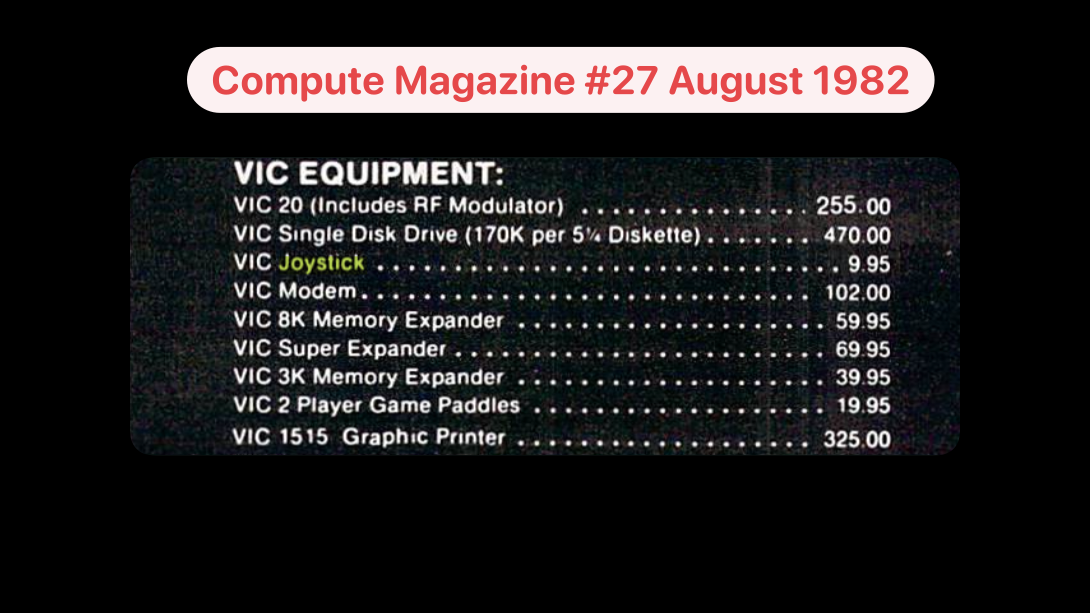 The First Commodore Joystick: VIC-1311
 Raddy RF75A Review
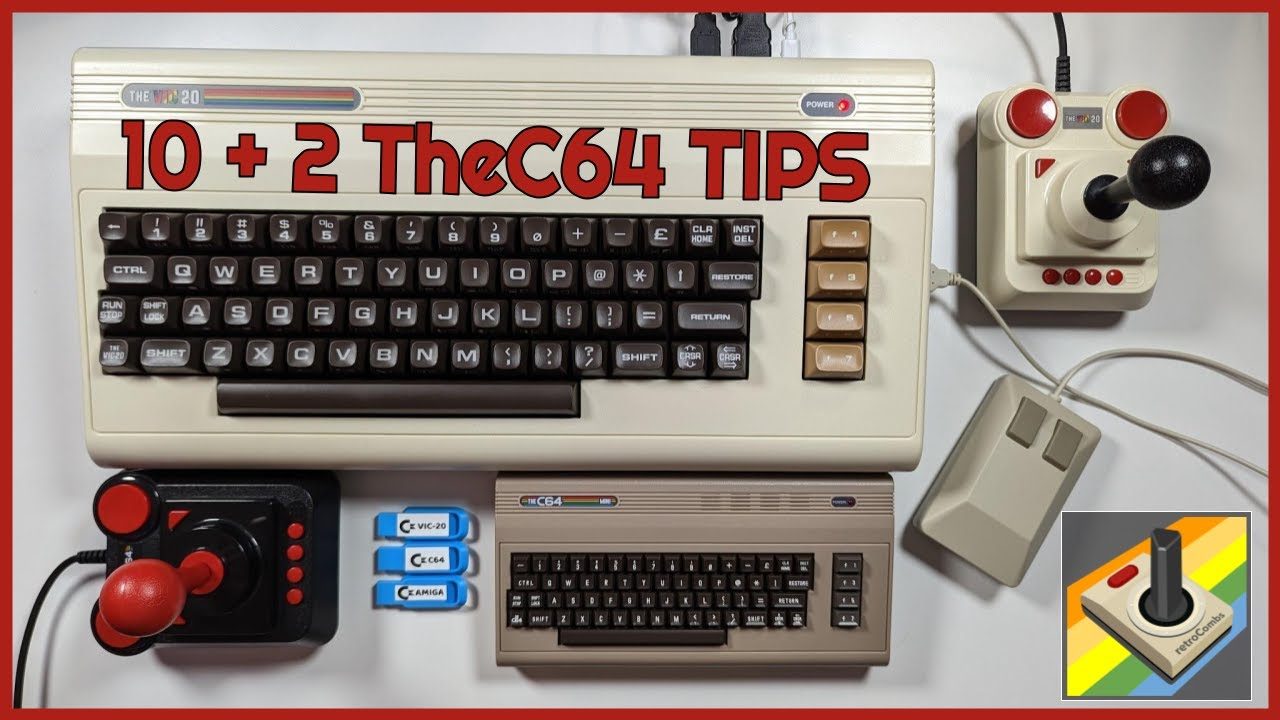 Ten No Hack TheC64 Tips To Upgrade your Retro Computing Experience
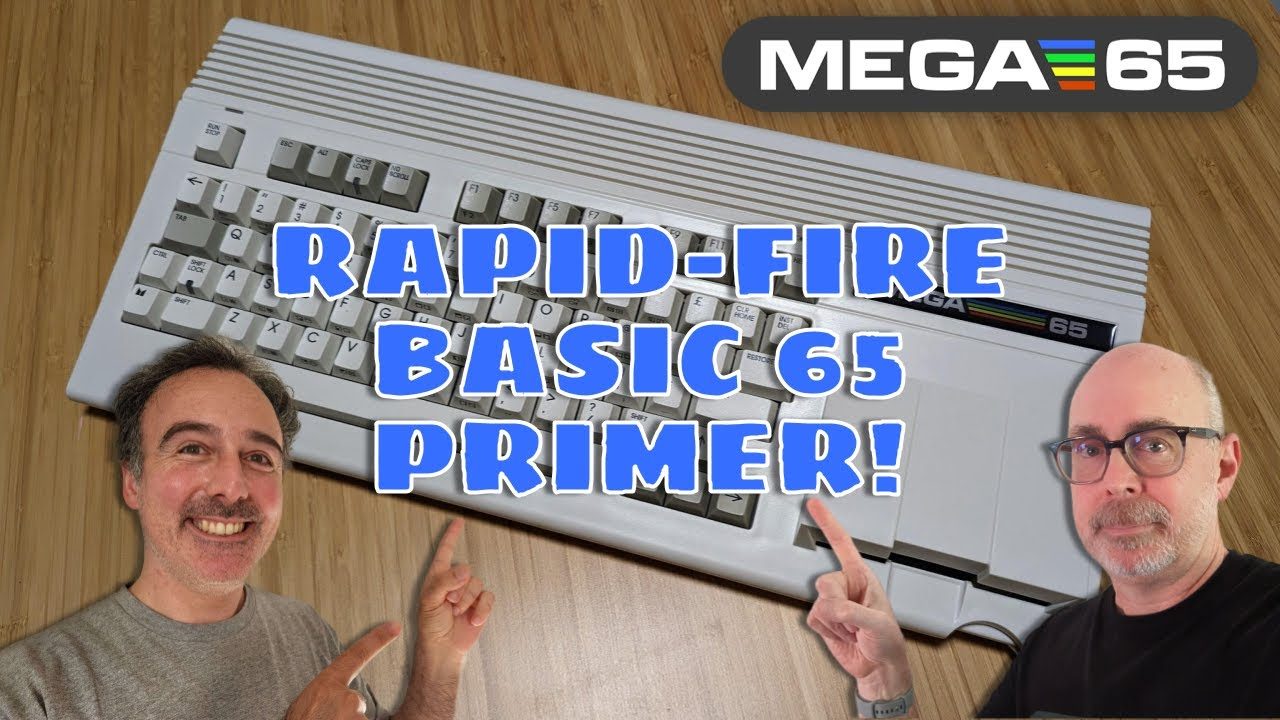 Collaborating to Create a MEGA65 Primer
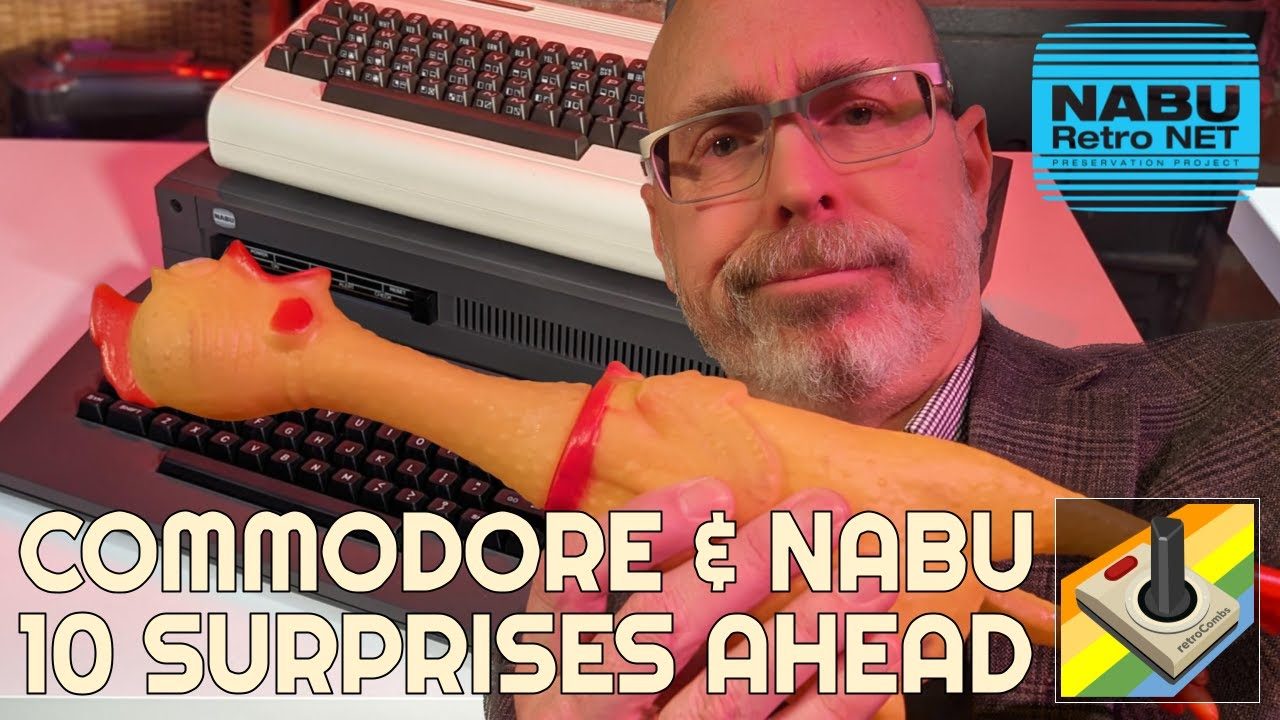 10 Ways the NABU Surprised a Commodore Computer Enthusiast
 Install C64 OS using the VICE Commodore Emulator
 Amazon Kindle Scribe for Retro Computing
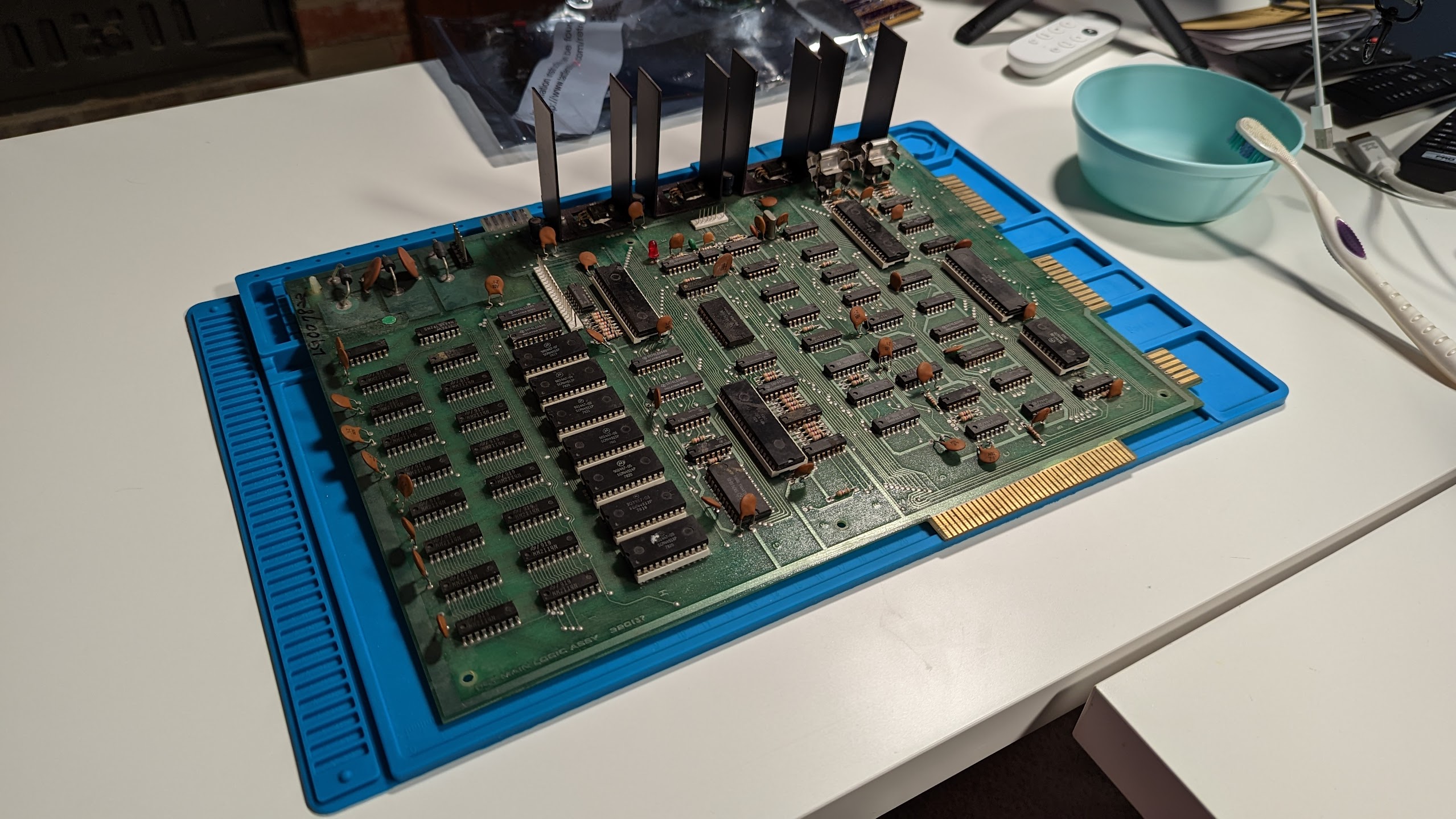 Upgrading my 1977 Commodore PET 2001-8
 10 Best Holiday Gifts for Retro Computing Fans in 2022
 Xanadu / BAS Demo for the MEGA65 from Syntax 2022
 Supercharge your DaVinci Resolve workflow with Paletro for Mac OS
 My MEGA65 Laptop
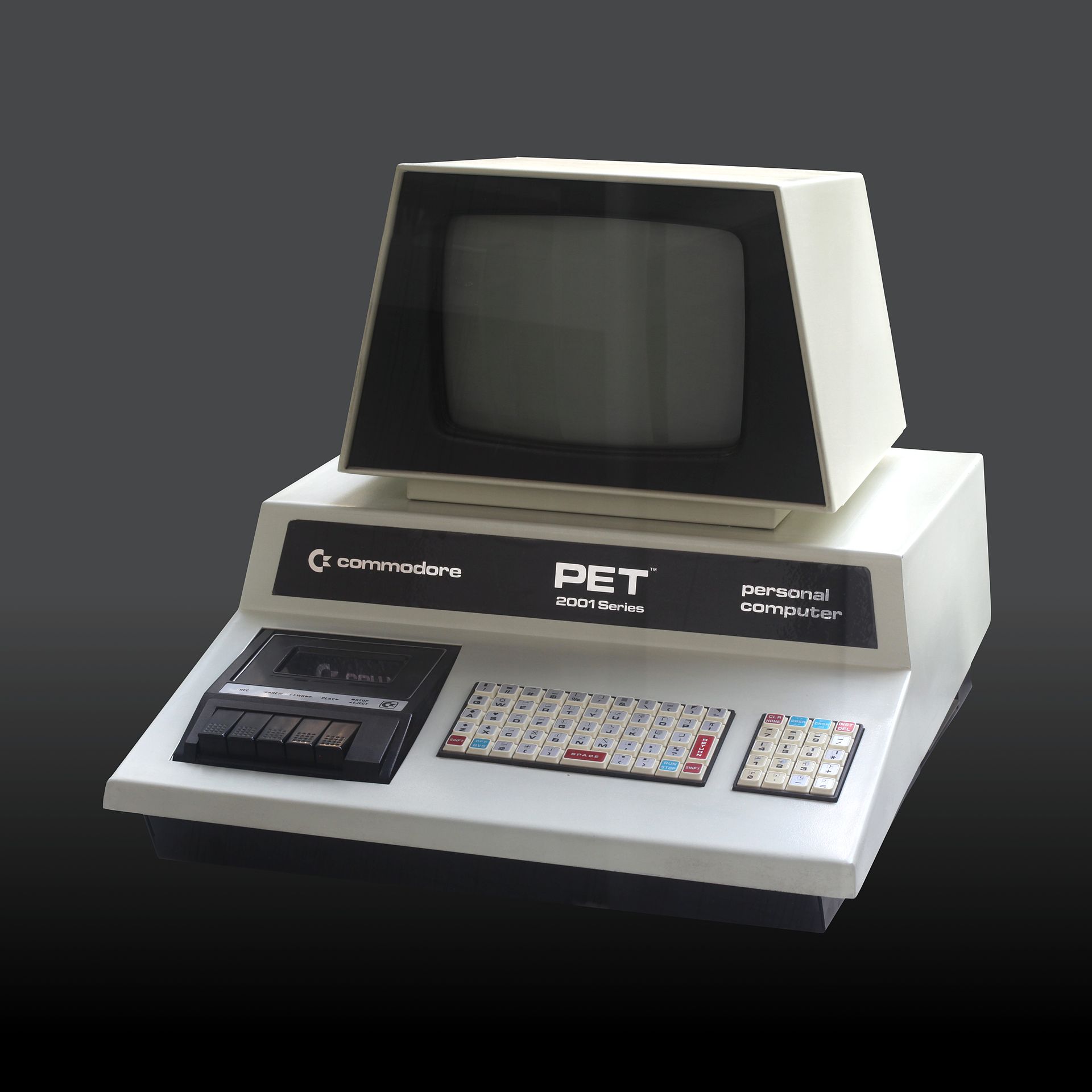 My Vintage Computer Festival Midwest 2022 Experience and Commodore PET Purchase
 Use a RGBLink TAO 1tiny to connect a USB Webcam to an ATEM Mini Extreme ISO (or any ATEM mini)
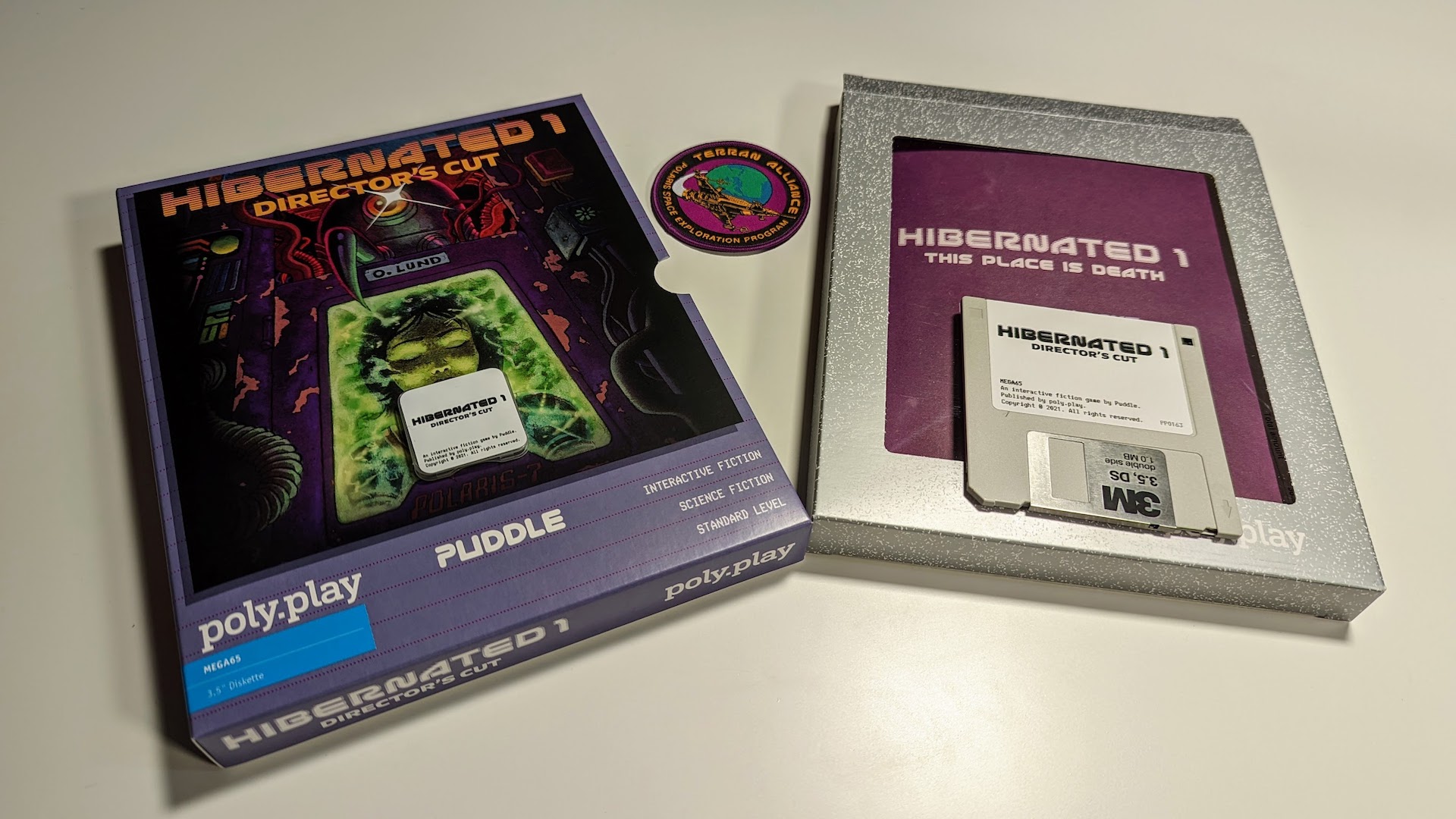 Copy a MEGA65 .D81 disk image to a 3.5” floppy disk
 Hibernated 1: The Director’s Cut for MEGA65
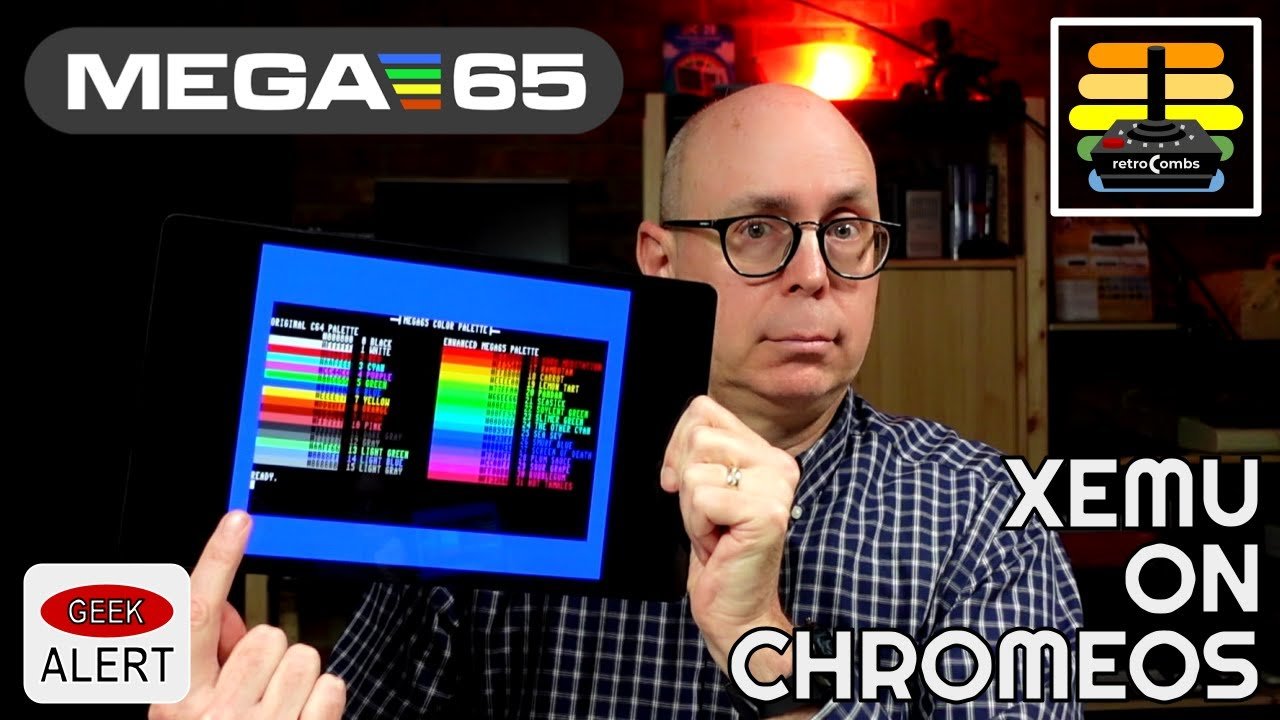 Run a MEGA65 on your Chromebook using Xemu
 LIFEGOO Precision Screwdriver Set
 Master the MEGA65 Keyboard Addendum
 Unboxing and First Use of the Retro Game TheA500 Mini
 Connect the MEGA65 to a Mac using the DSD USB to TTL Adapter
 Master the MEGA65 Keyboard
 Part III: Playing the C64 demos from the MEGA65 on boarding SD Card
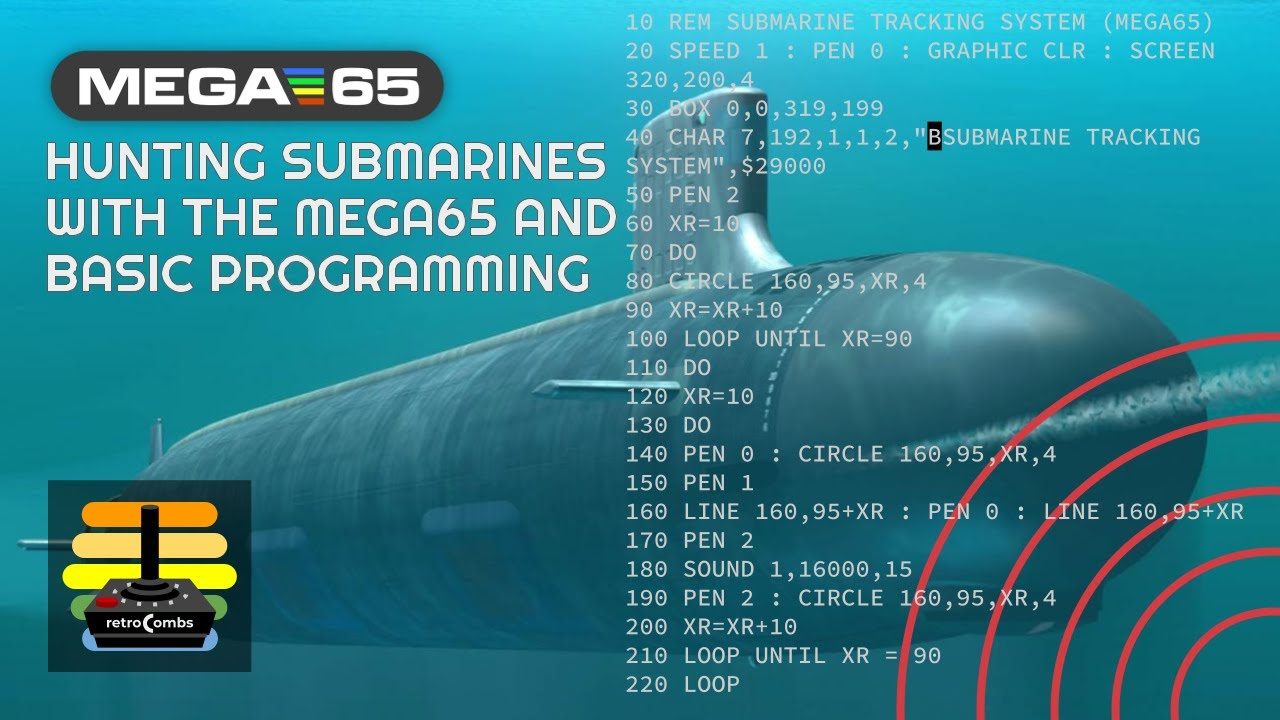 An Update: The Submarine Tracking System conversion to BASIC 65
 Part II: Playing the C64 demos from the MEGA65 on boarding SD Card
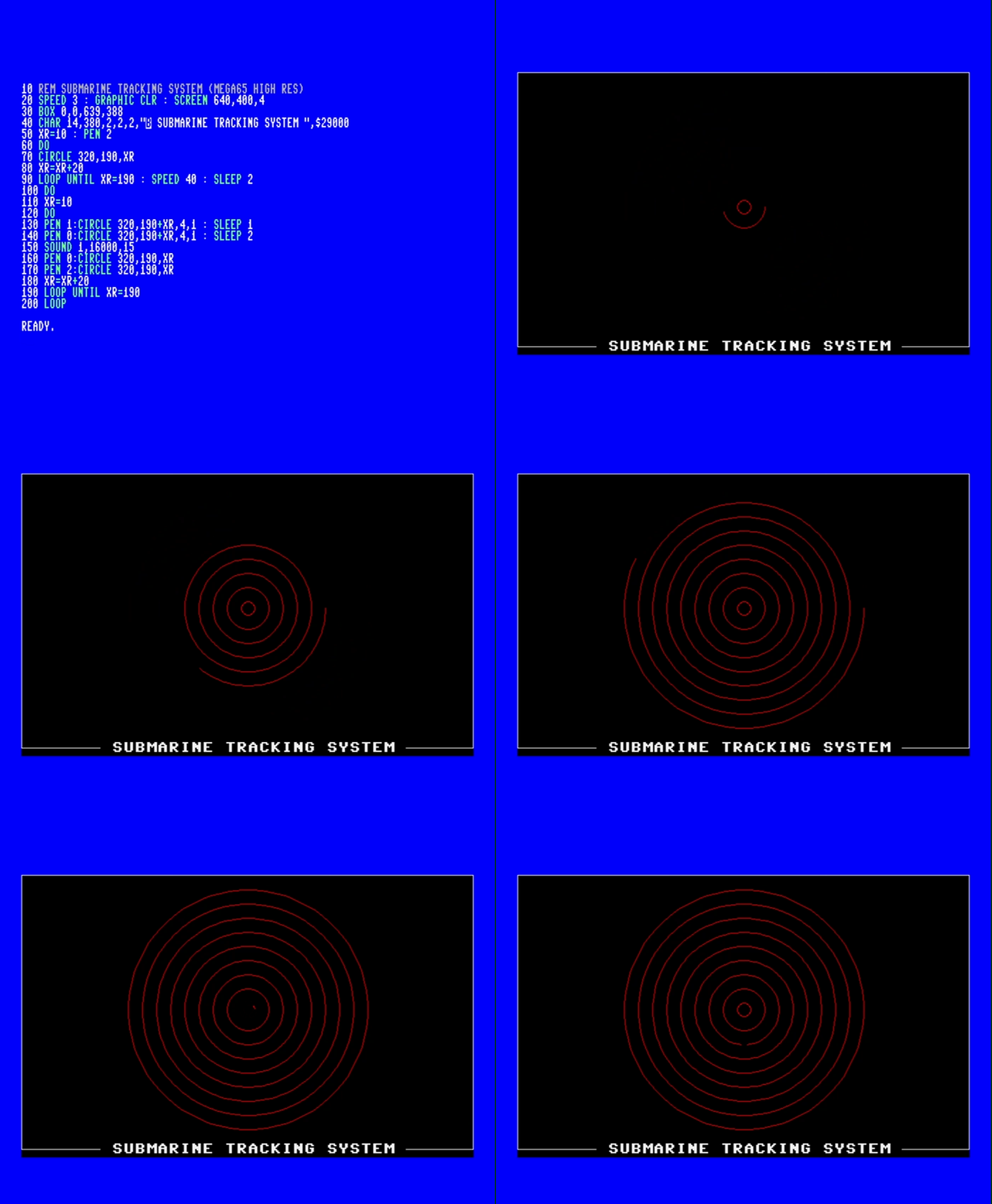 Converting a Commodore 128 Submarine Tracking System BASIC Program to the MEGA65
 Part I: Playing the C64 demos from the MEGA65 on boarding SD Card
 Ten ways the MEGA65 is better than my M1 MacBook Pro
 Upgrade TheC64 and VIC20 to Firmware 1.6.1
 Commodore Plus/4 User’s Manual - Plus/4 Encyclopedia
 MEGA65 core and SD card testing live stream
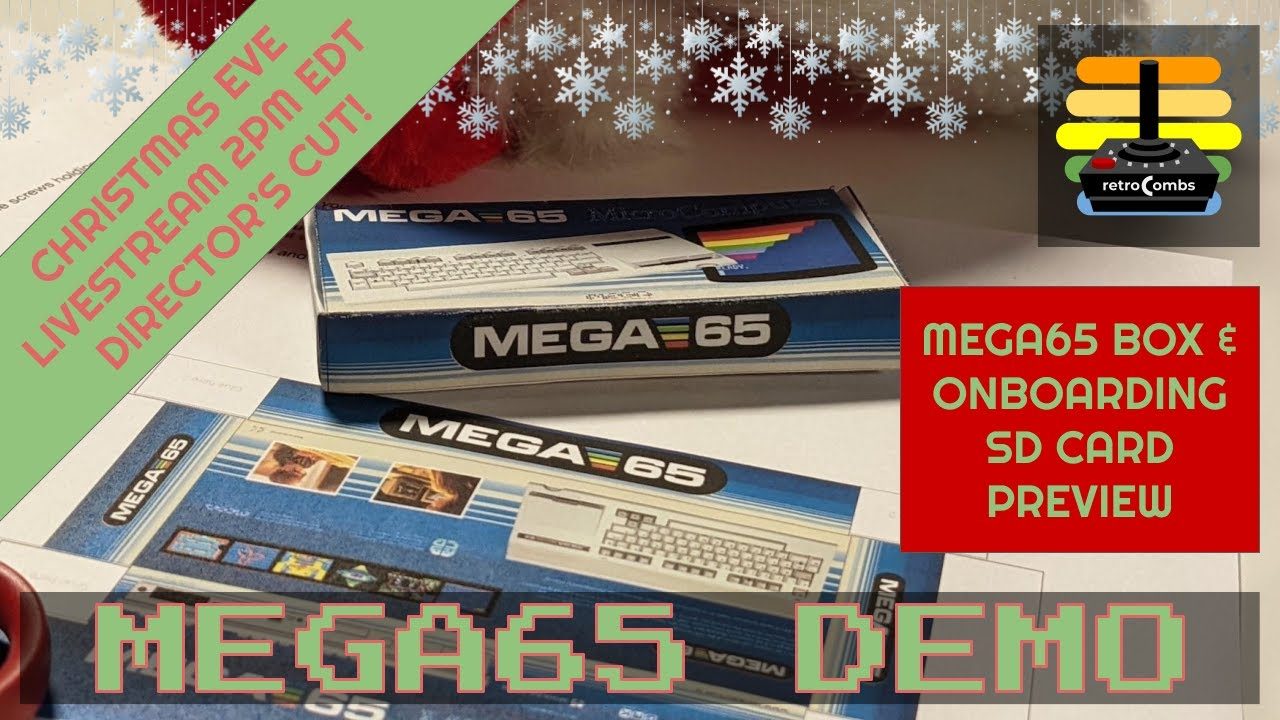 MEGA65 Christmas Eve Livestream with Box Art and Onboarding SD Card Preview
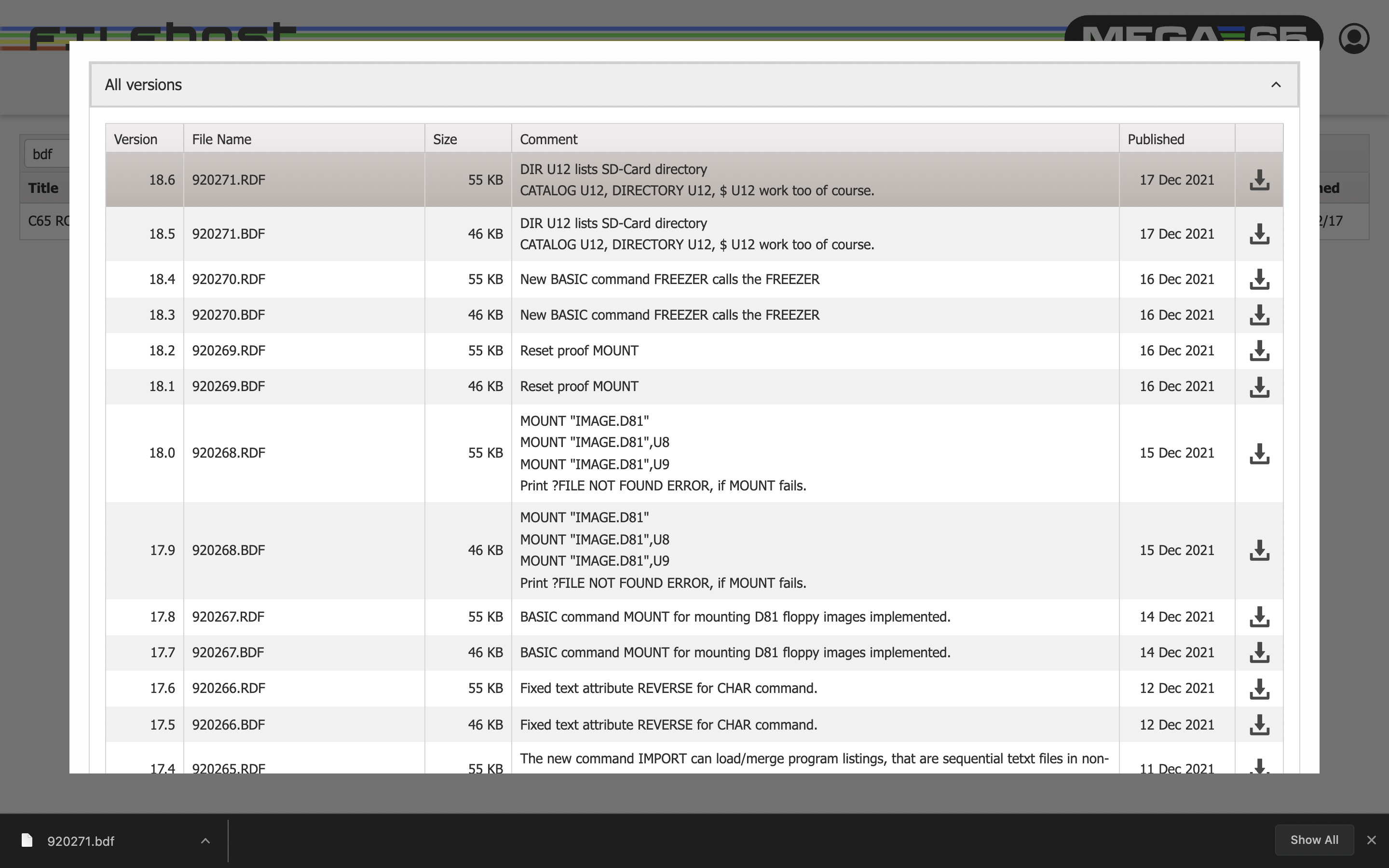 Patch the Original Commodore 65 ROM for the MEGA65, Xemu, Dev Kit, or Nexys4
 Adabox 020 Livestream with YoloBox Pro • LED Glasses
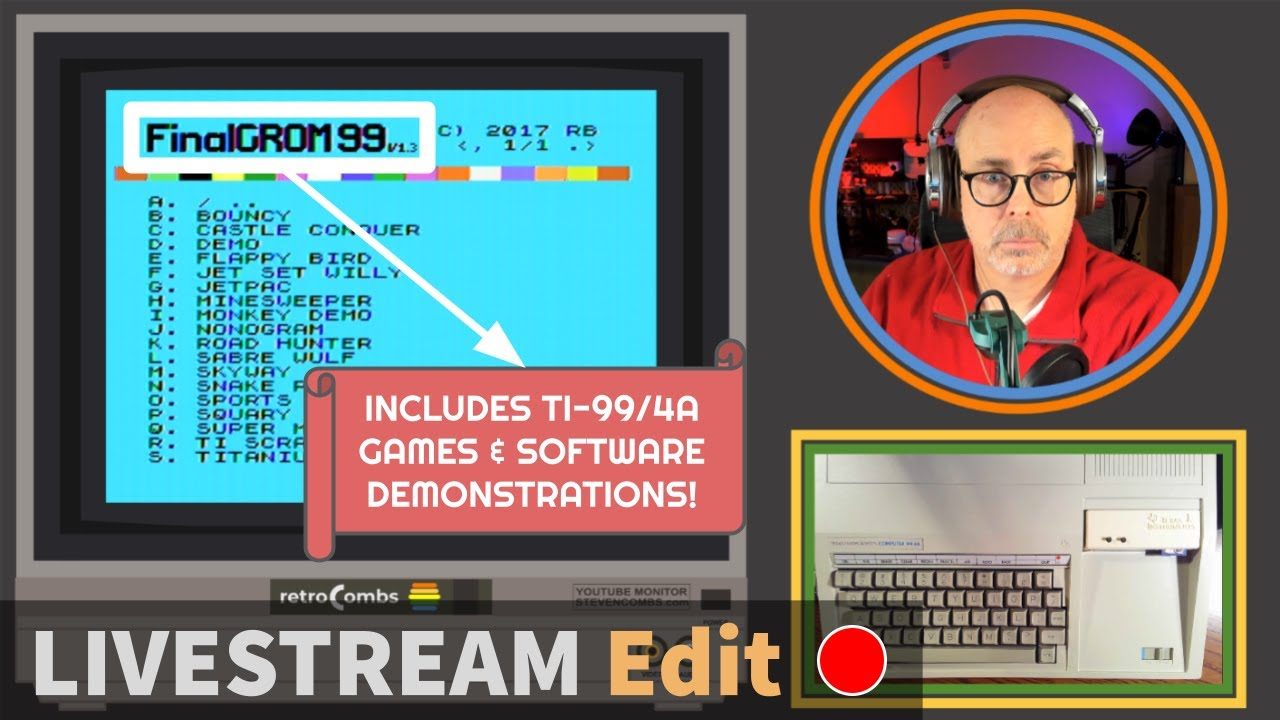 FinalGrom 99 for the TI-99/4A Livestream
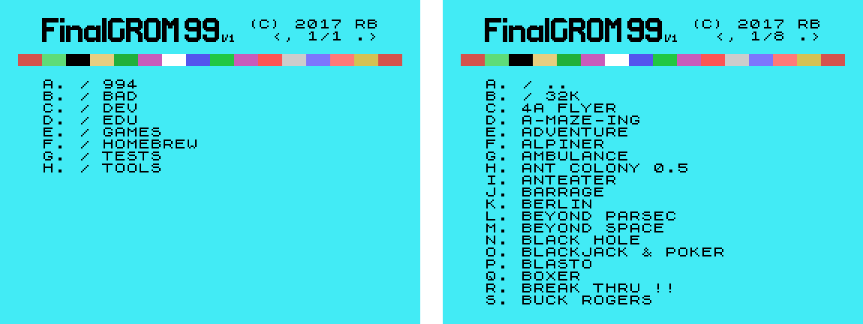 The FinalGROM 99 for the Texas Instruments TI-99/4A
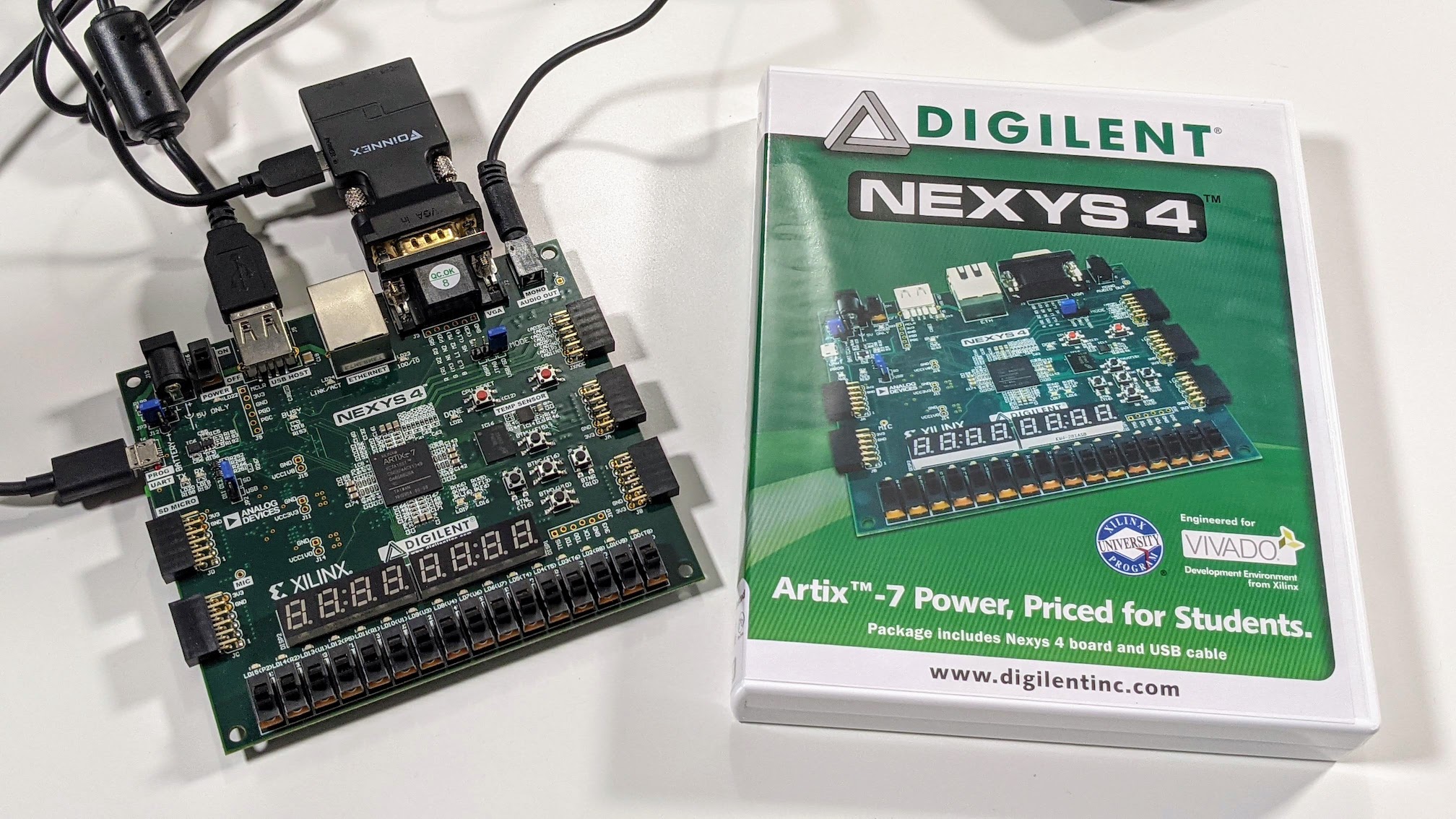 Install the MEGA65 on a Nexys4 or A7 FPGA | Build your own MEGA65!
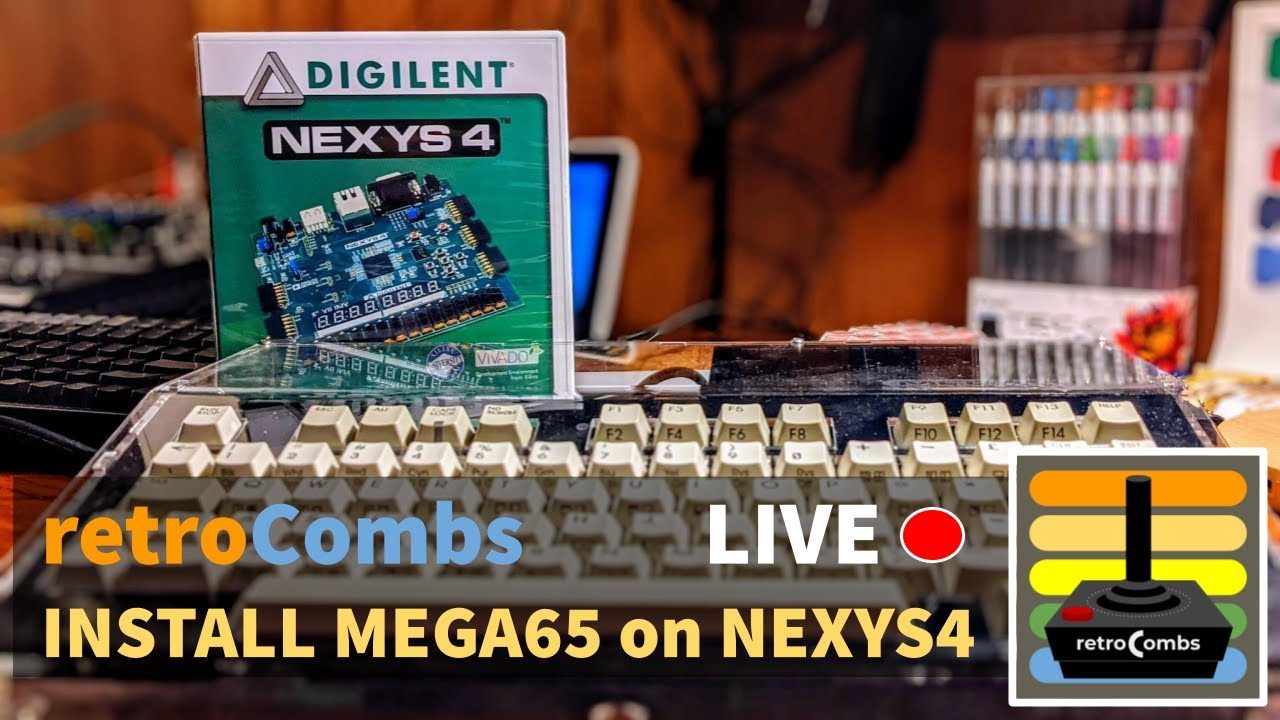 Install a MEGA65 Bitstream on Nexys A7 FPGA: the Livestream
 Playing Texas Instruments TI-99/4A Video Games on a FlashROM99
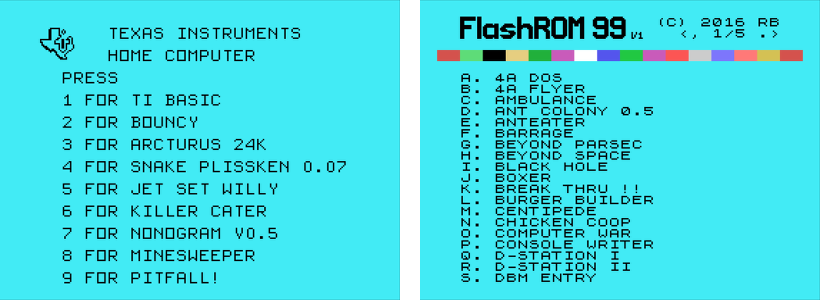 The FlashROM 99 for the Texas Instruments TI-99/4A
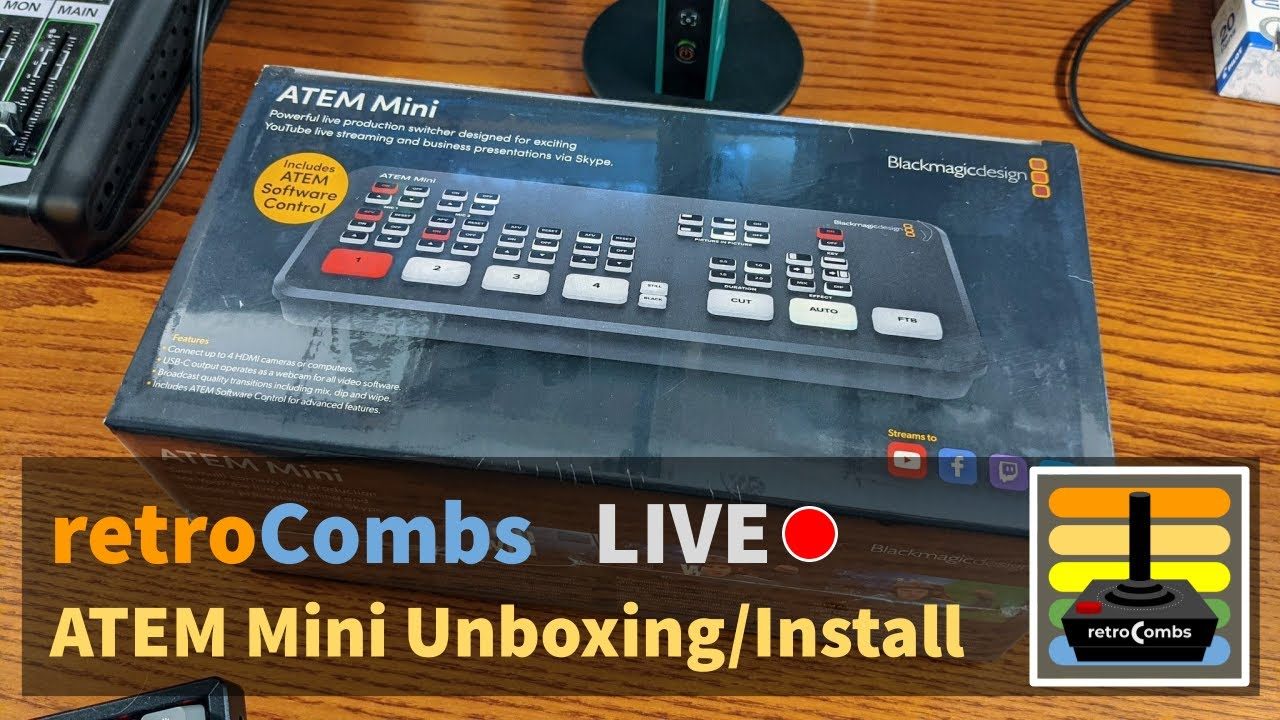 Livestream • Unboxing the Blackmagic Design ATEM Mini
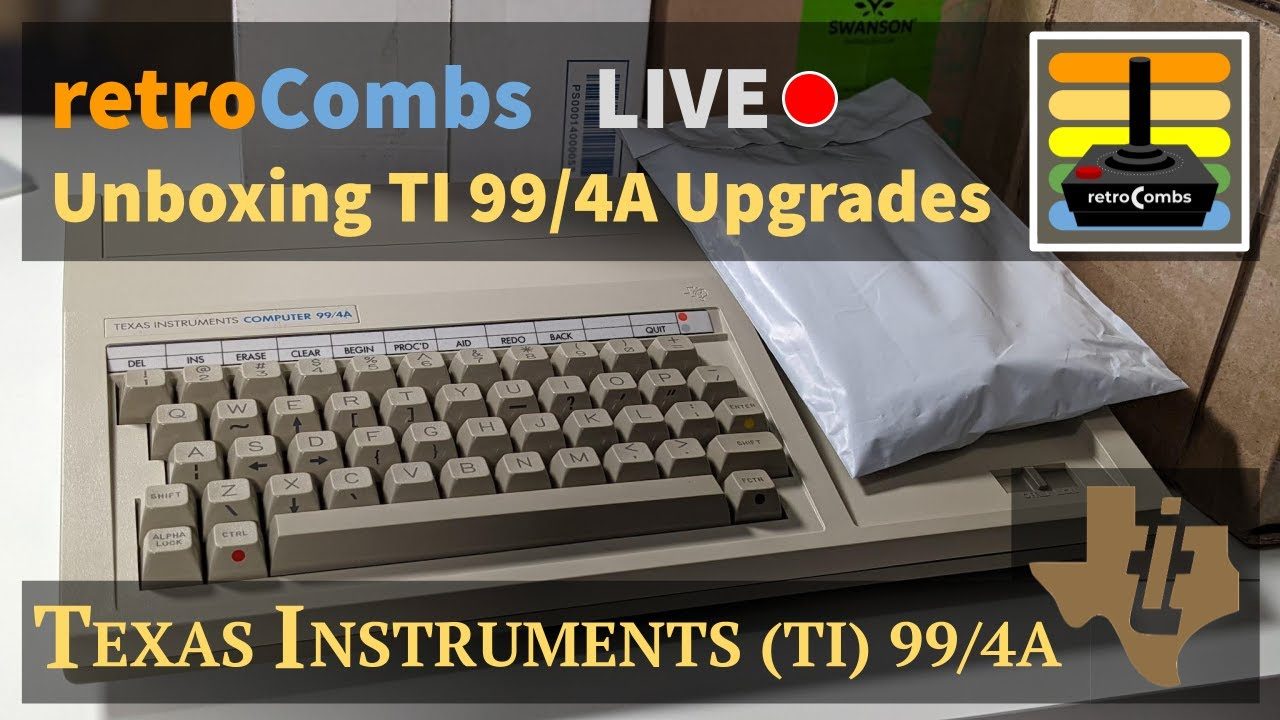 Texas Instruments TI-99/4A Accessories/Games Unboxing Livestream
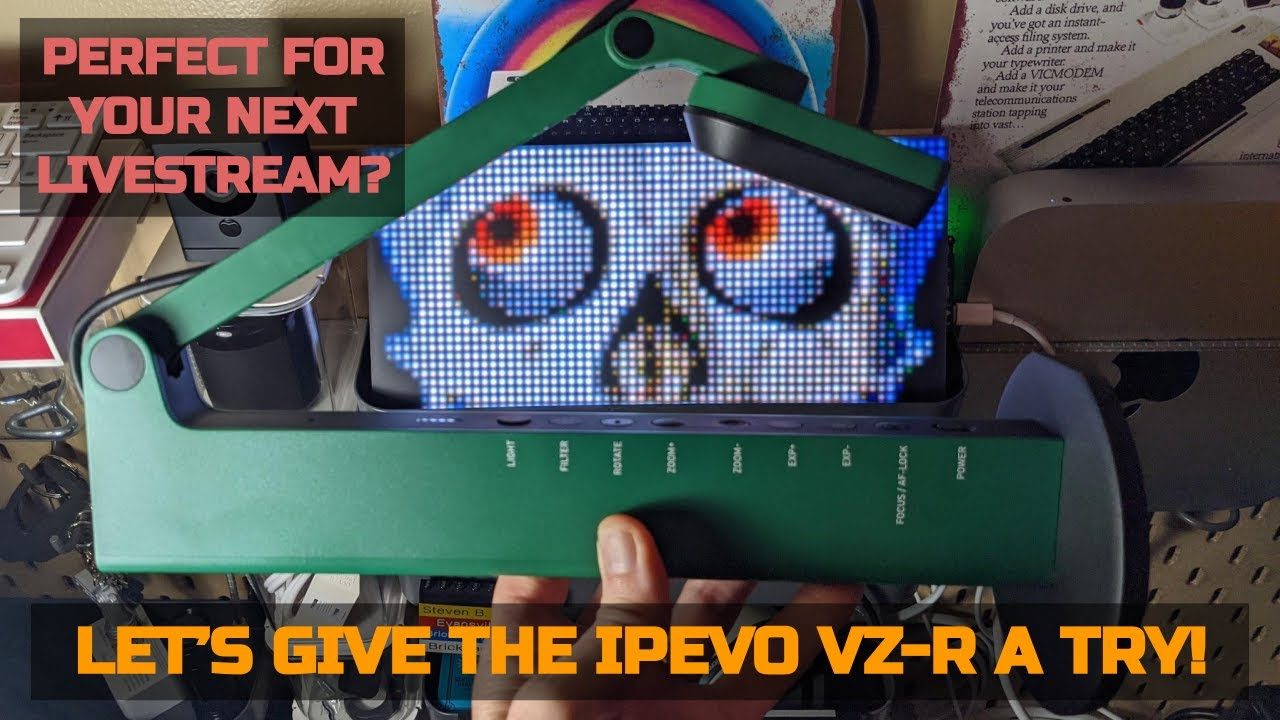 IPEVO VZ-R Unboxing and Review
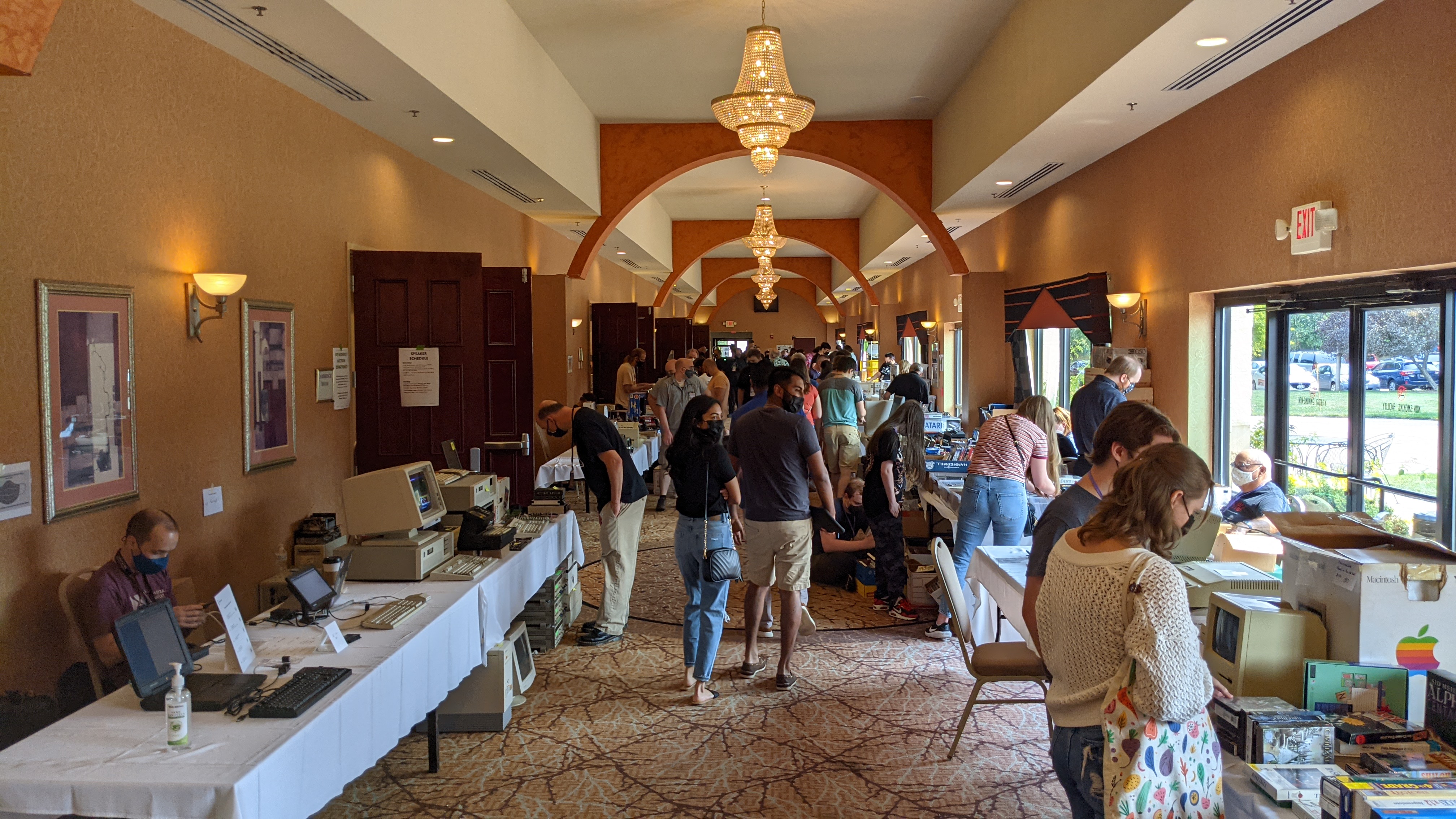 My first TI 99/4A | A VCFMW 2021 Story
 AdaBox 019 (Macropad) Unboxing and Live Stream
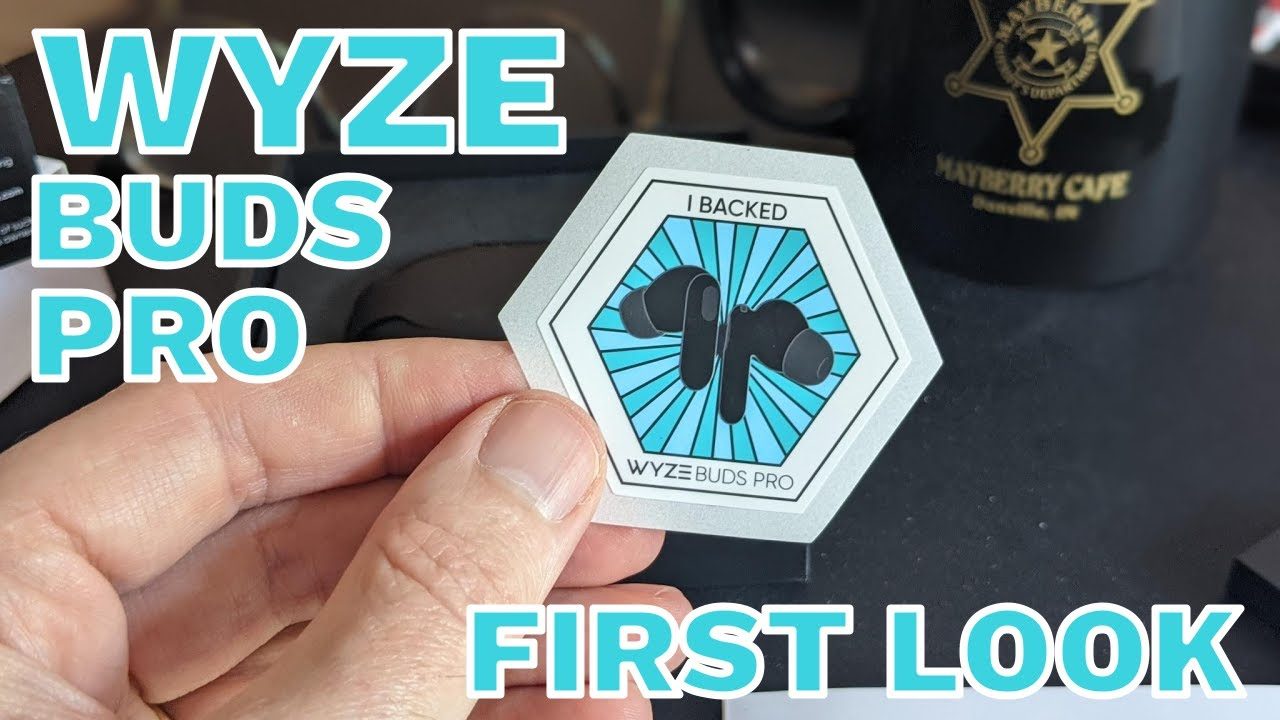 Wyze Buds Pro unboxing, setup, pairing, first use, and thoughts
 Run a MEGA65 on your Mac using Xemu
 Build MEGA65 Tools on Mac OS X (Intel and M1) | And an intro to the MEGA65 community
 Ten cool things you will do with a MEGA65 | Includes 2 bonus items!
 Connect a Commodore Plus/4 to a BBS using a Wi-Fi modem
 Commodore Plus/4 User’s Manual Chapter 8 - Making Sound and Music on the Plus/4
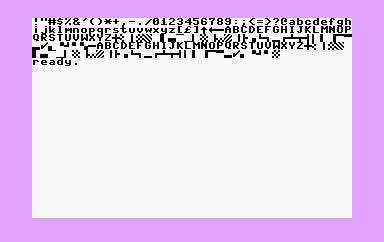 Commodore Plus/4 User’s Manual Chapter 7 - Using Graphics and Color
 COBI M113 Armored Personnel Carrier (APC) Build
 Transfer BASIC Programs in Print to Physical Commodore Computers
 Wyze Watch Open the Box, First Use, and Wyze Band Comparison
 Use the Retrohax.net mouSTer on the MEGA65
 The Lovely Accountant shares thoughts on 8, $12 Amazon St. Patrick's Day Gnome Ornament Faceless Doll Decorations
 Wyze Robot Vacuum Open the Box and First Use | Does it suck?
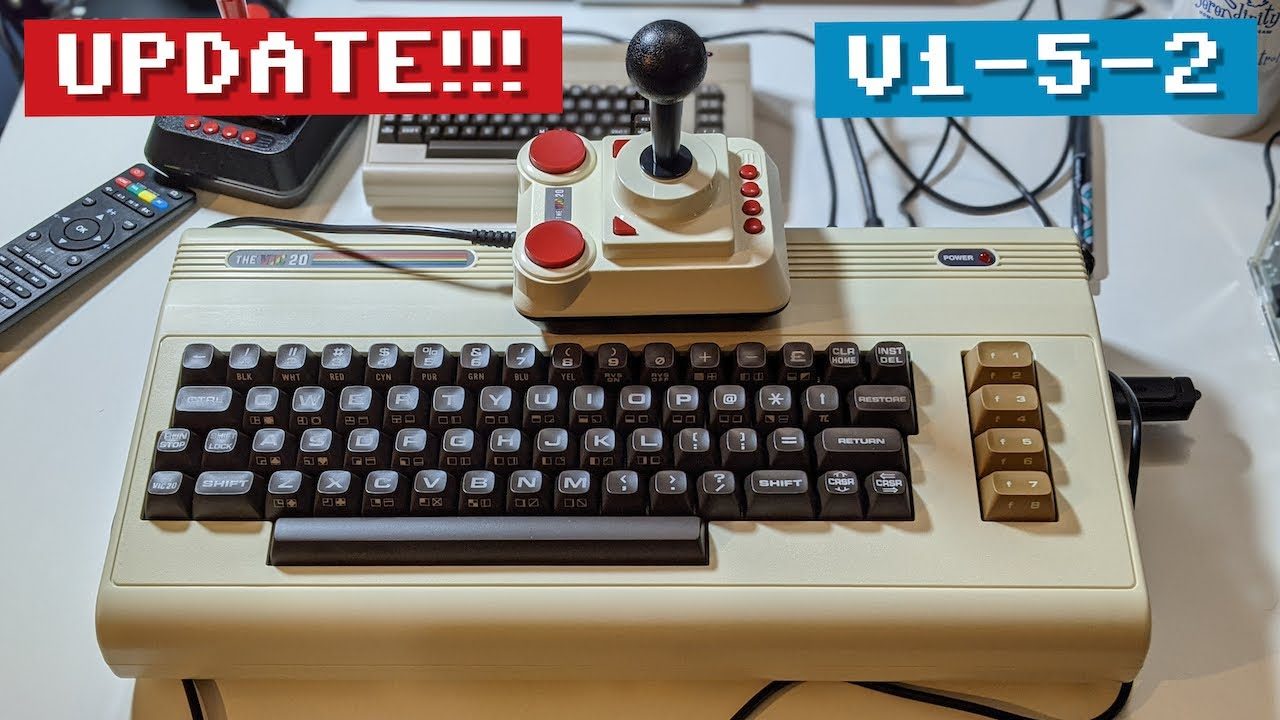 retroCombs: THEVIC20, THEC64 (maxi and mini) Firmware 1-5-2 Update
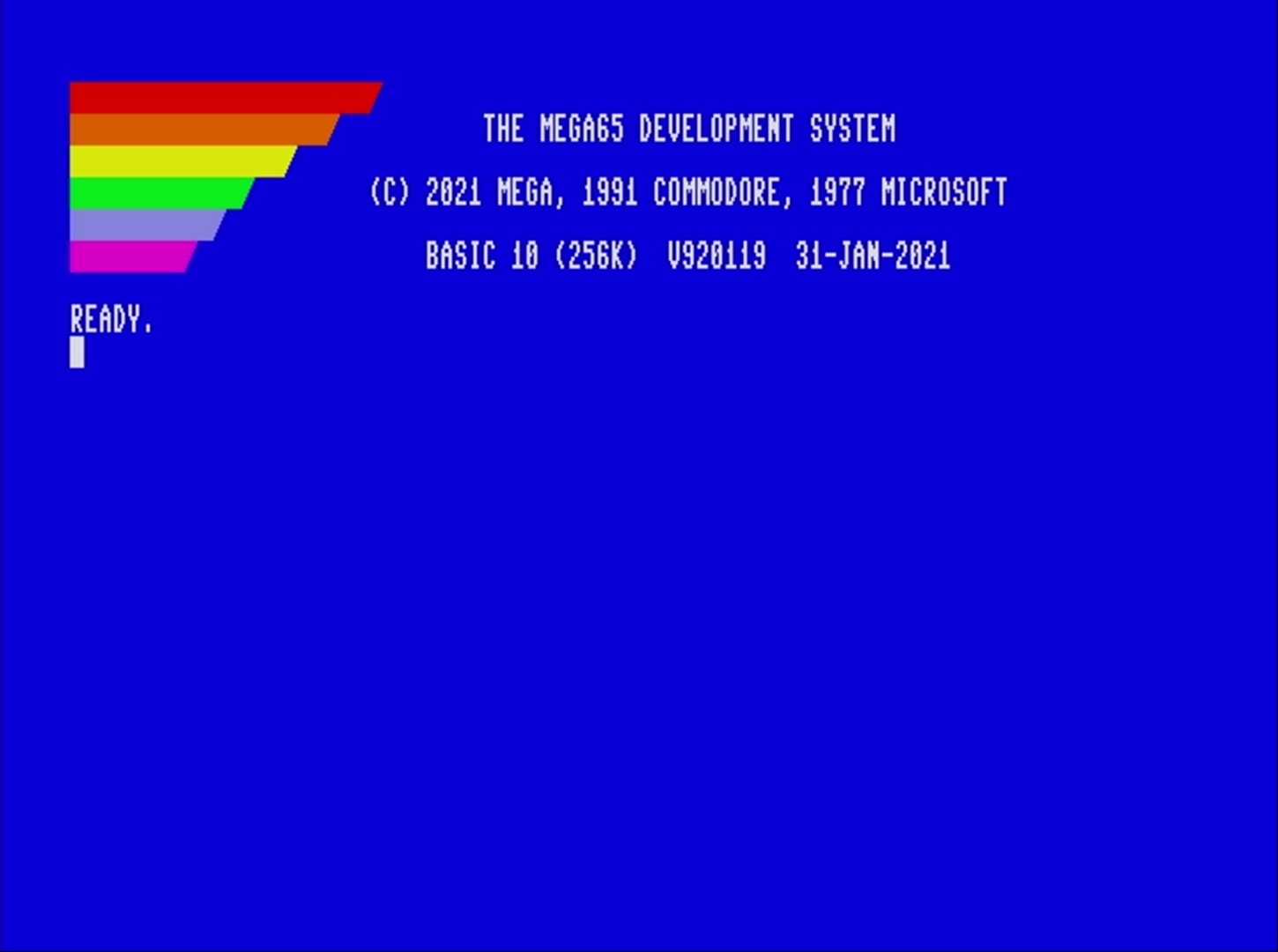 retroCombs: Update the MEGA65 and utility software
 COBI M60 Patton Tank and a COBI versus LEGO comparison
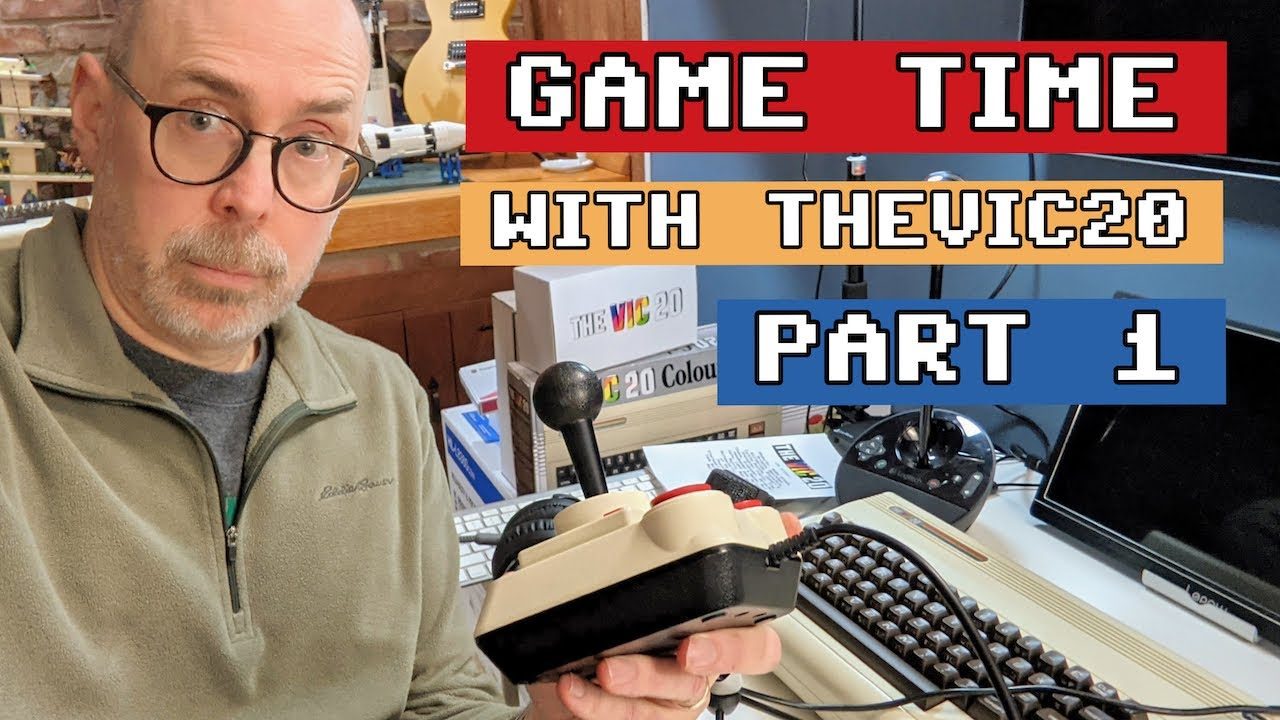 retroCombs: A review of the Commodore VIC-20 Games on the THEVIC20 and THEC64 maxi
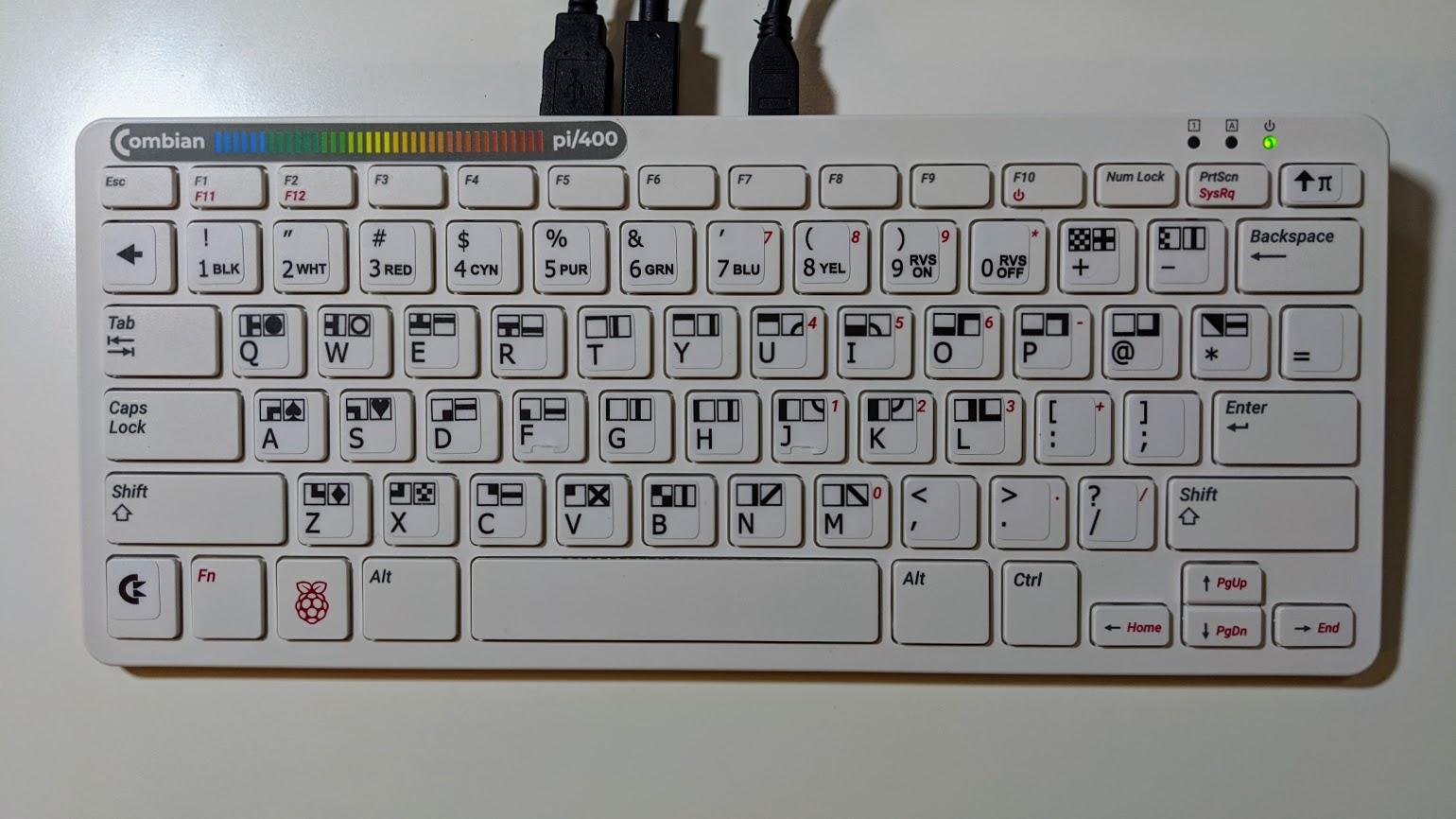 retroCombs: The Combian pi/400 Project. Use Combian 64 and a Raspberry Pi 400 to create the ulitmate Commodre computer emulator
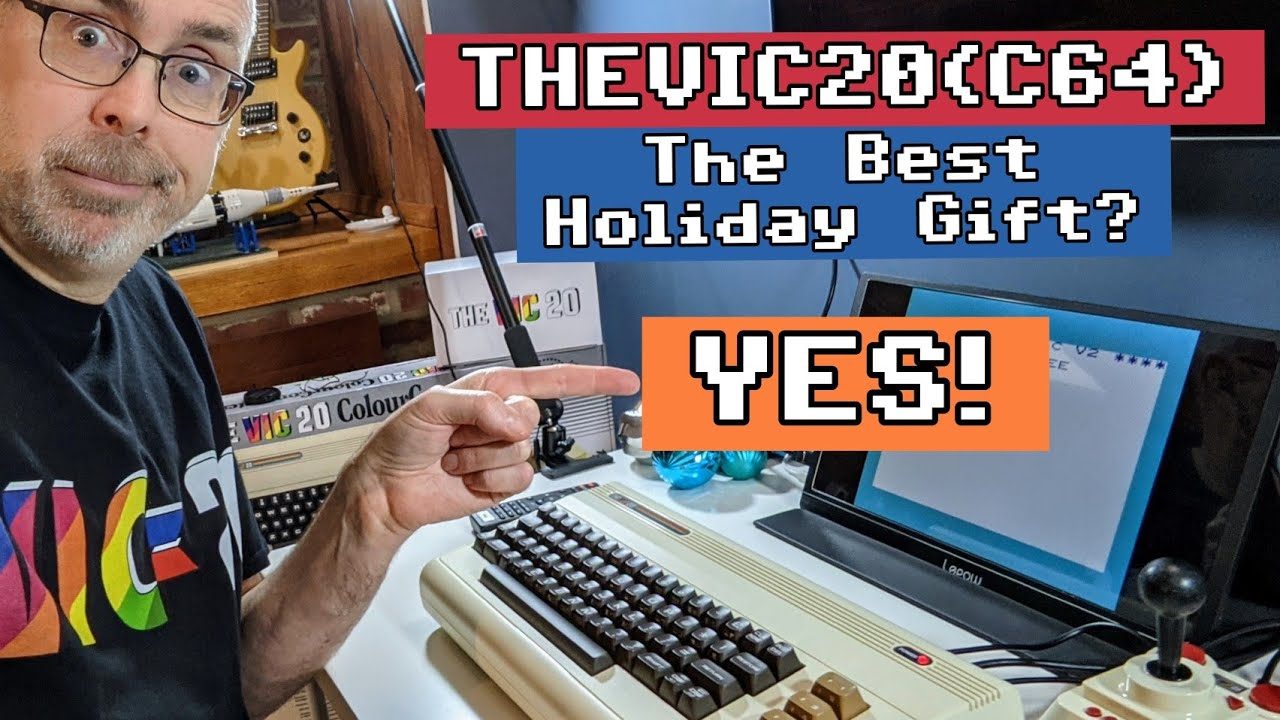 retroCombs: 10 reasons THEVIC20 and THEC64 are a great retro-computing gifts
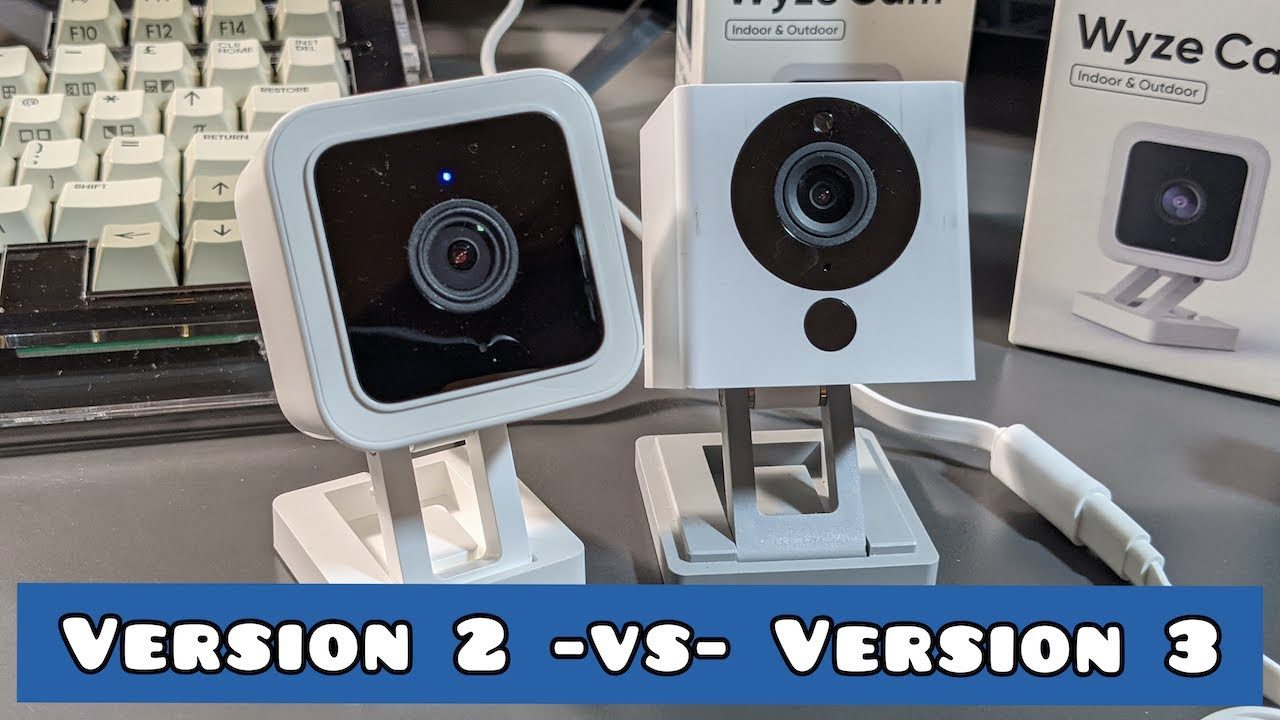 OPEN THE BOX and FIRST USE: Wyze Cam Version 3 (V3)
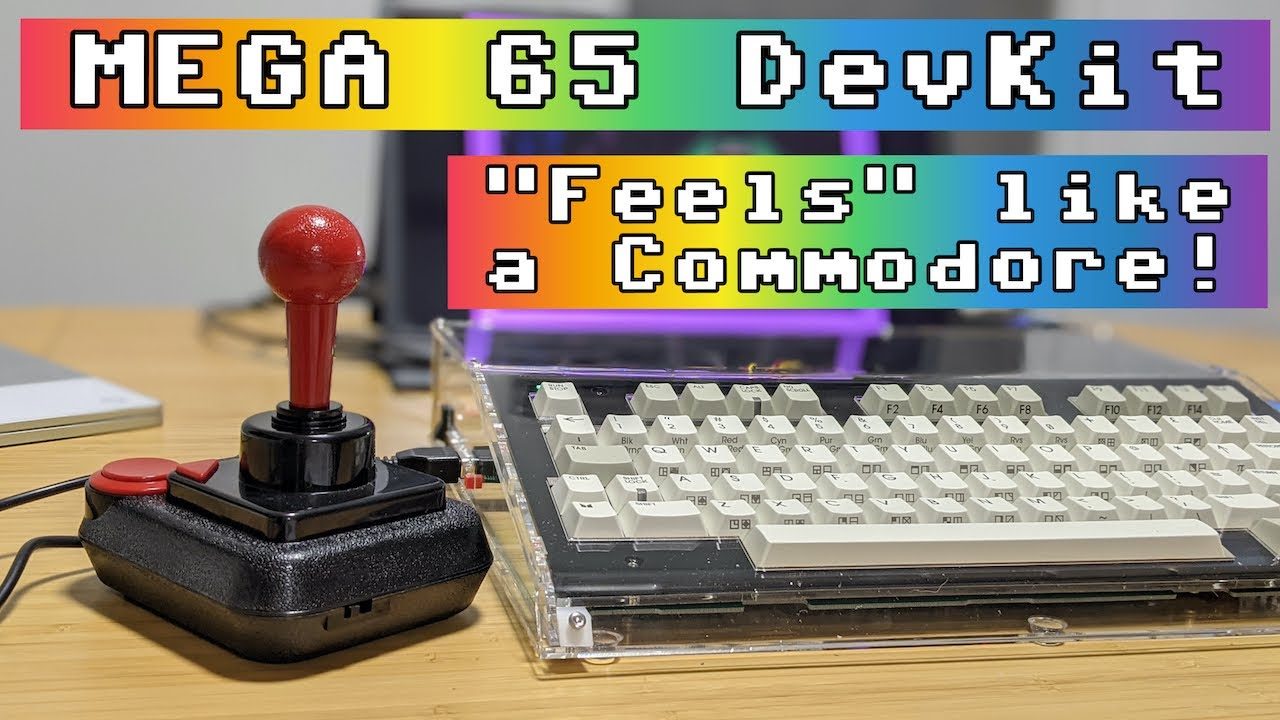 MEGA65 DevKit Open the box, assembly, and first use
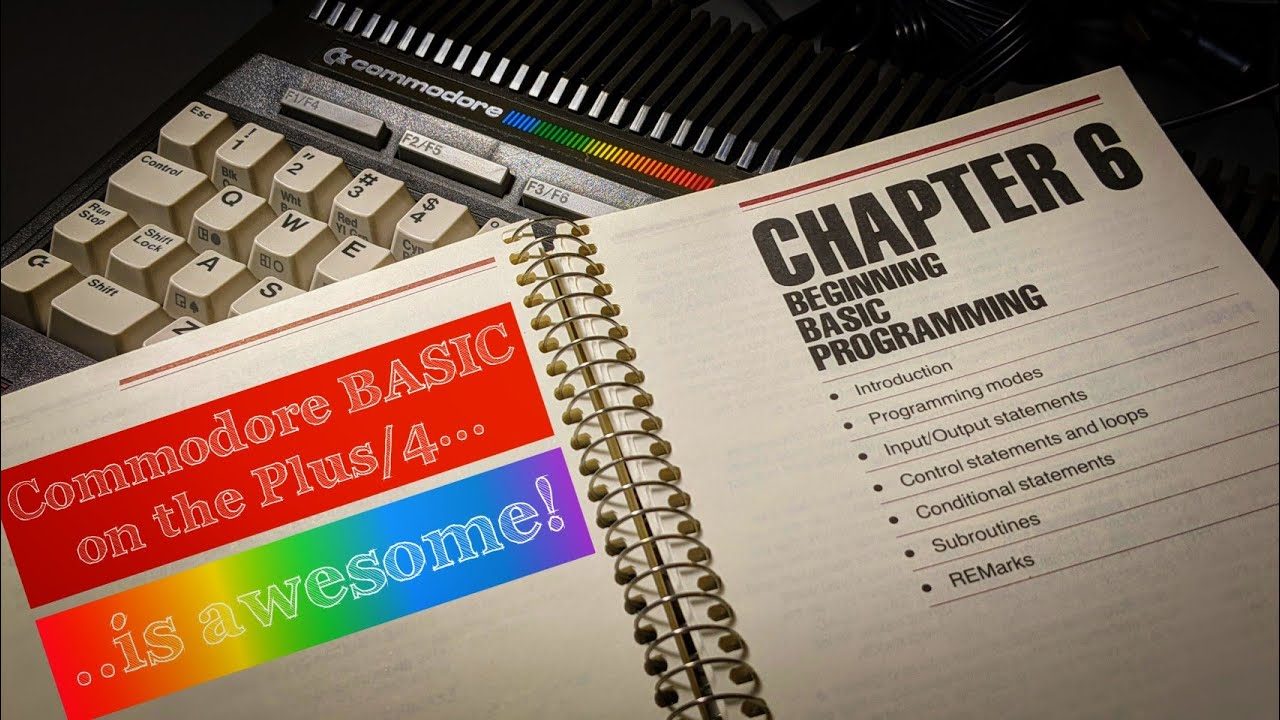 Commodore Plus/4 User’s Manual Chapter 6 - Beginning BASIC Programming
 FAST LOAD: Upgrade THEC64 mini firmware (v.1.4.2)
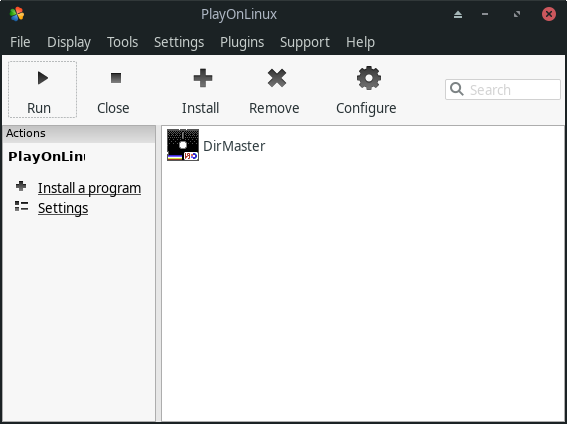 retroCombs: FAST LOAD - Install DirMaster on Linux
 Commodore Plus/4 User’s Manual, Chapter 5 - Numbers and Calculations
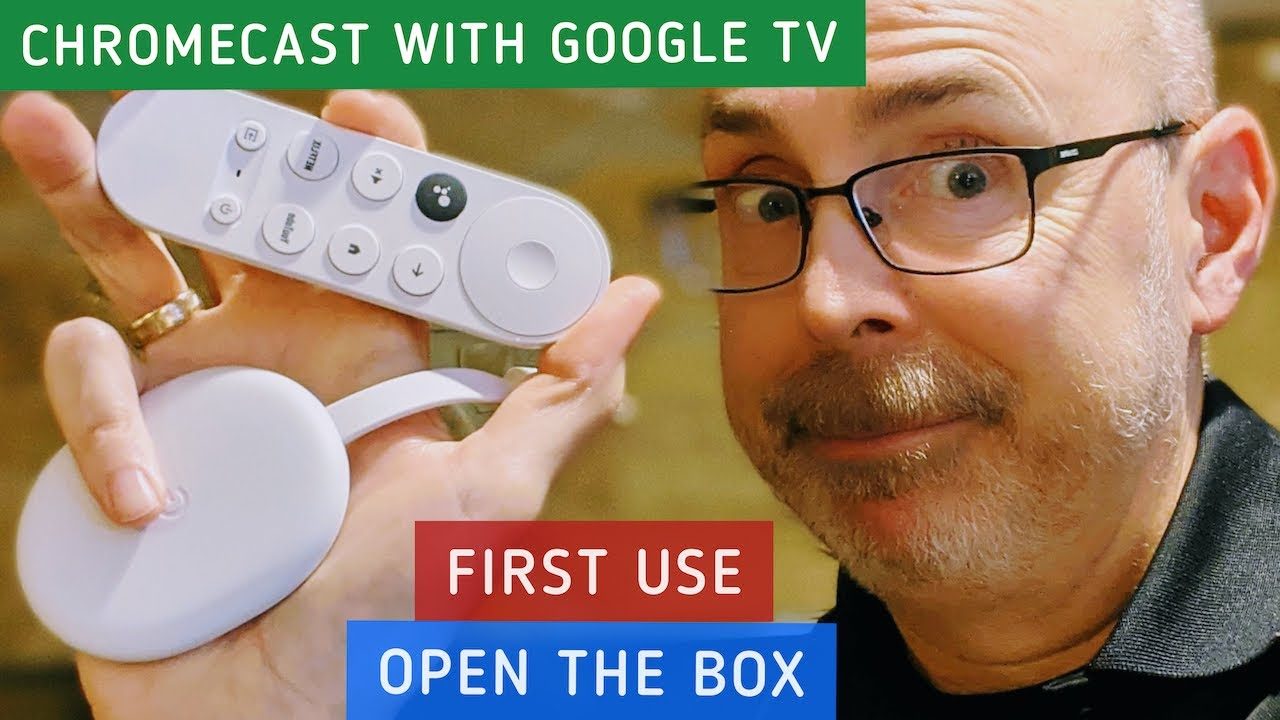 OPEN THE BOX and FIRST USE: Chromecast with Google TV (and the Google TV Android app)
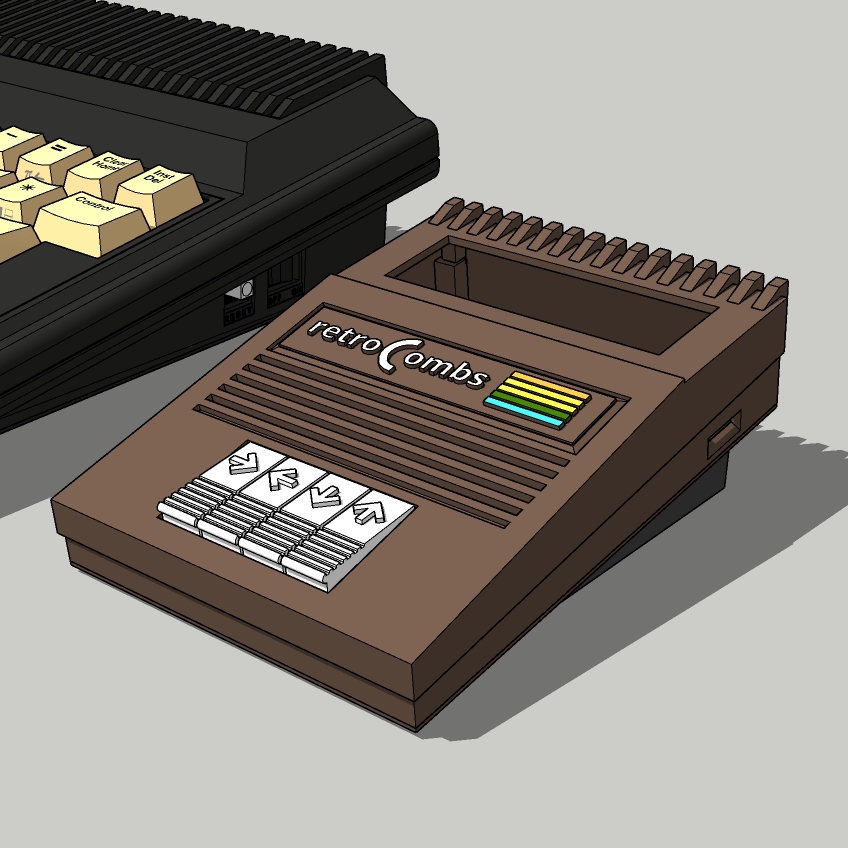 TEDuino: An Arduino based TED (264) Series Commodore Datasette
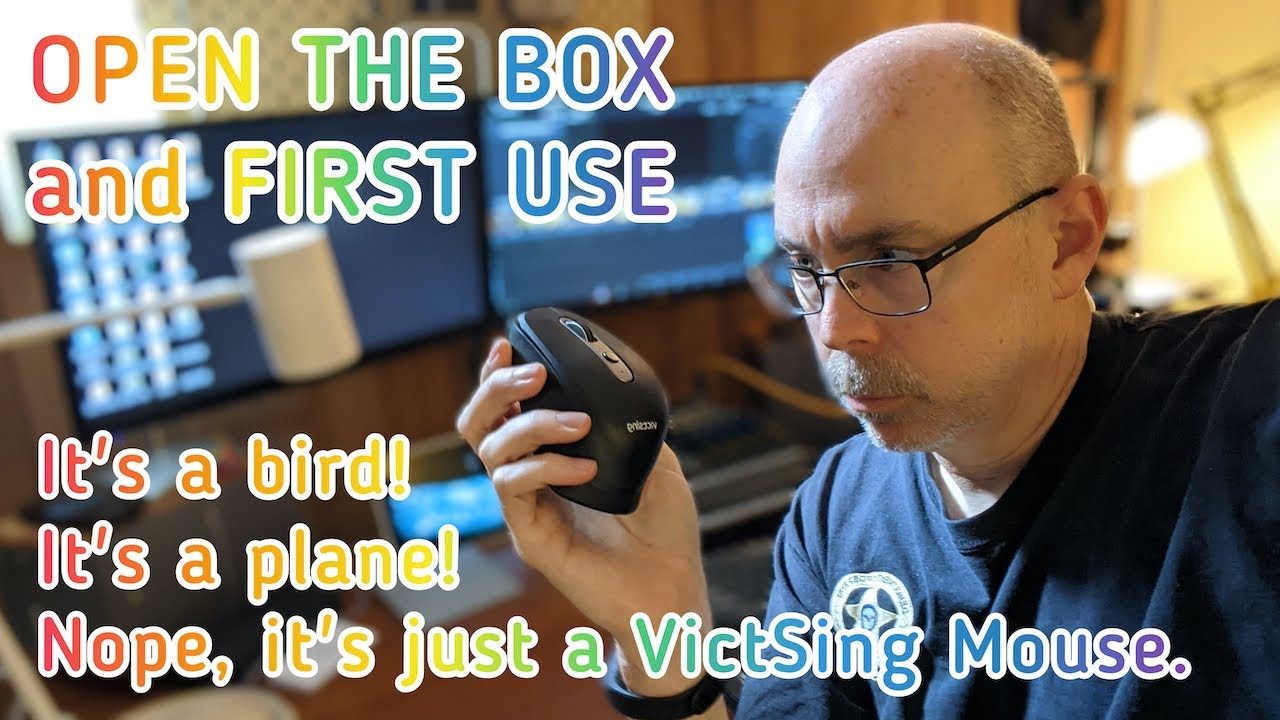 OPEN THE BOX and FIRST USE: VictSing Wireless (USB and Bluetooth) Mouse
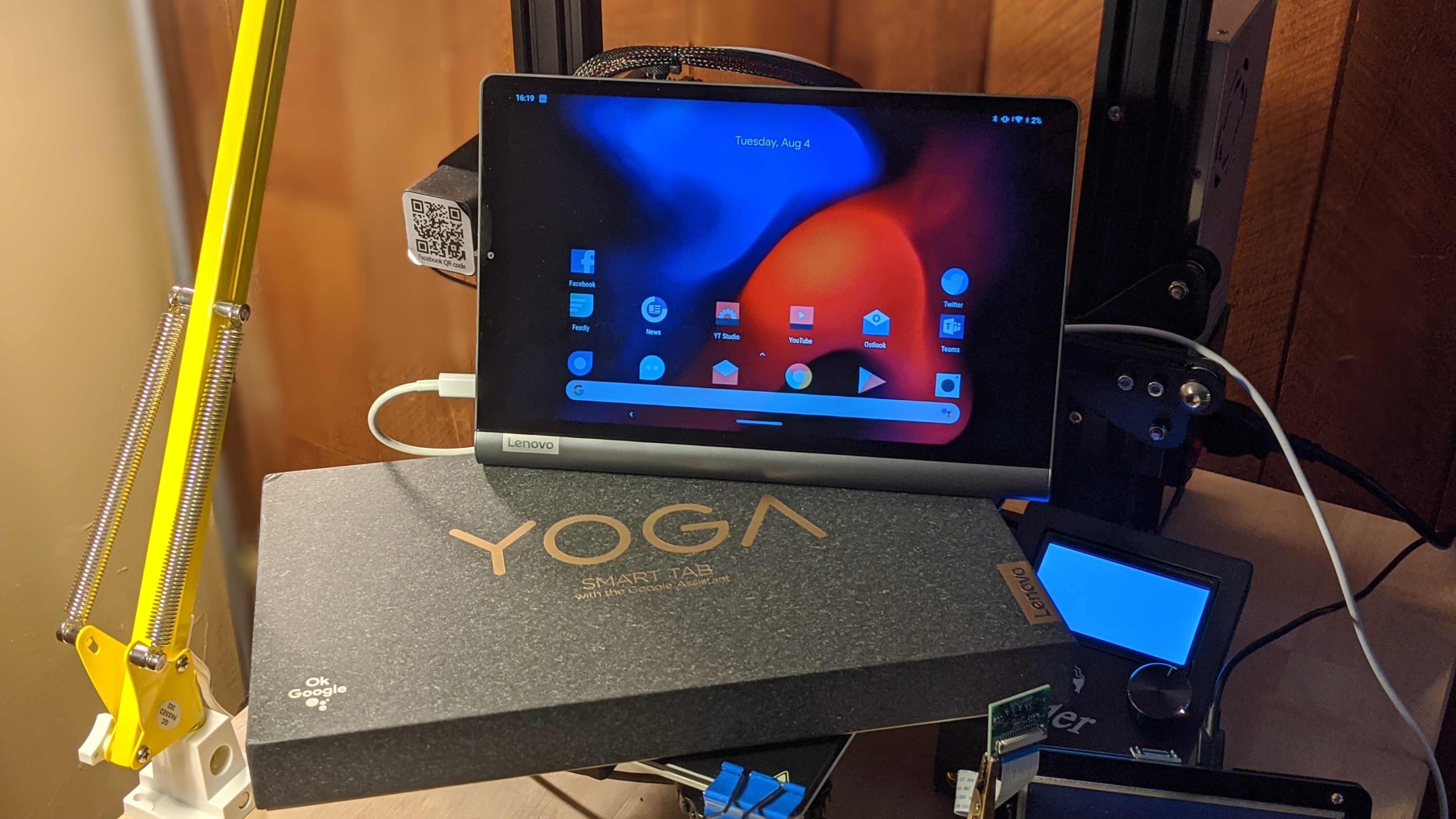 REVIEW: Lenovo YOGA TAB with Google Assistant
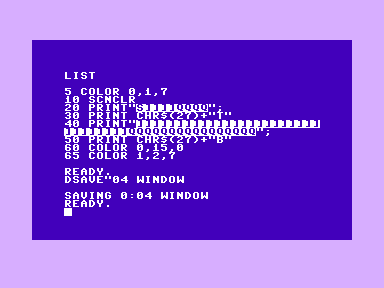 Commodore Plus/4 User’s Manual, Chapter 4 - Getting Started
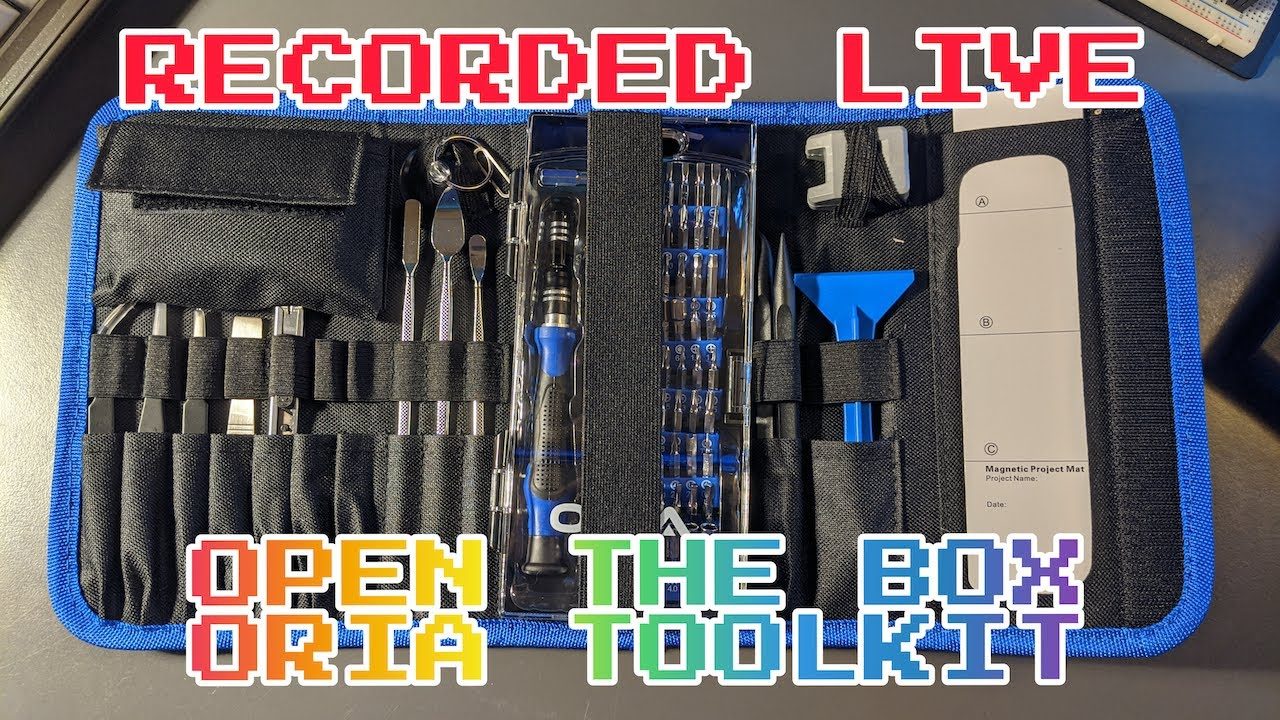 OPEN THE BOX (BAG): ORIA Precision Screwdriver Set, 86in1 Magnetic Repair Tool Kit with Portable Bag
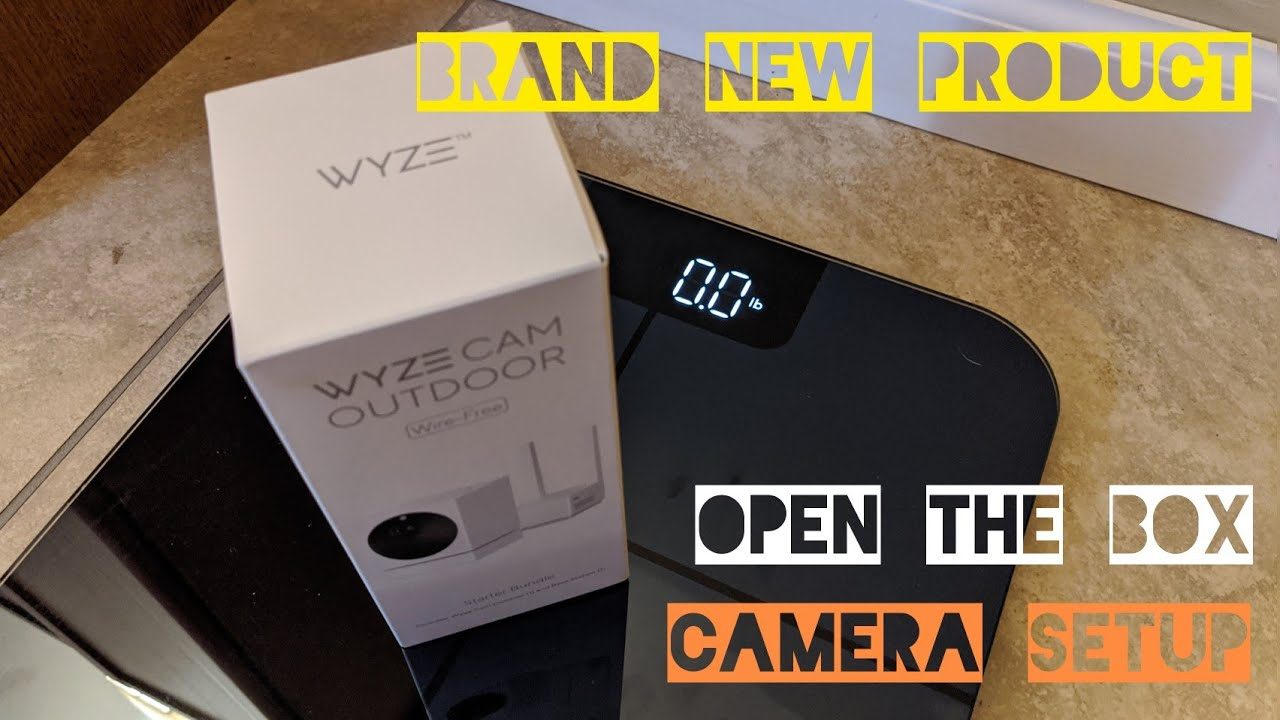 OPEN THE BOX and SETUP: Wyze Cam Outdoor (Squirrel Cam One)
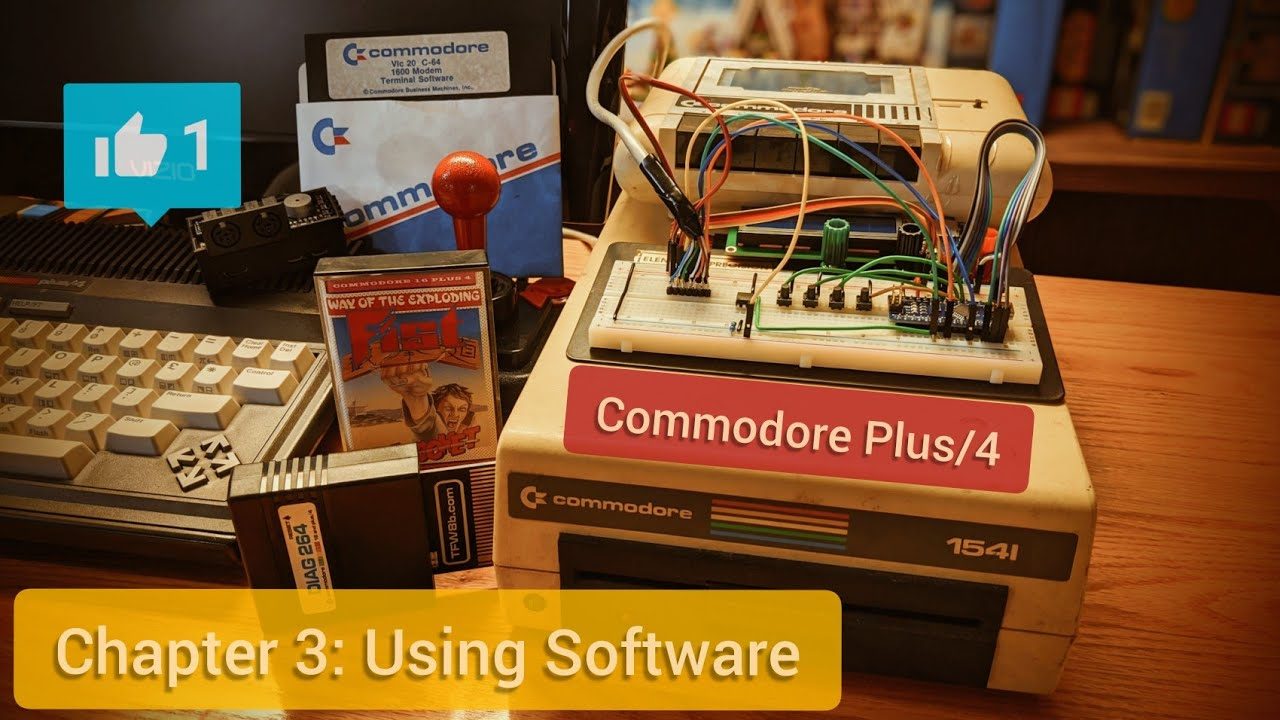 Commodore Plus/4 User’s Manual, Chapter 3 - Using Software
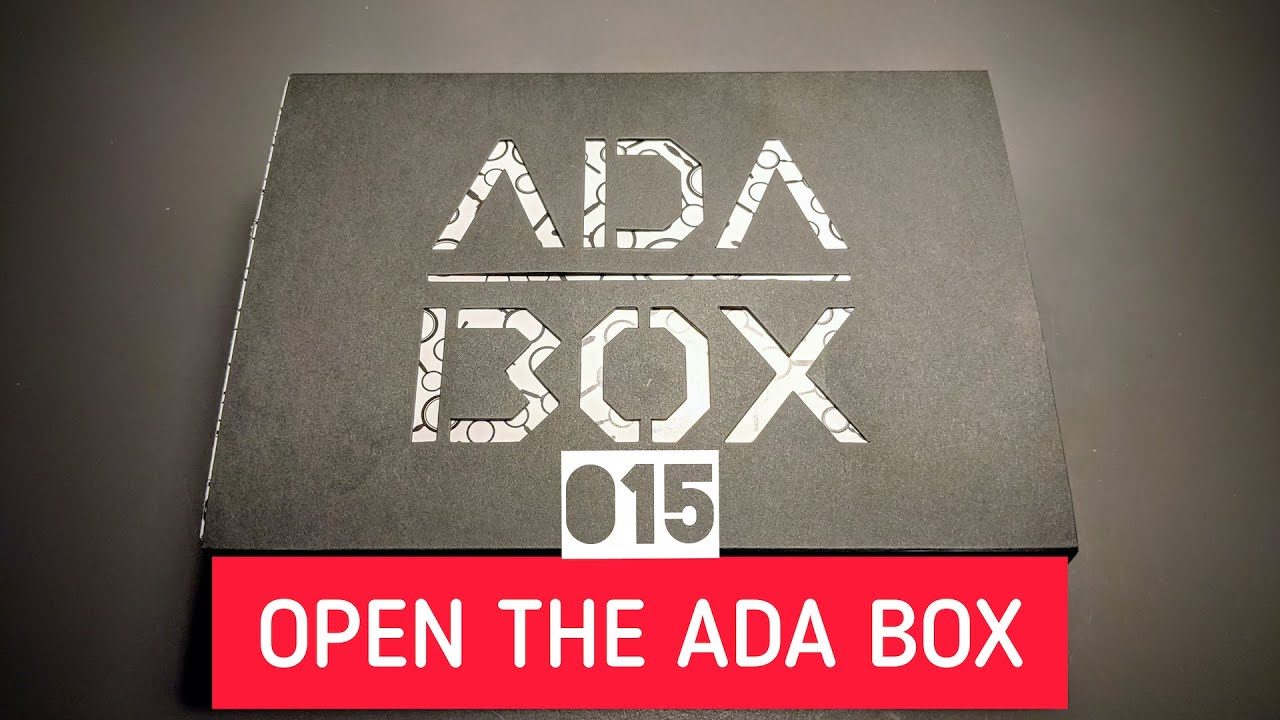 OPEN THE (ADA) BOX: Adafruit Industries ADA BOX 015
 OPEN THE BOX: TASCAM DR-40X four track linear PCM digital audio recorder
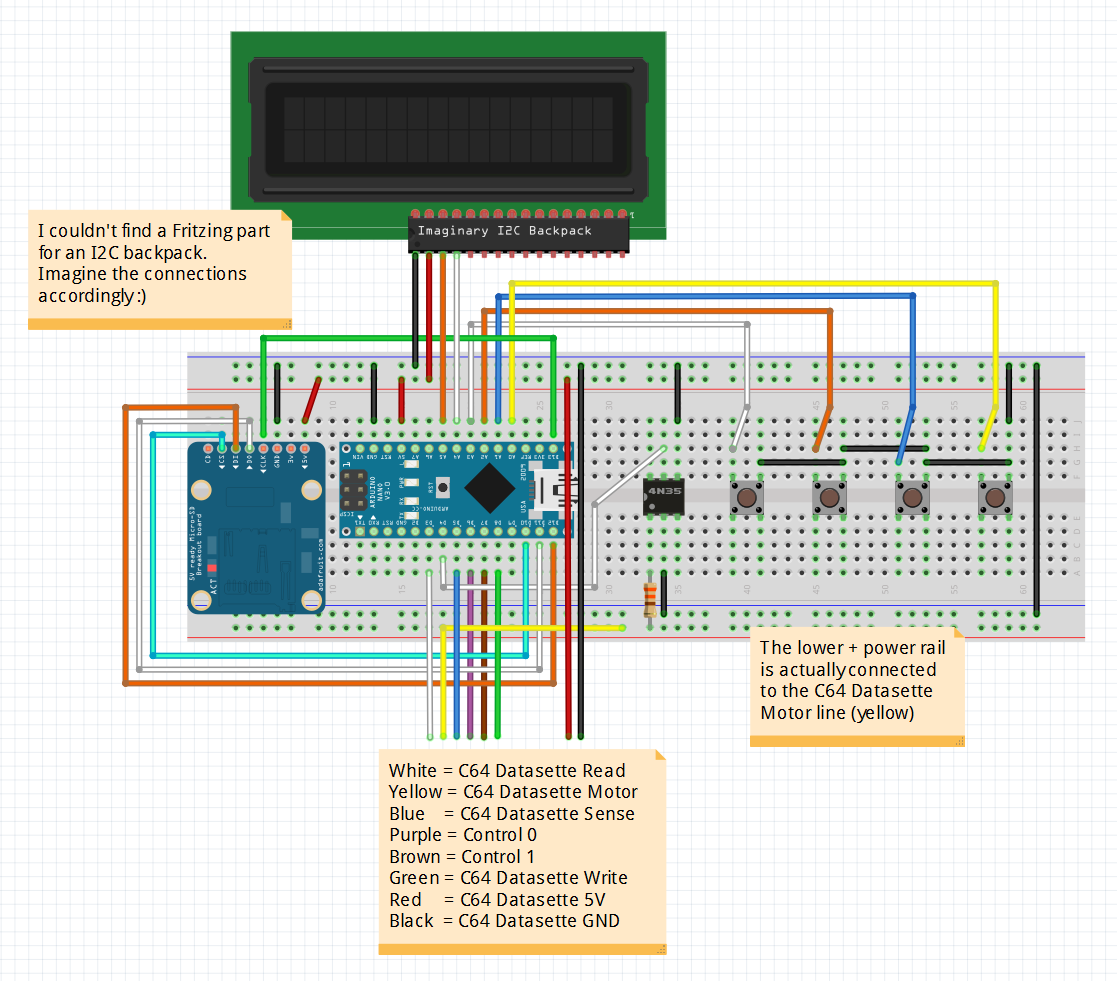 retroCombs: The Tapuino Project - Build an Arduino powered Commodore Datasette clone for the Commodore Plus/4
 HOWTO: Easy to Build LEGO Minifig Display with IKEA Lustigt
 retroCombs: Create a blank .c64 disk image for the Pi1541 or SD2IEC
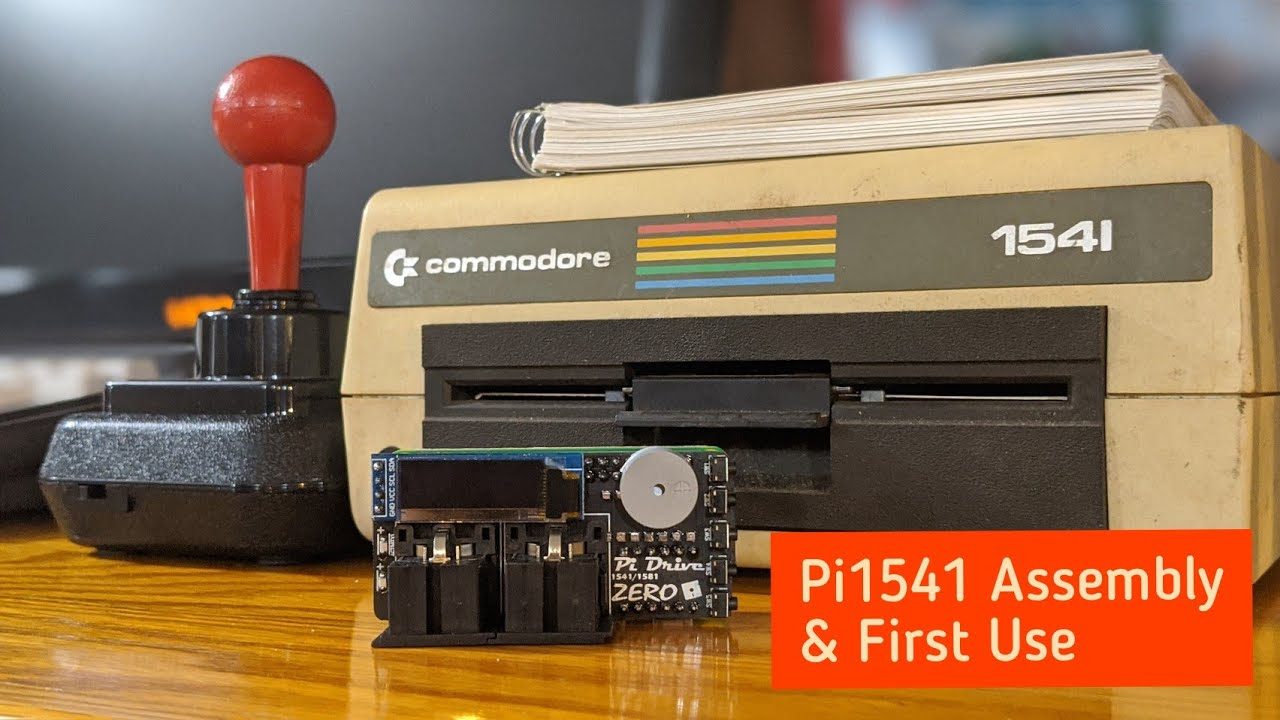 retroCombs: Pi1541 Assembly and First Use
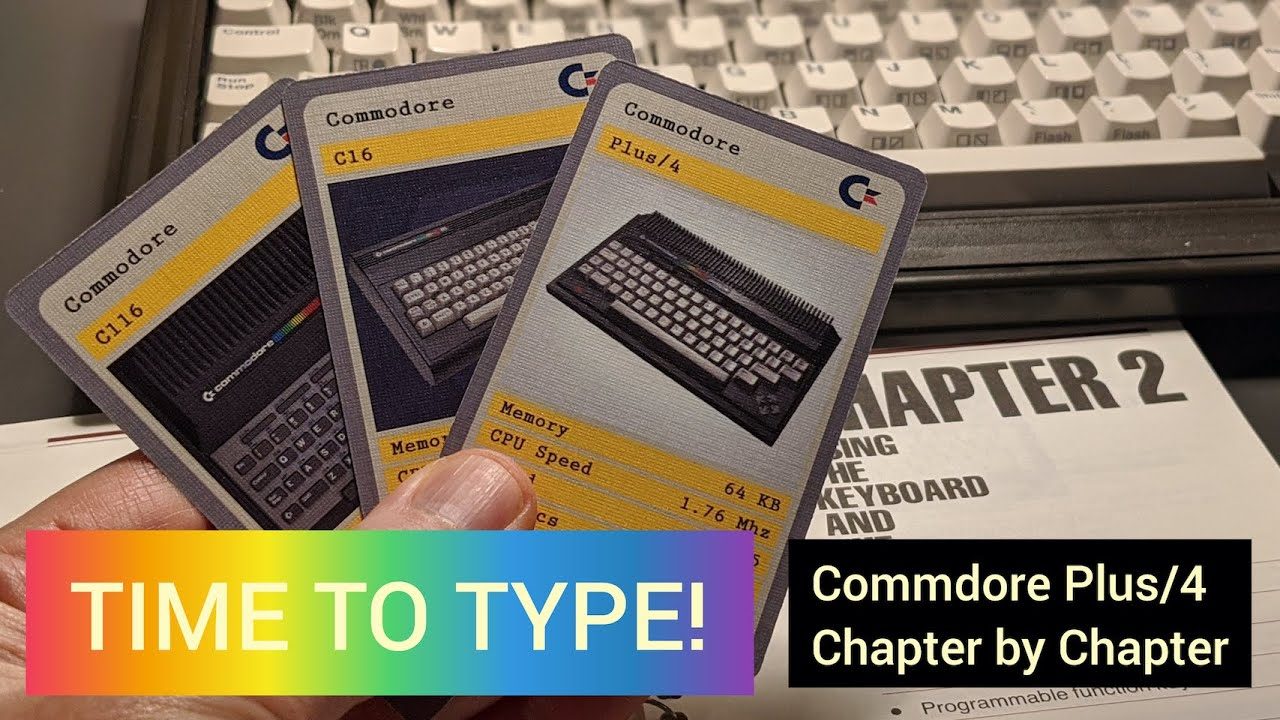 Commodore Plus/4 User’s Manual, Chapter 2 - Using the Keyboard and the Screen
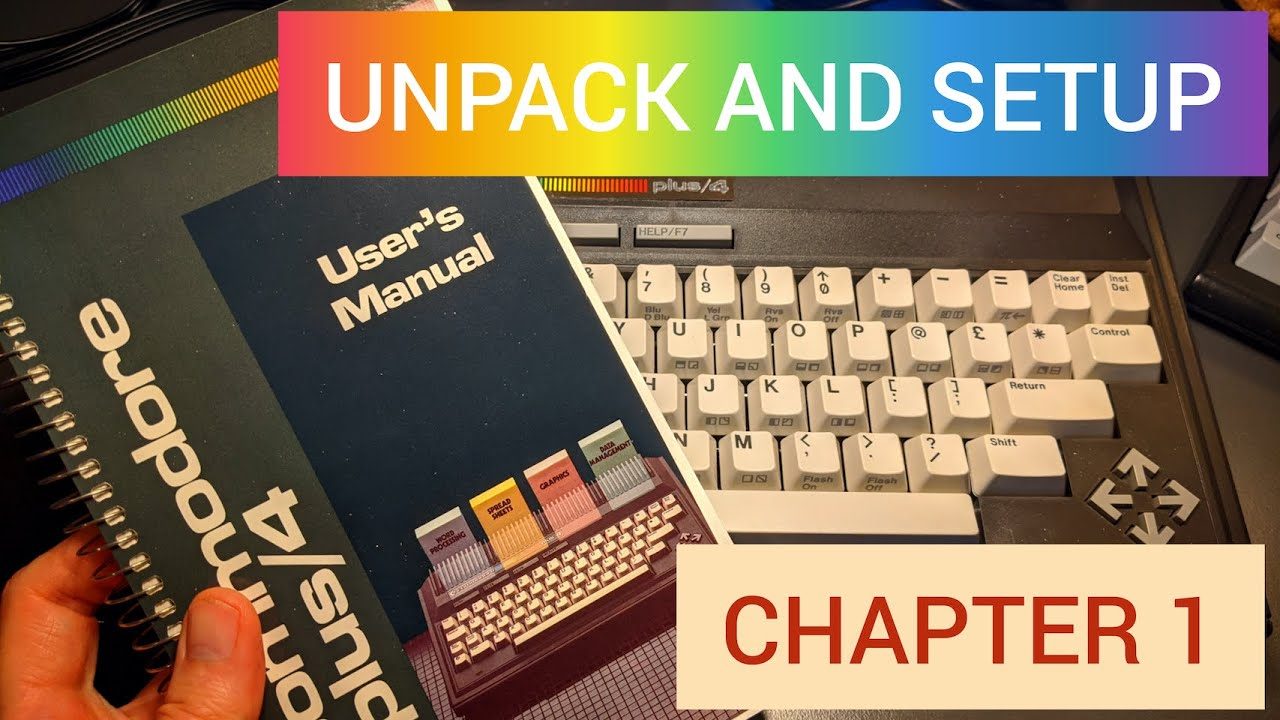 Commodore Plus/4 User’s Manual, Chapter 1 - Unpacking and Setting Up
 Creating my YouTube retroCombs video bumper
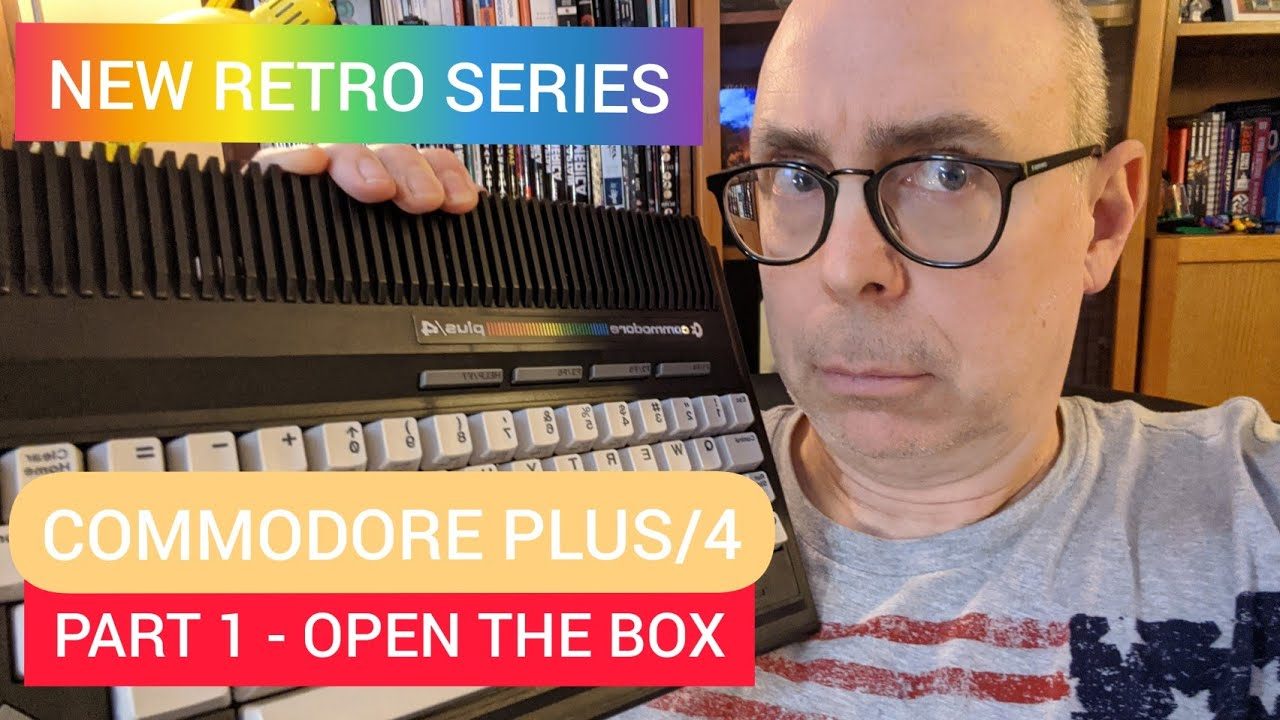 Commodore Plus/4 User’s Manual, Chapter 0 - Open the Box
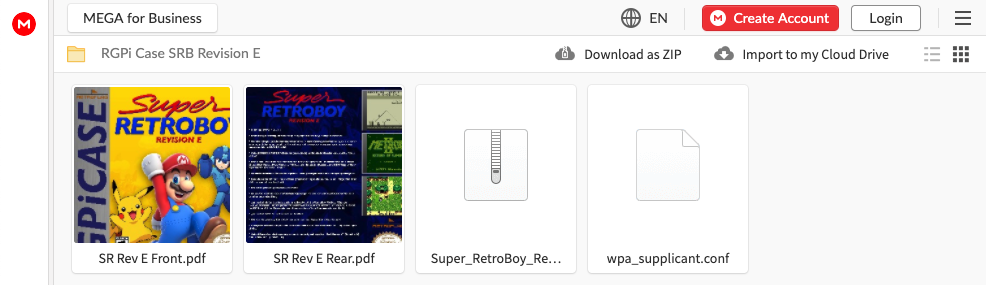 HOWTO: Install Super Retroboy on the Retroflag GPi Case
 HOWTO: Level a Creality Ender 3 Surface Bed and Print a Commodore VIC-20 Key Plunger
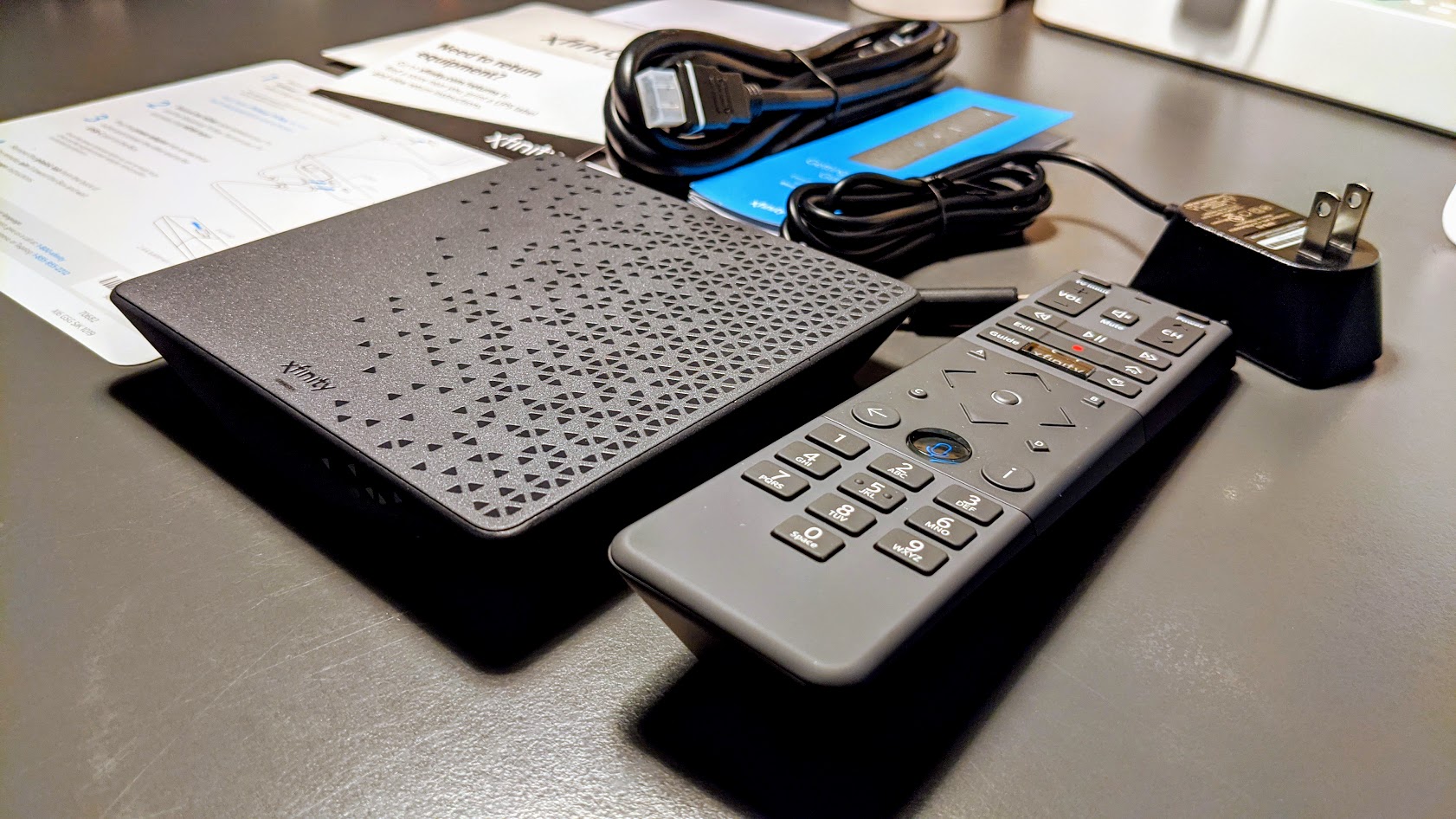 FIRST USE: Xfinity Flex Video Streamer
OPEN THE BOX: Xfinity Flex
 FIRST USE: Cloner Alliance Box Pro (a good tool for retro-computing fans?)
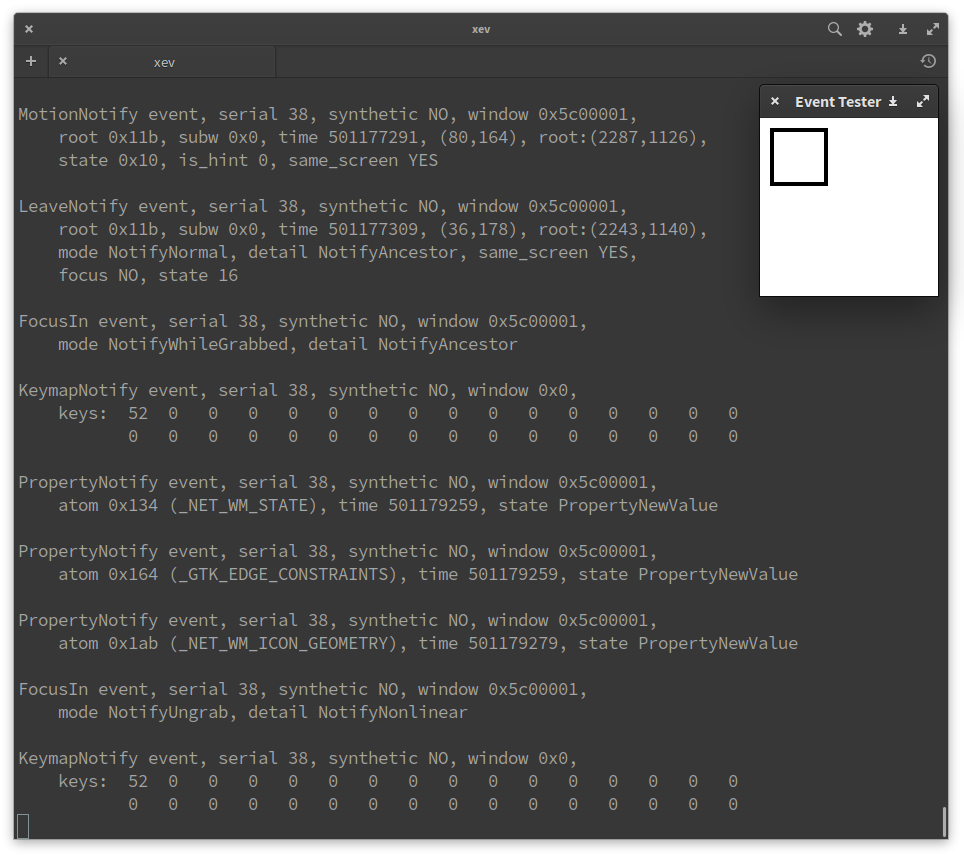 LINUX TIP: Turn the Caps Lock key into a launcher key
 OPEN THE BOX and FIRST USE: Wyze Scale and Wyze Band
 HOWTO & OPEN THE BOX: Convert a Wyze Cam Black into a webcam with Wyze's new firmware
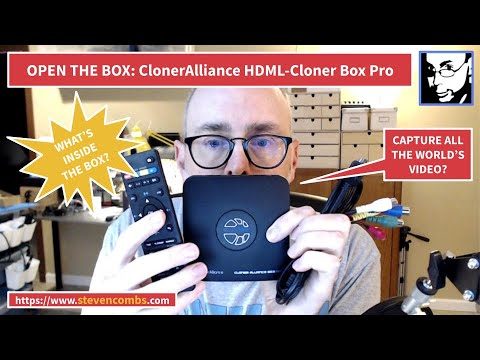 OPEN THE BOX: Cloner Alliance Box Pro
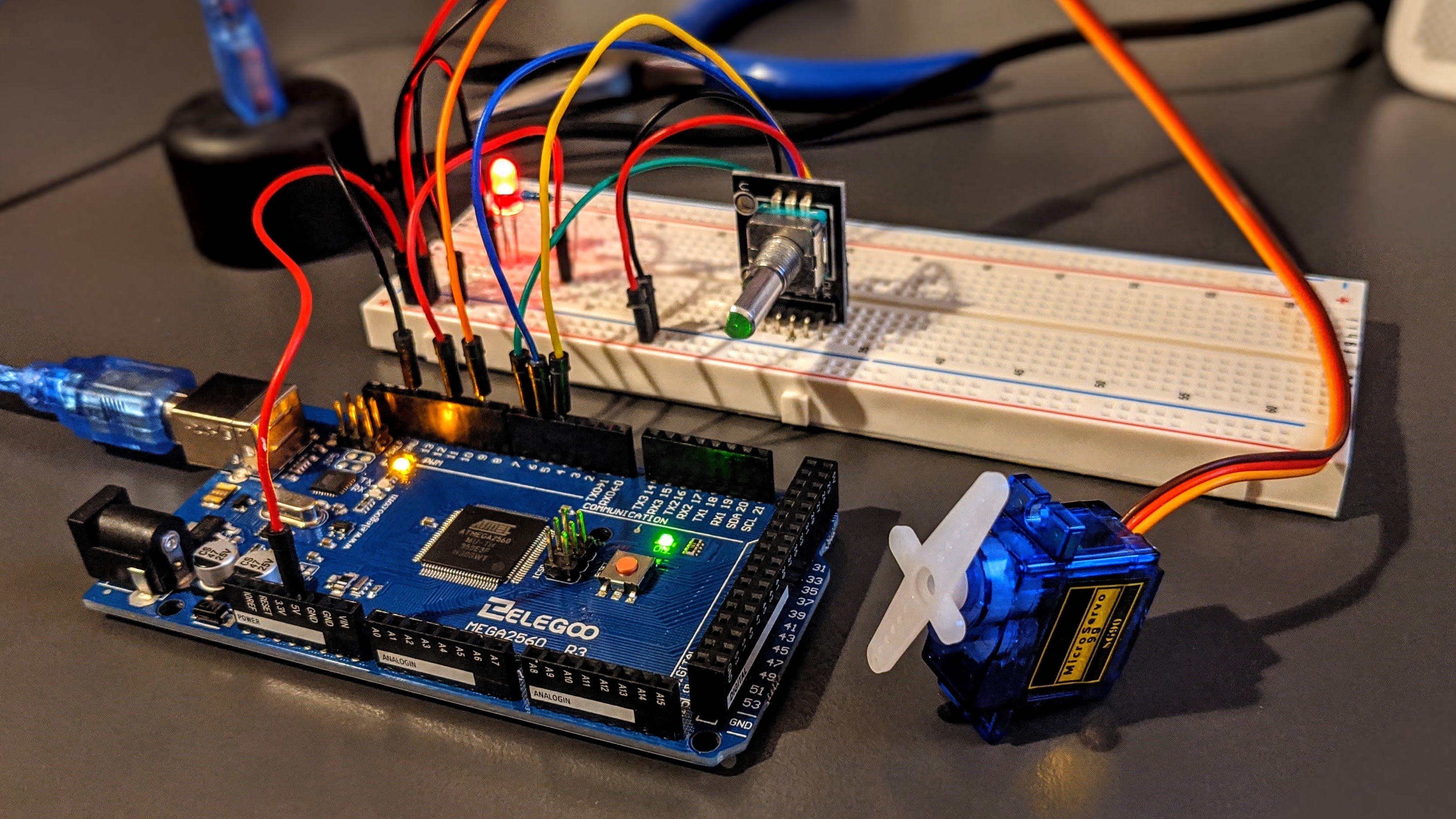 BUILD & CODE: Elegoo Arduino starter kit servo, LED, and encoder project
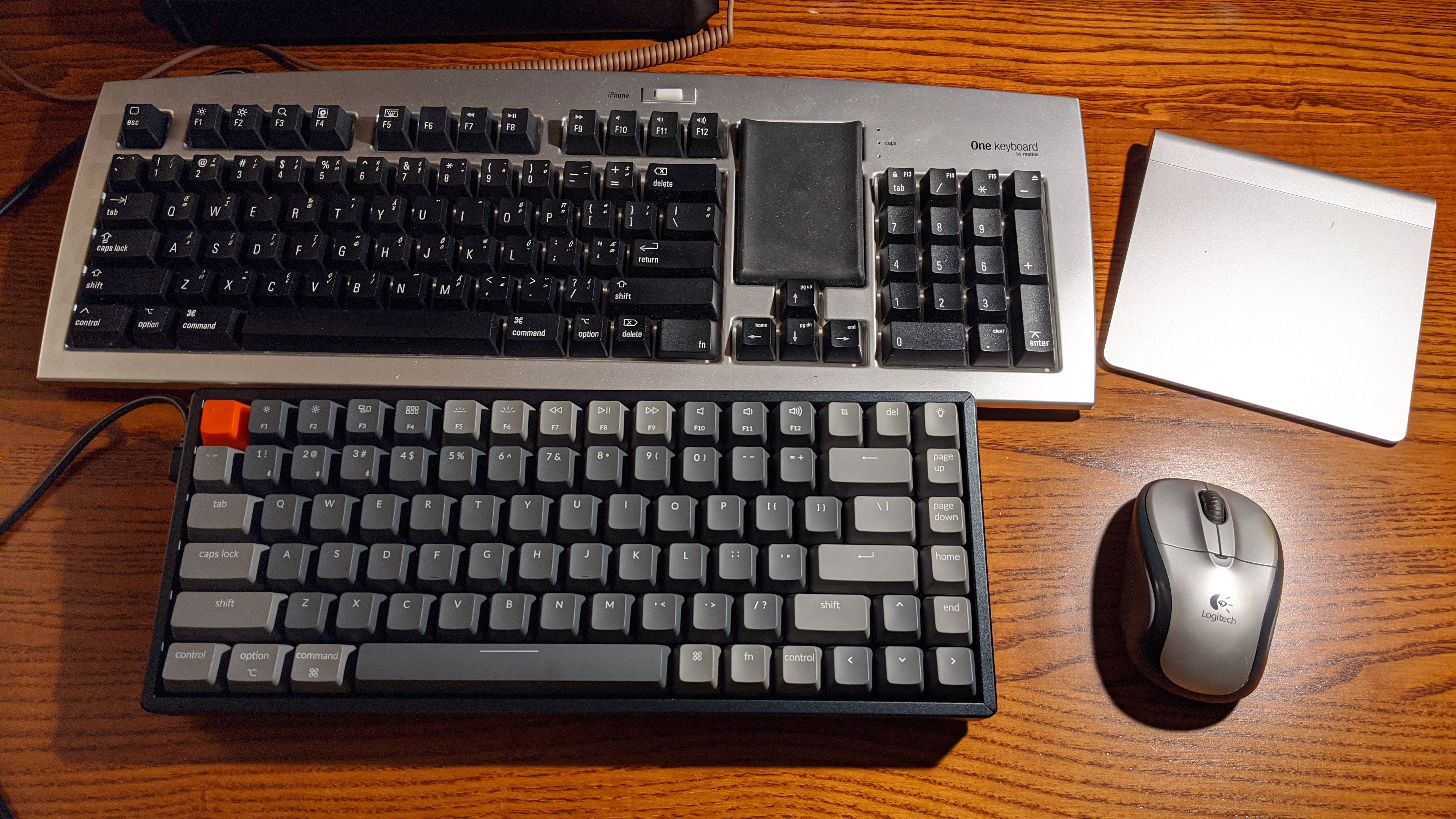 OPEN THE BOX: Keychron K2 keyboard for Mac
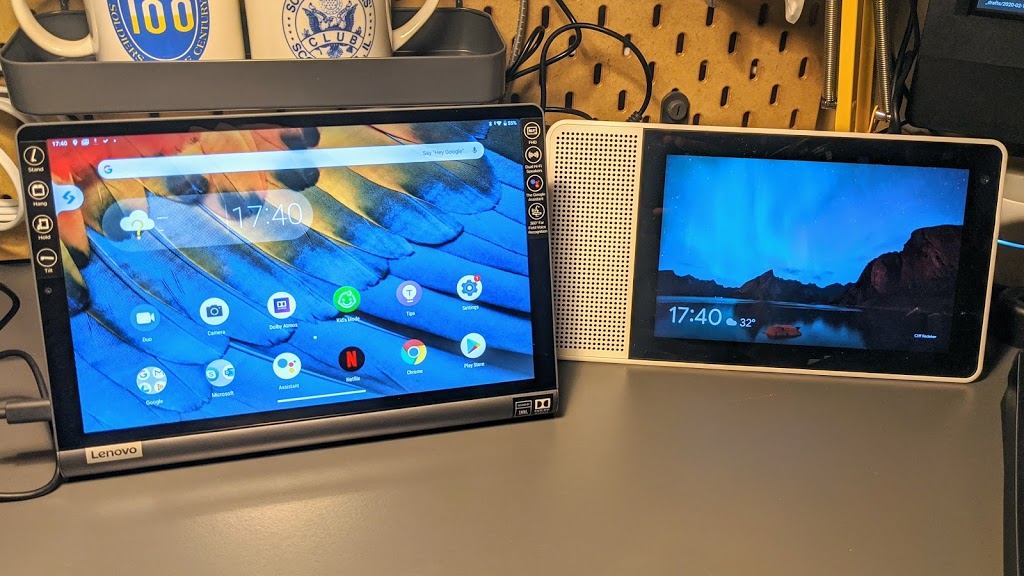 OPEN THE BOX: Lenovo YOGA TAB with Google Assistant
 What's in my technology travel bag?
 Install Arduino IDE on Chrome OS - now with device support!
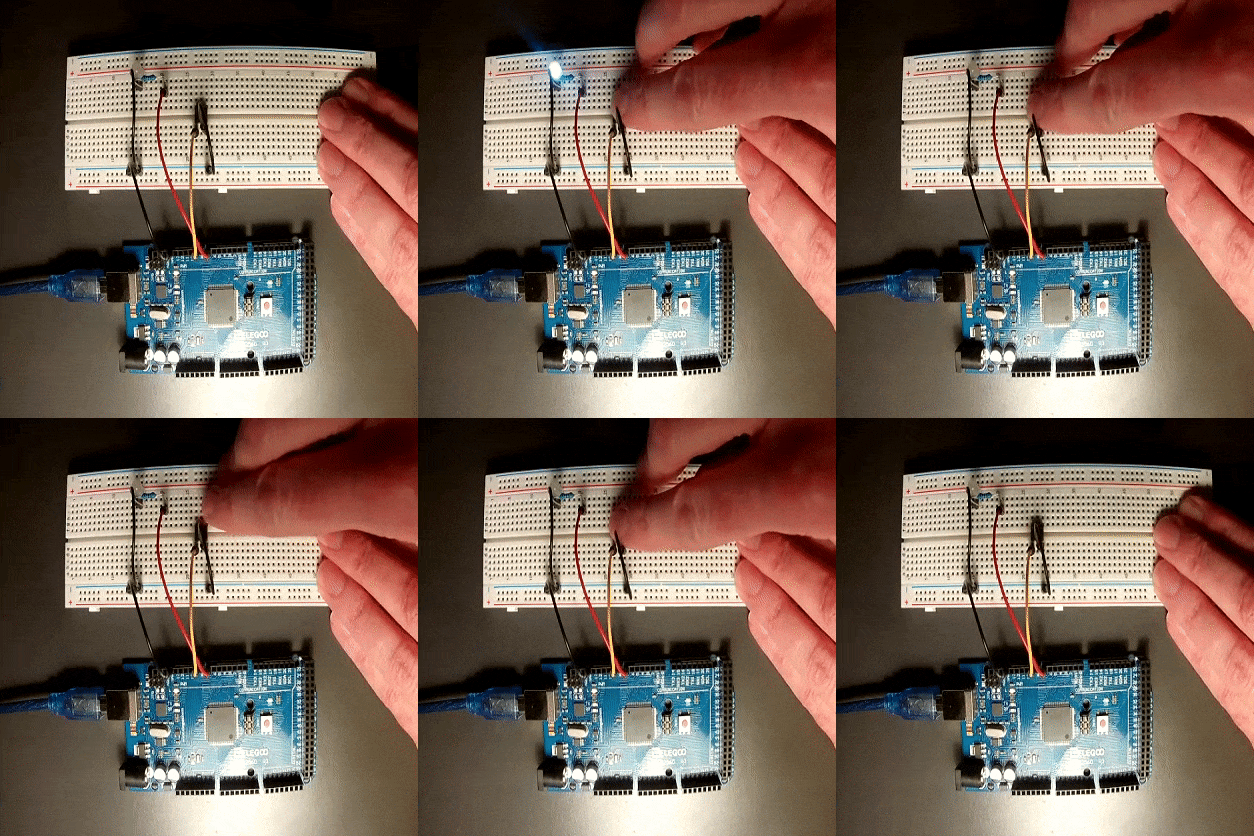 BUILD & CODE: Arduino Hello World! (build-code-operate)
 OPEN THE BOX: Elegoo Arduino Mega Starter Kit
 SKETCHNOTE: Civic Lab Training
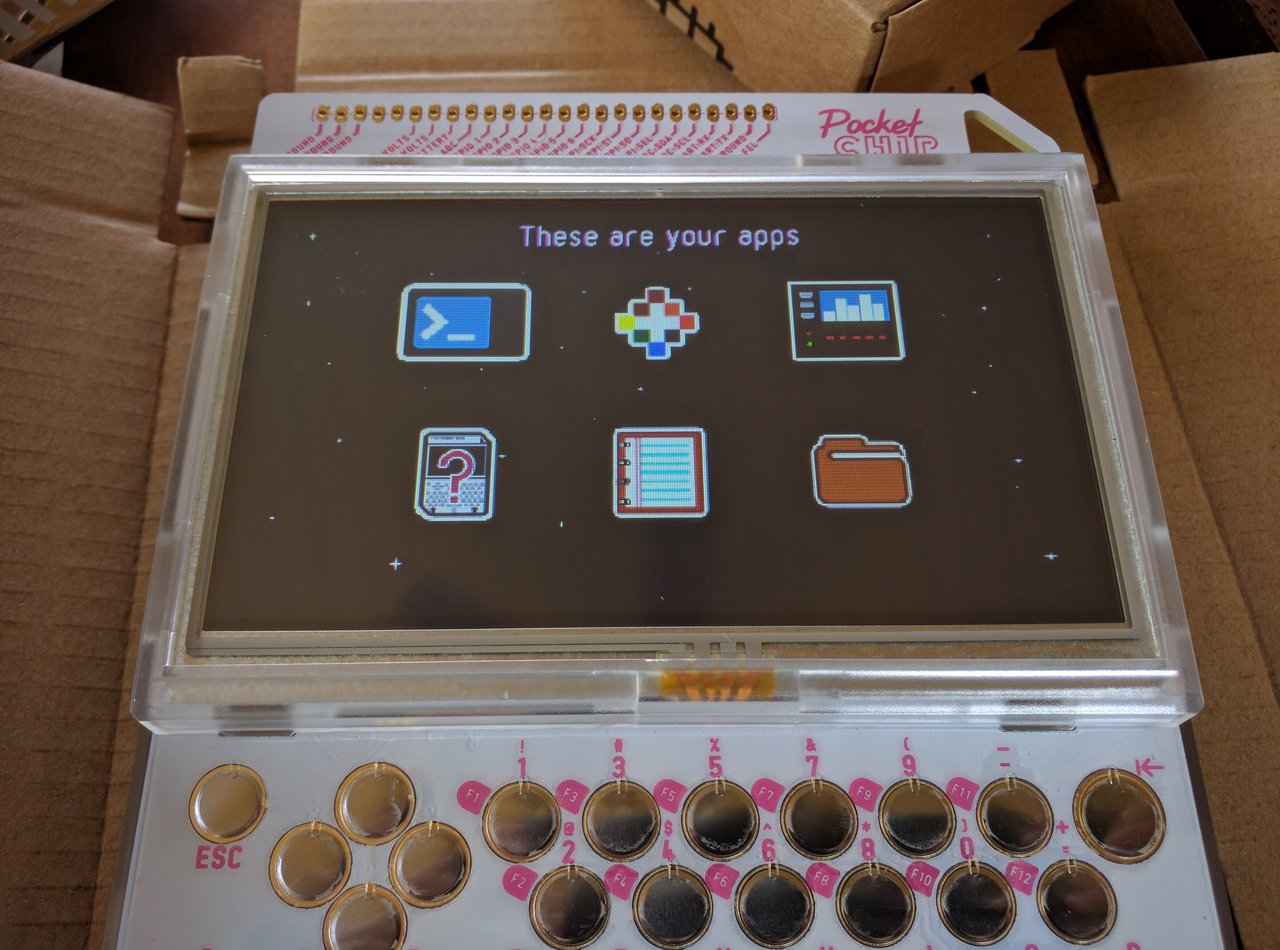 2016 top 10 posts
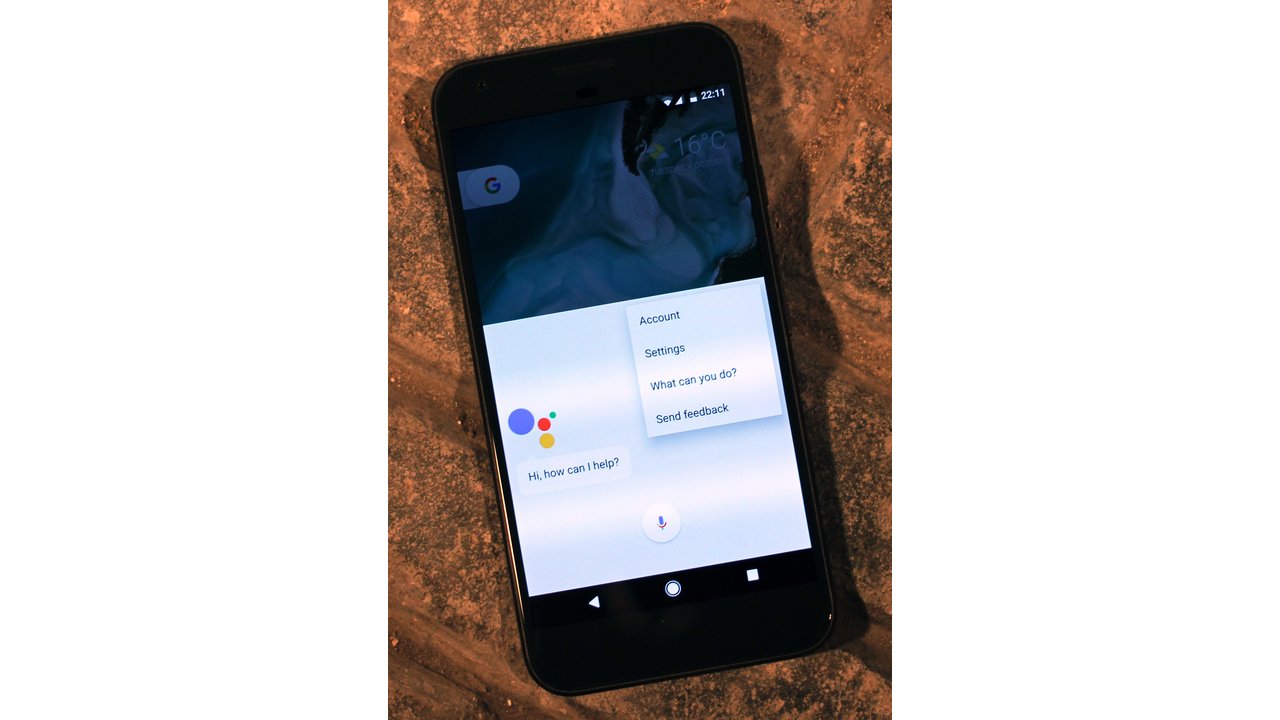 My favorite gadgets of 2016
 BOOK REVIEW: The LEGO Christmas Ornaments Book
 Three week thoughts on the Google Pixel
 REVIEW: Field Notes Sweet Tooth memo books
 SKETCHNOTE: Exhibit Columbus
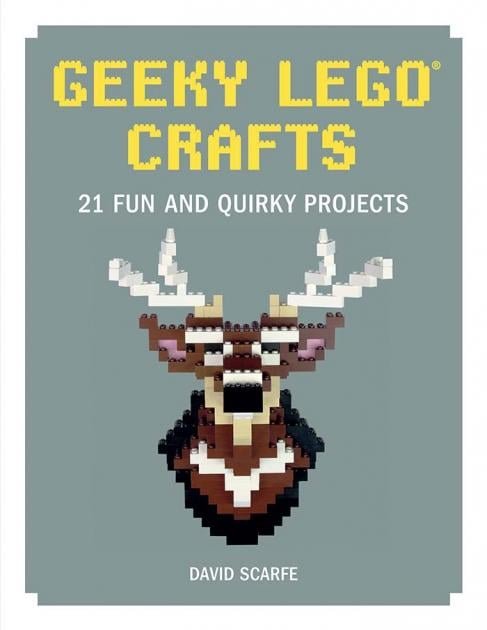 BOOK REVIEW: Geeky LEGO Crafts
 SKETCHNOTE: Edward Tufte seminar
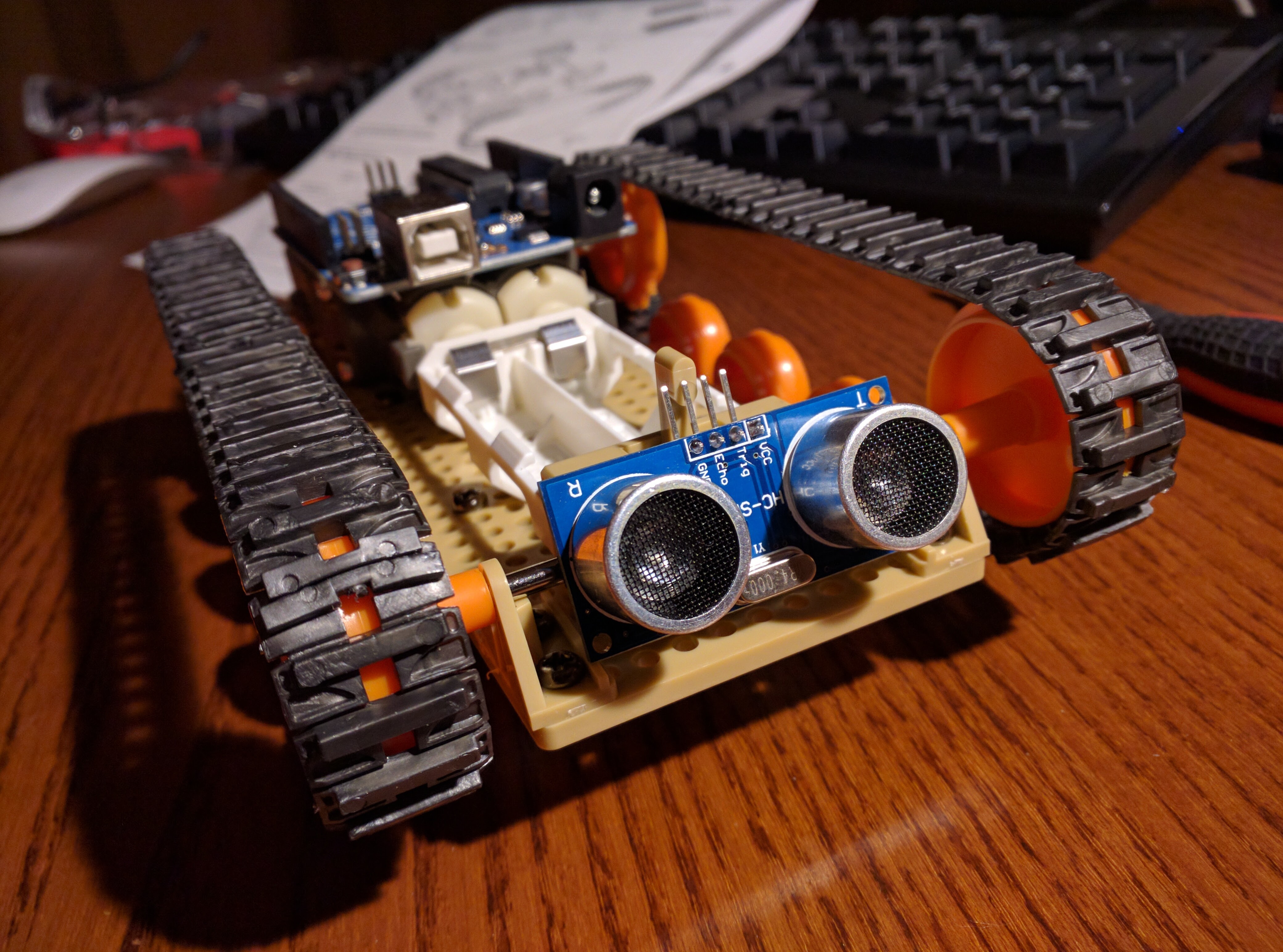 HOWTO: Program C.H.I.P. with Python to control LED
 HOWTO: Fish on C.H.I.P.s
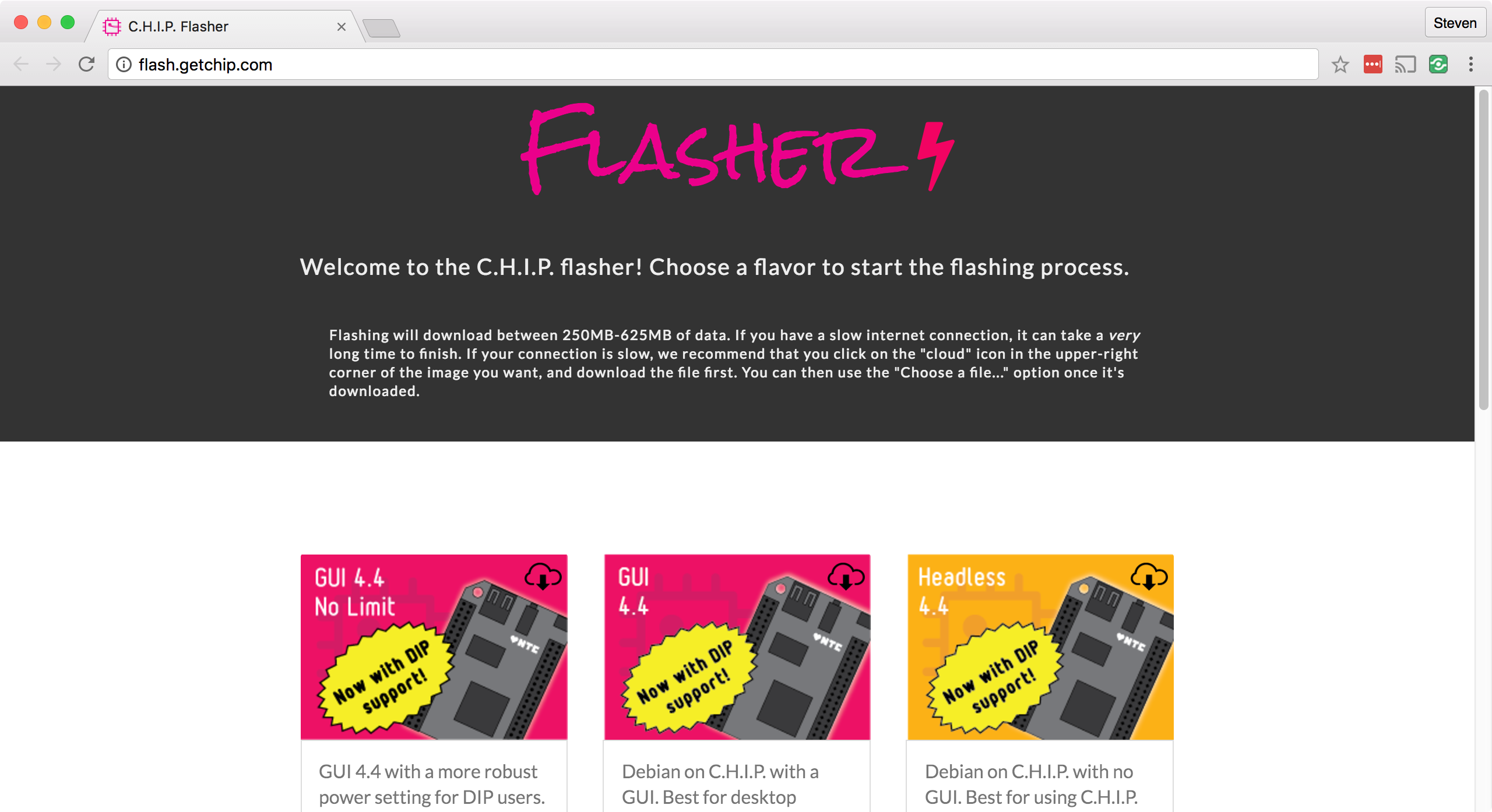 HOWTO: Make a Mac to C.H.I.P. USB OTG serial connection
 HOWTO: Project Fi bricks meet Pocket C.H.I.P.
 Things to know about your new Pocket C.H.I.P.
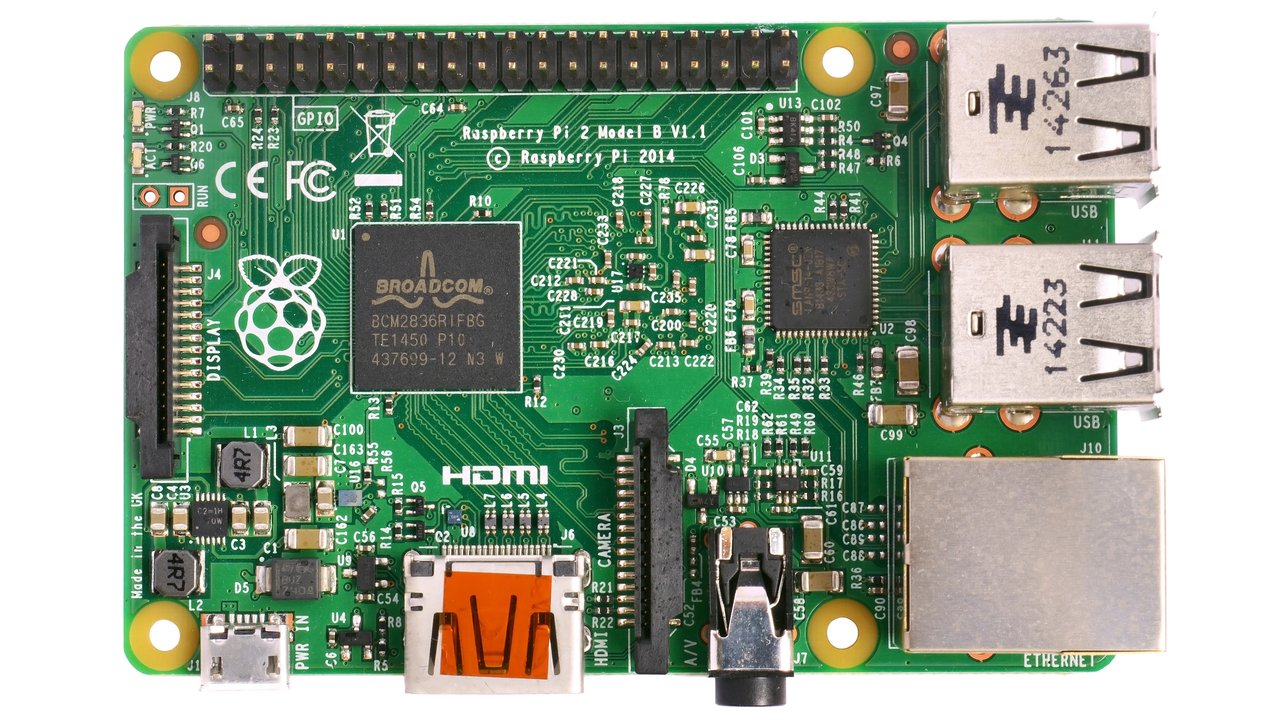 Raspberry Pi presentation page now available
 HOWTO: Update your Raspberry Pi OS and software
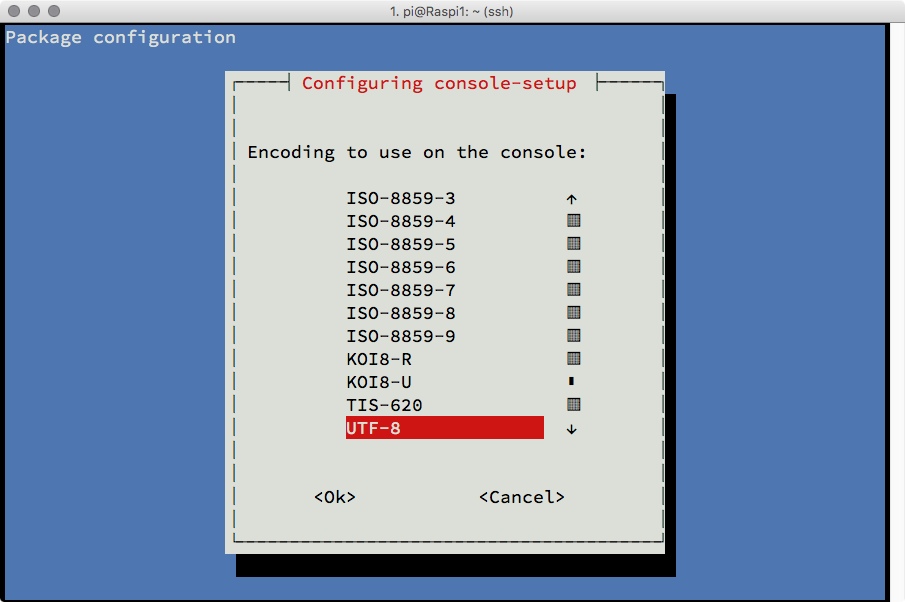 HOWTO: Change the Terminal font size on Raspberry Pi
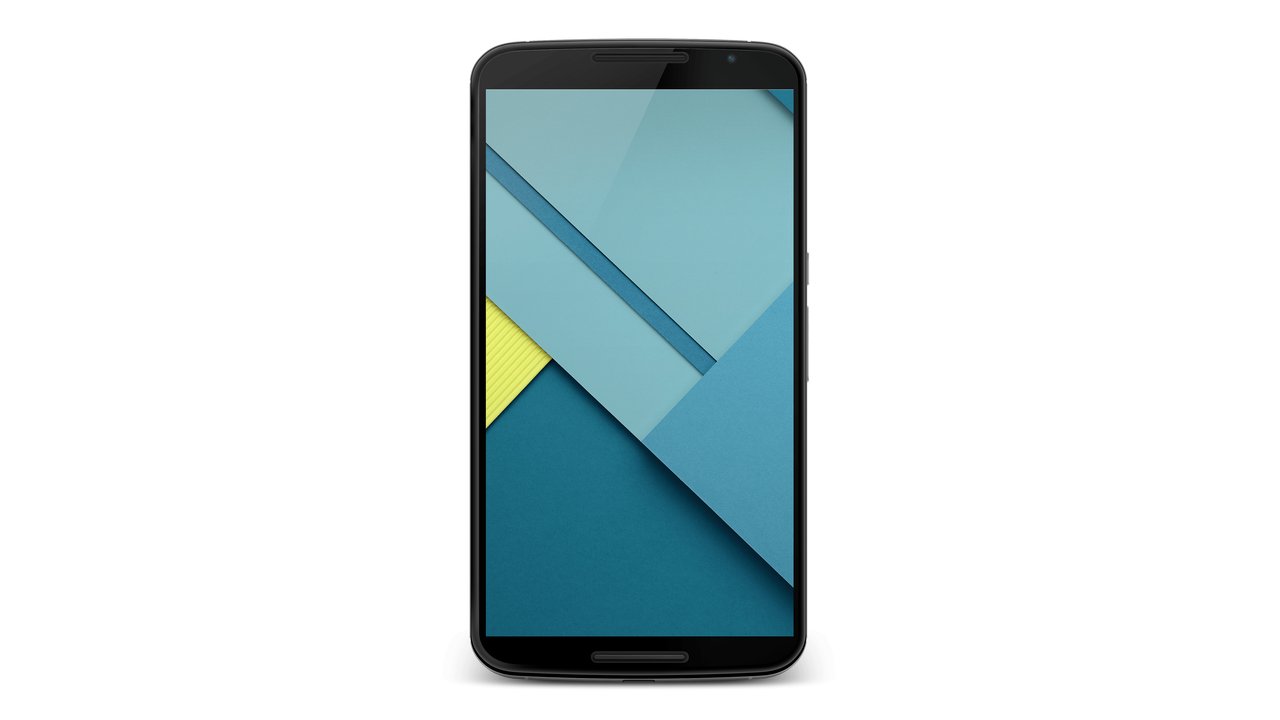 An iOS user talks Android
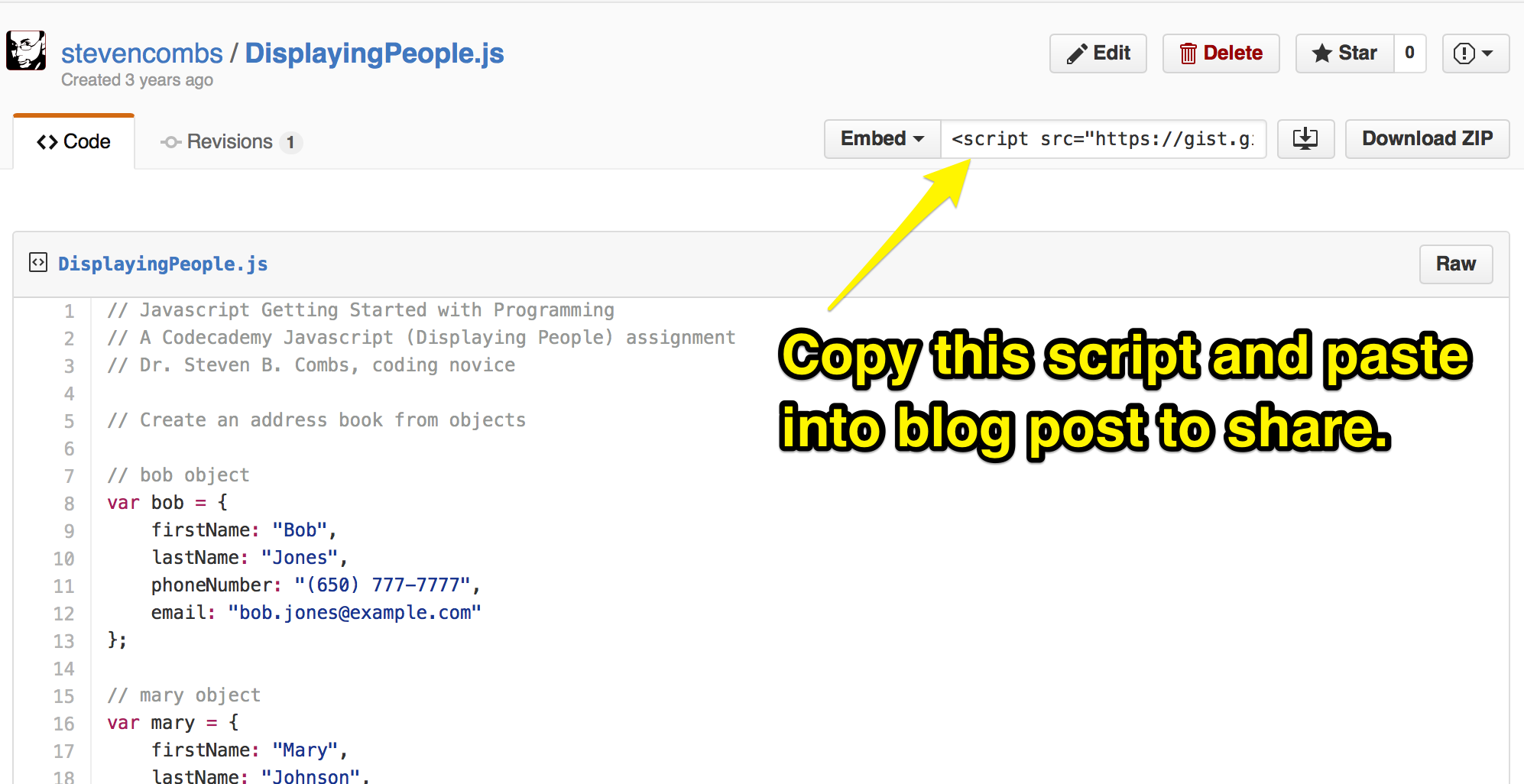 HOWTO: Use Gist to archive and share code snippets
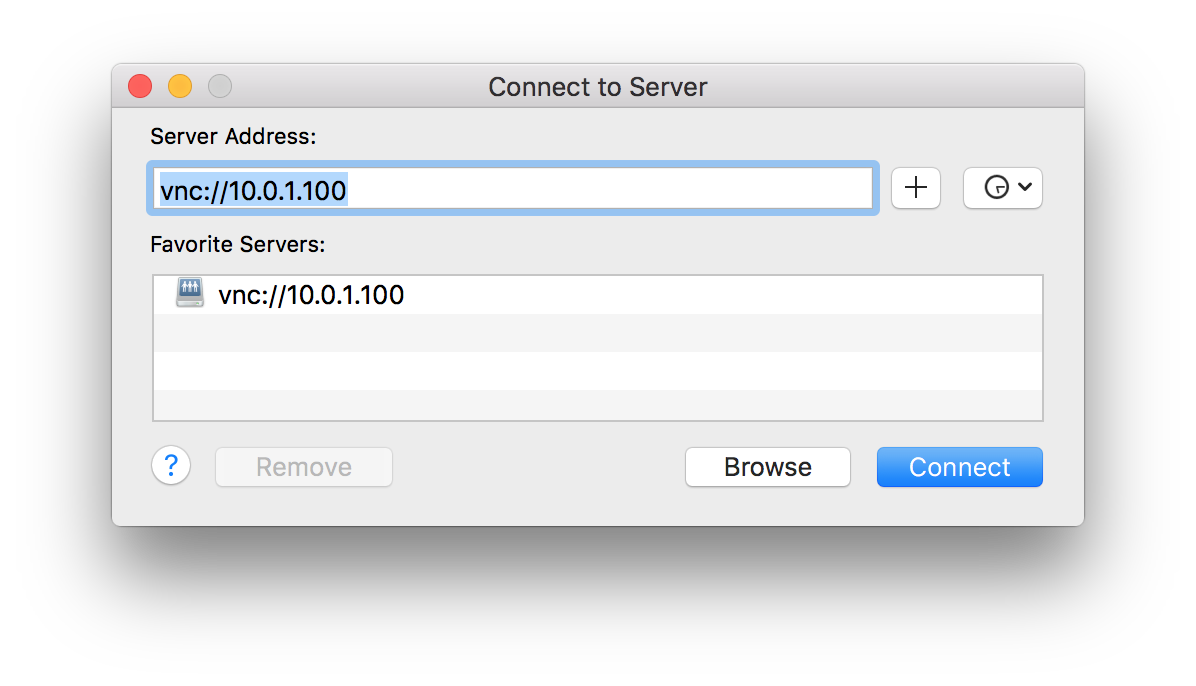 HOWTO: Mirror a monitor connected to a Raspberry Pi on a Mac
 HOWTO: Easily install openHAB on a Raspberry Pi
 BULLET REVIEW: New Trent Arcadia dual port AC charger
 HOWTO: Connect Chromecast to hotel (captive portal) Wi-Fi
 BOOK REVIEW: The LEGO Architect
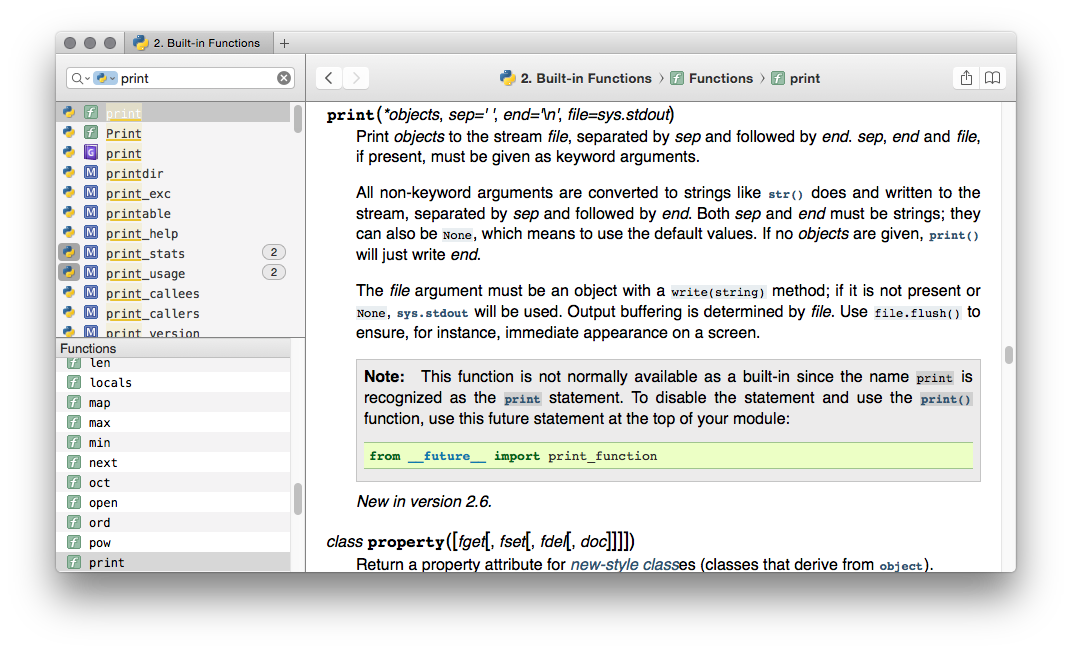 HOWTO: Say goodbye to TextExpander and hello to Dash
 The electronic devices we use
 Geeking Out
 The wallpaper that should come with the Project Fi Nexus 6
 HOWTO: Duplicate an Evernote note
 REVIEW: New Trent Trentium iPhone 5/5s rugged case
 BULLET REVIEW: NewTrent Airbender 3.0
 REVIEW: IKEA FULLFÖLJA gel pen
 Project Fi welcome kit was a surprise
 RETRO: Ready Ranger Mobile Field Headquarters
 OPEN THE BOX: Syma X12S unboxing
 SKETCHNOTE: Amazon Echo ultimate guide page
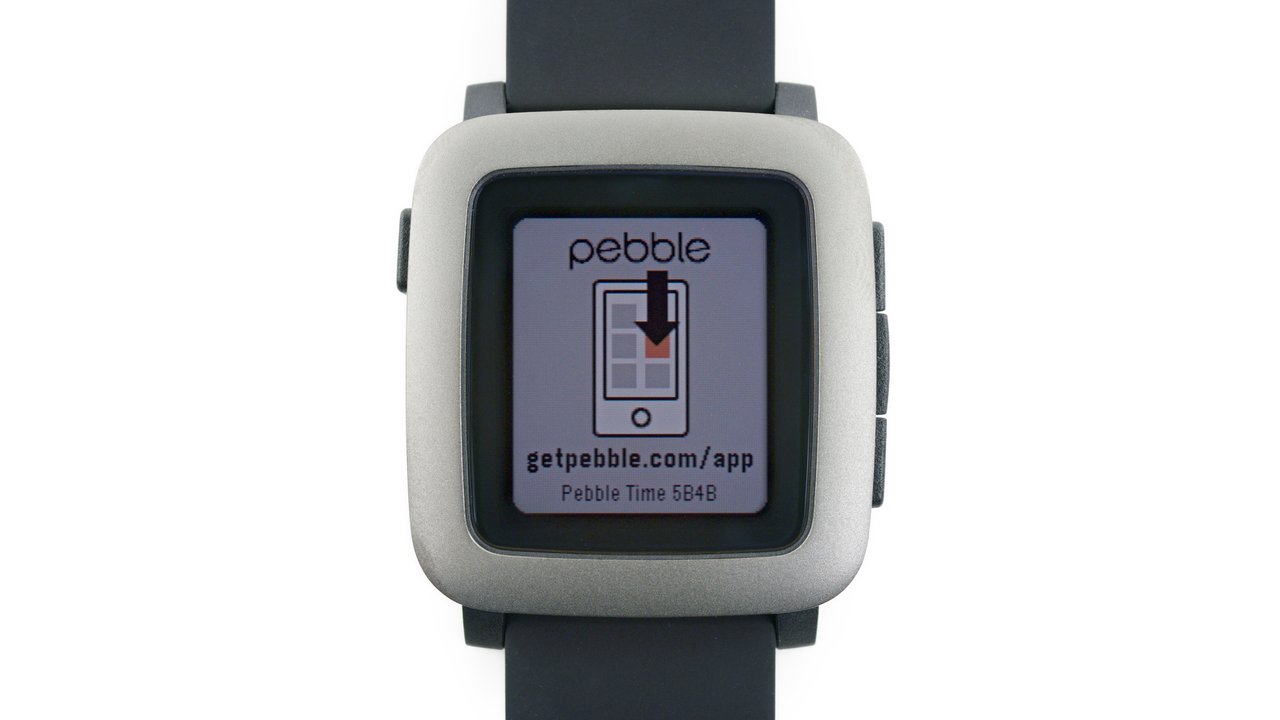 FIRST IMPRESSIONS: Pebble Time
 Jinhao 250 versus Pilot MR Metropolitan
 Desktop backgrounds for 2015 MacBook
 My first fountain pen - the JinHao 250
 REVIEW: Monster Digital OTG Cloud
 REVIEW: Pilot HI-TEC-C maica
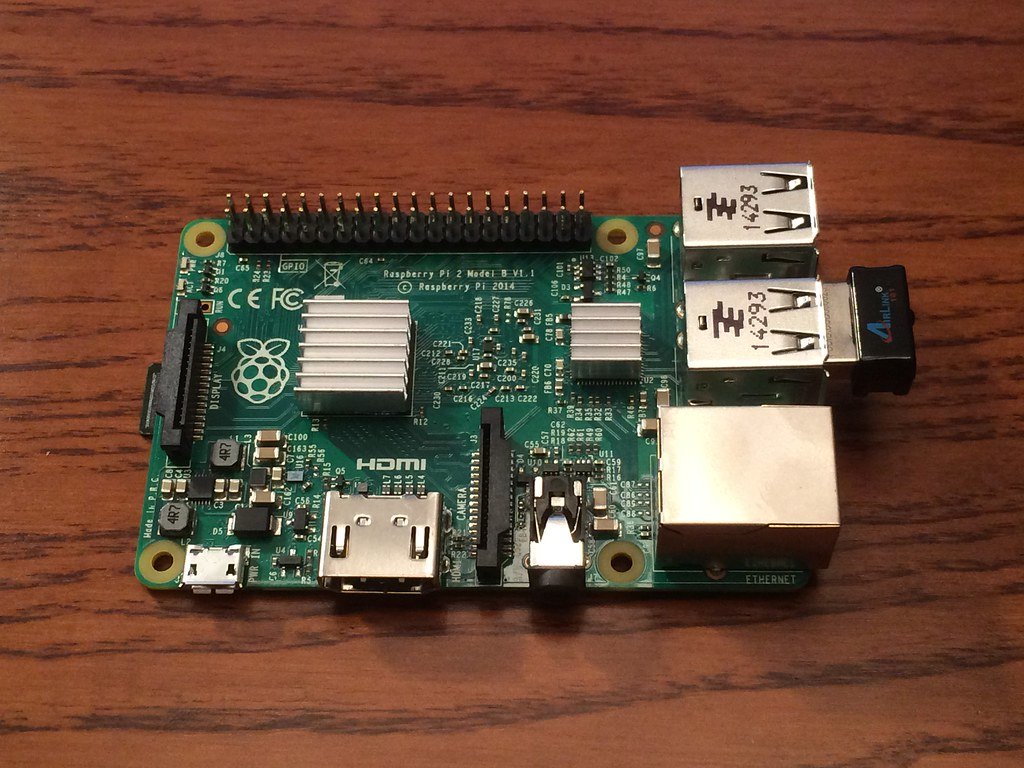 UPGRADE: Raspberry Pi 2 case and heatsink
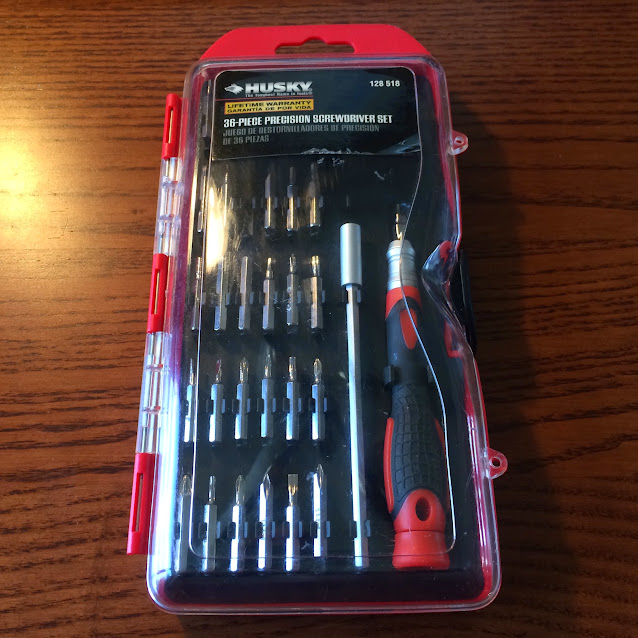 TEAR DOWN: Baofeng GT-3 Mark II
 REVIEW: Staedtler Triplus Fineliner
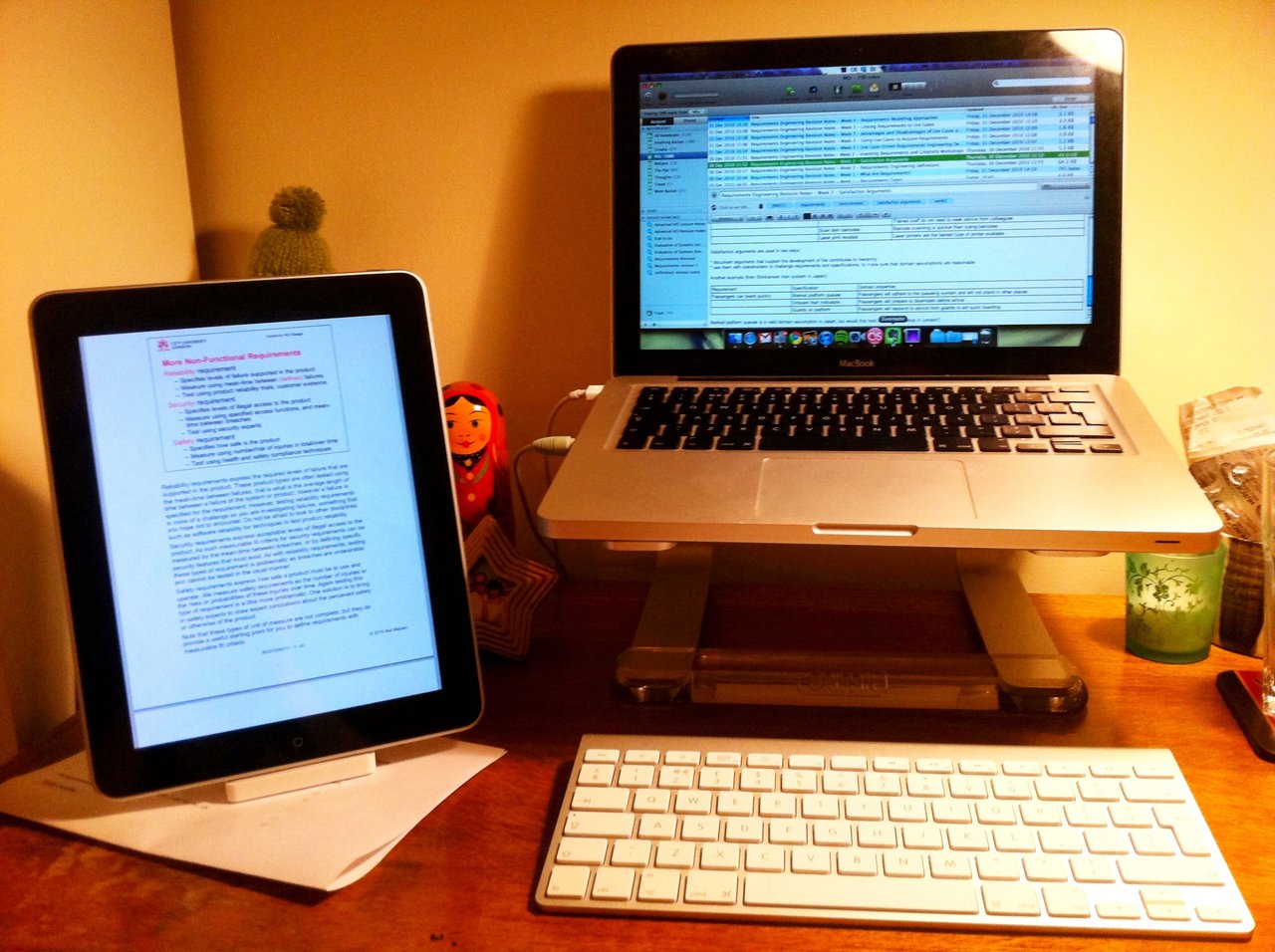 Evernote Task Management – Introduction
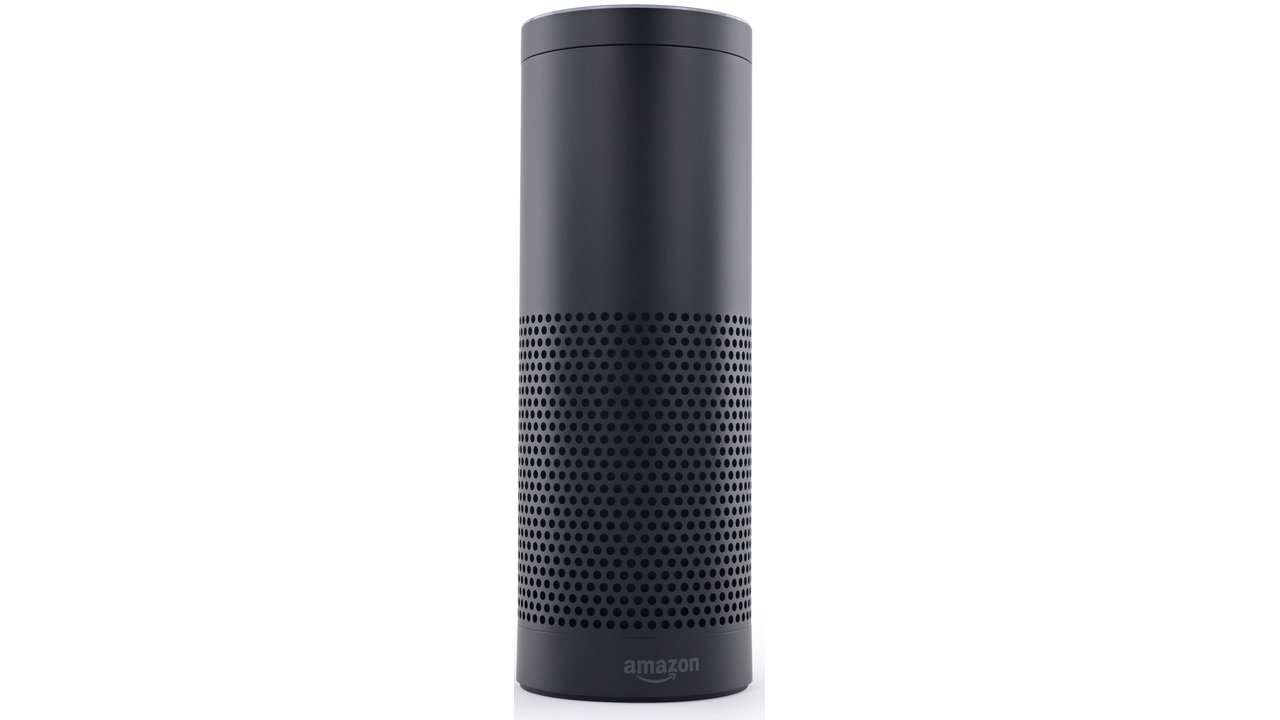 REVIEW: Amazon Echo is Siri in a Pringle® can
 OPEN THE BOX: SYMA X5C1 Quadcopter Unboxing
 OPEN THE BOX: Baofeng GT-3
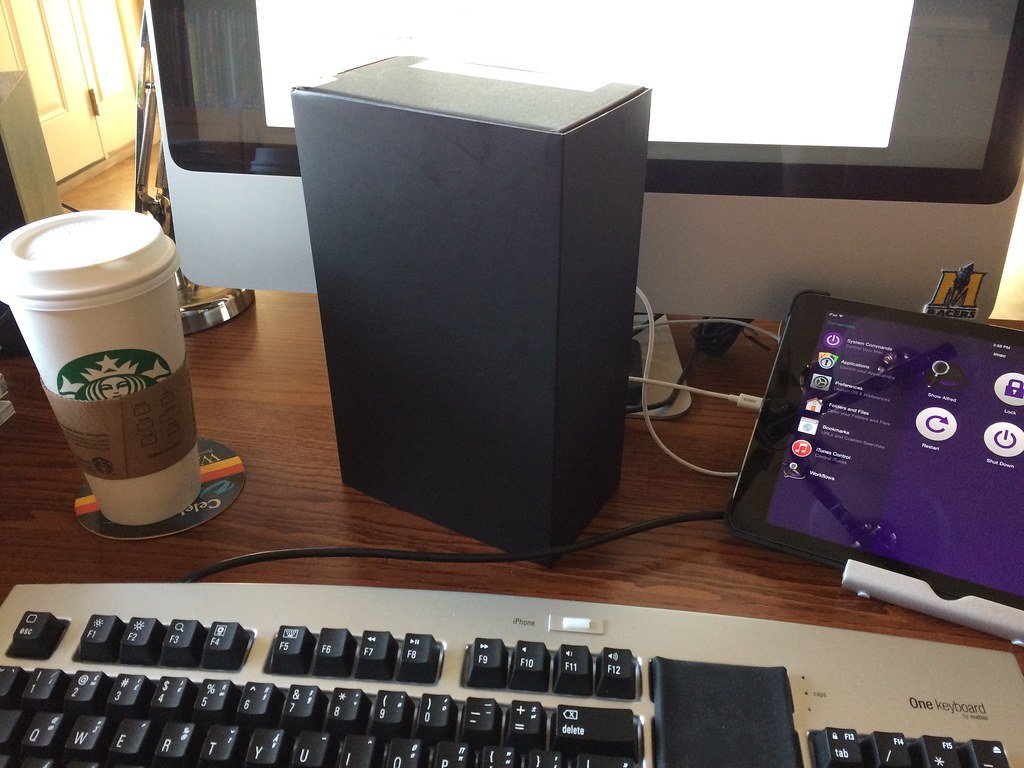 OPEN THE BOX: Amazon Echo
 My Evernote task management journey
 Paper by FiftyThree Fountain Pen
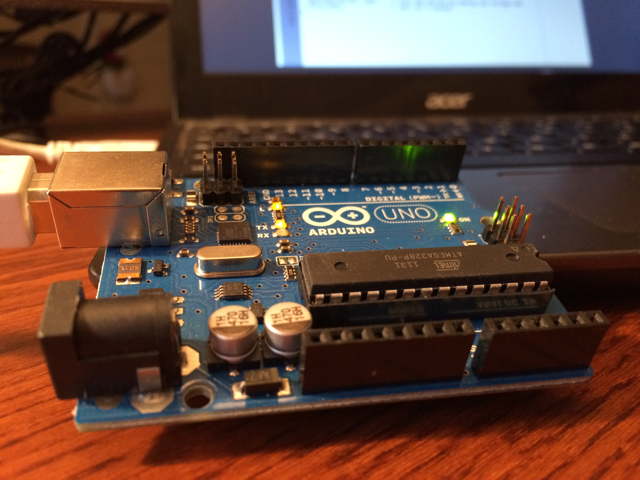 HOWTO: Program Arduino on Chromebook using ChromeDuino
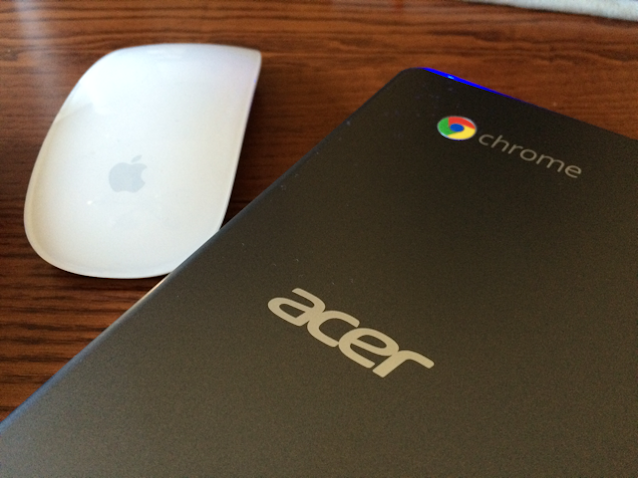 A Mac user’s guide to the Chromebook
 HOWTO: ALDI Holiday battery lights to USB
 Best gadgets under $200, 2014 Edition
 HOWTO: Edit in full screen in Evernote for iPad
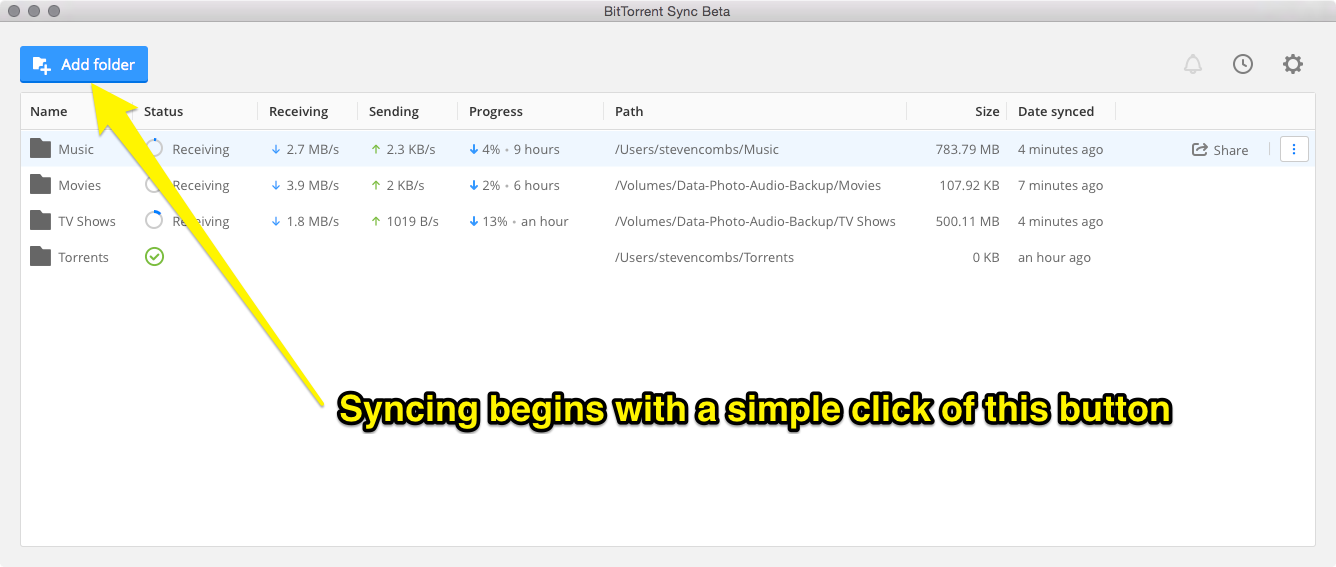 HOWTO: Sync without the costly cloud
 SKETCHNOTE: Pebble Blog Post
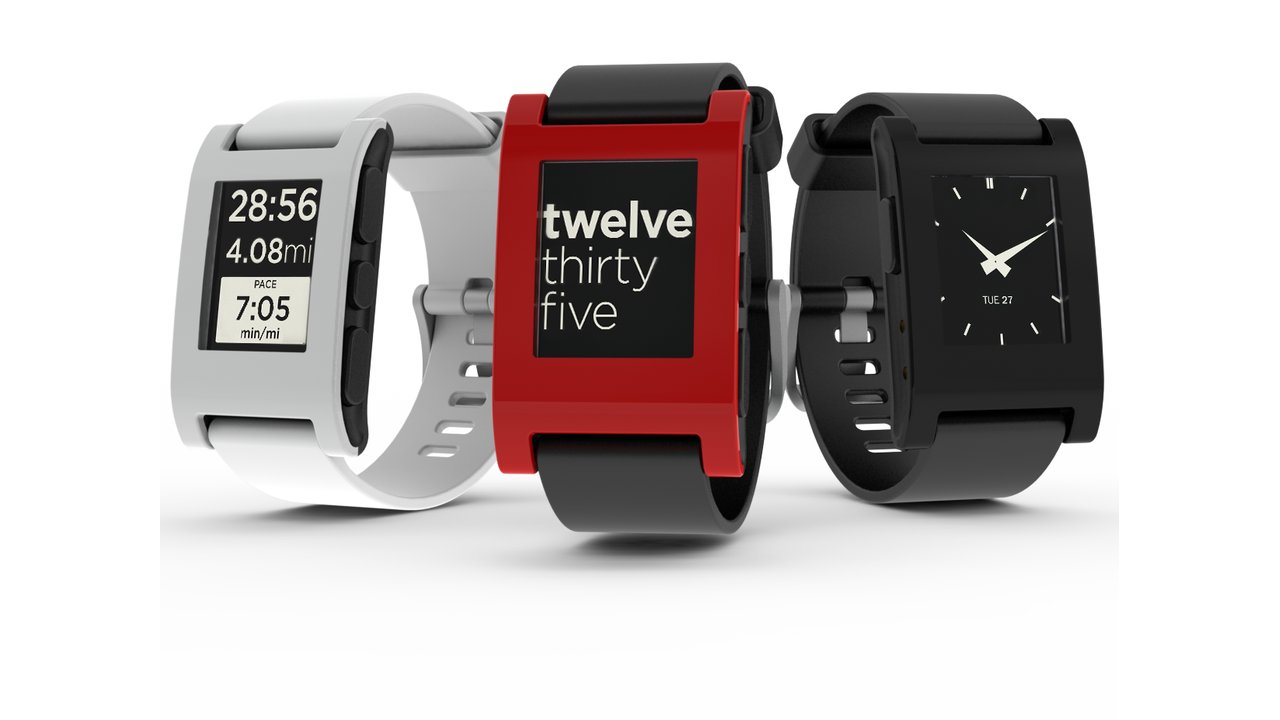 My first month with the Pebble watch
 Army retirement package
 HOWTO: Combine Yurbuds and Apple Earpods to create Yurpods
 Upgrade from iPhone 4s to 5s
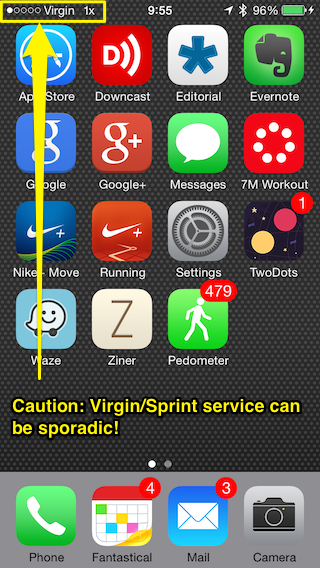 HOWTO: Save money with Virgin Mobile
 My AFOL inspired ALS ice bucket challenge
 HOWTO: My Arduino Esplora came with the wrong joystick knob
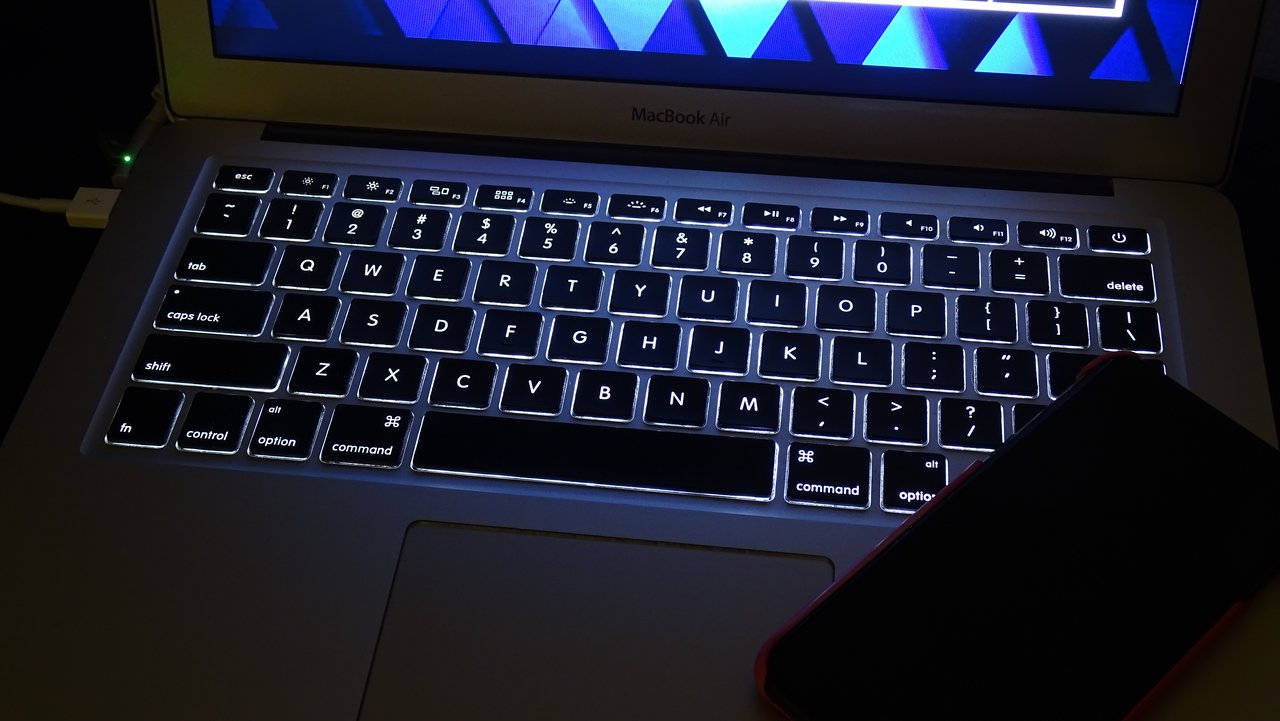 HOWTO: Use Keystrokes to create typographic symbols on a Mac
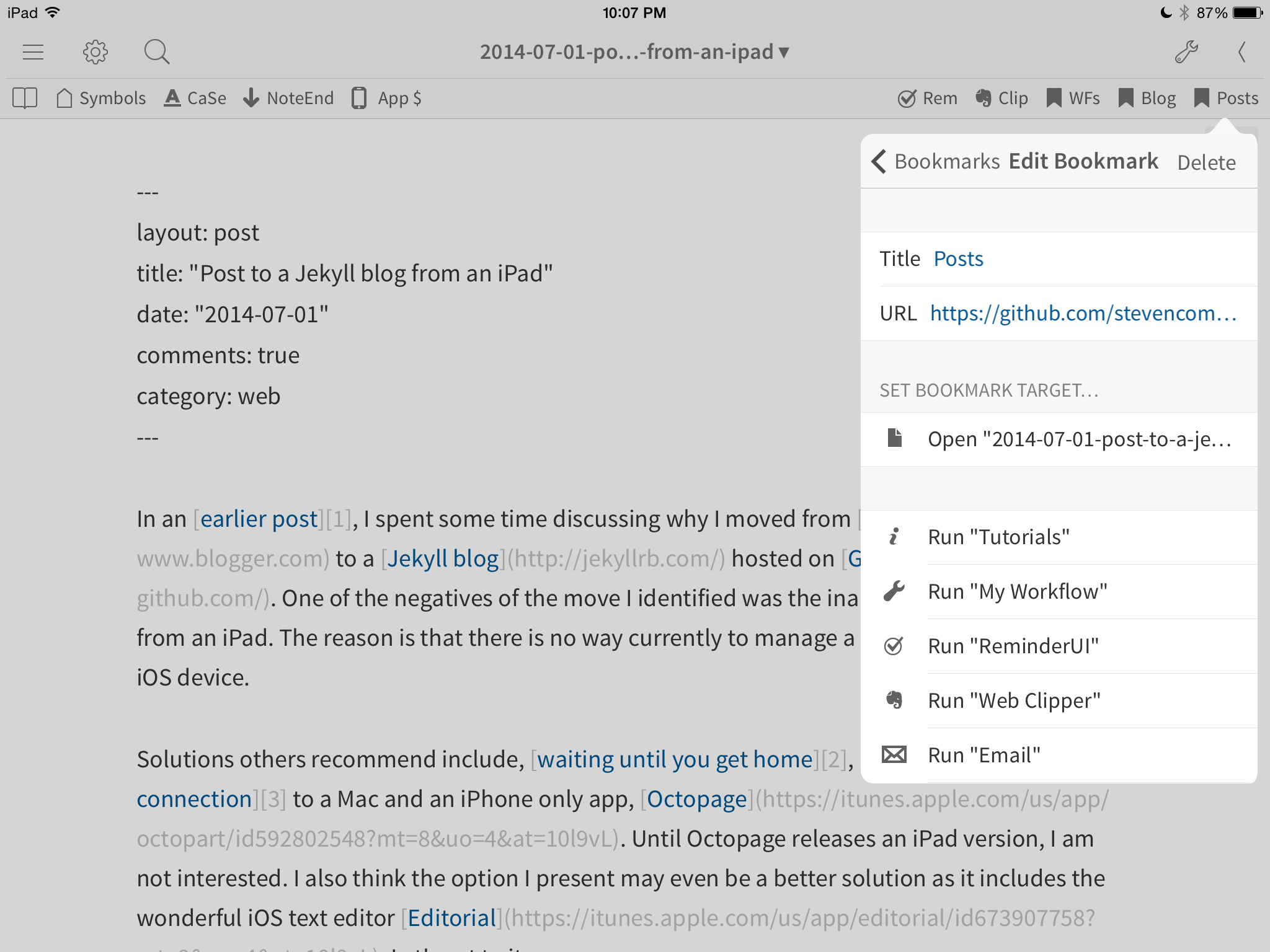 HOWTO: Post to a Jekyll blog from an iPad
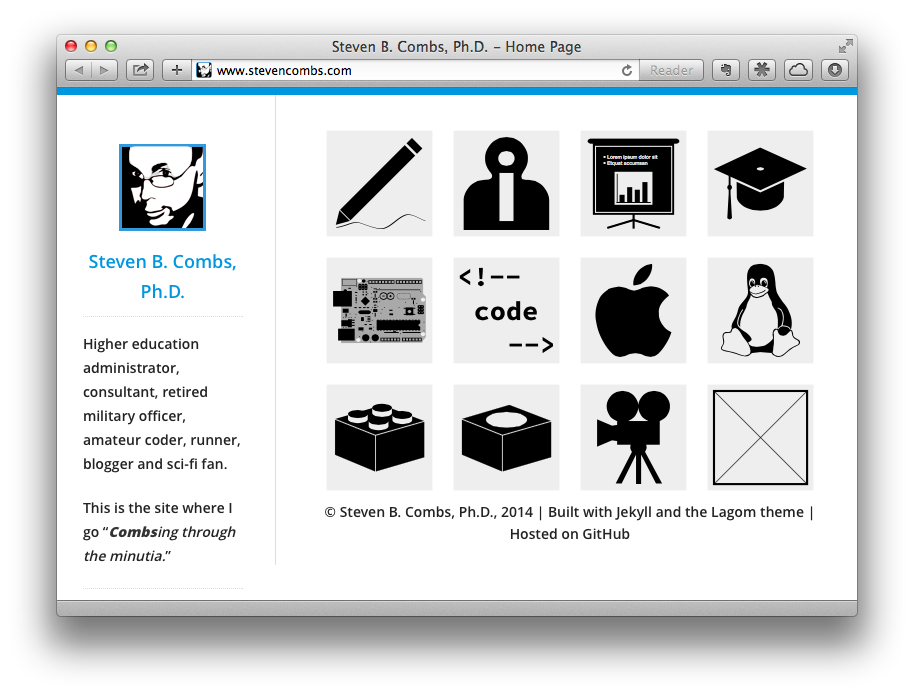 Why I moved from Blogger to Jekyll
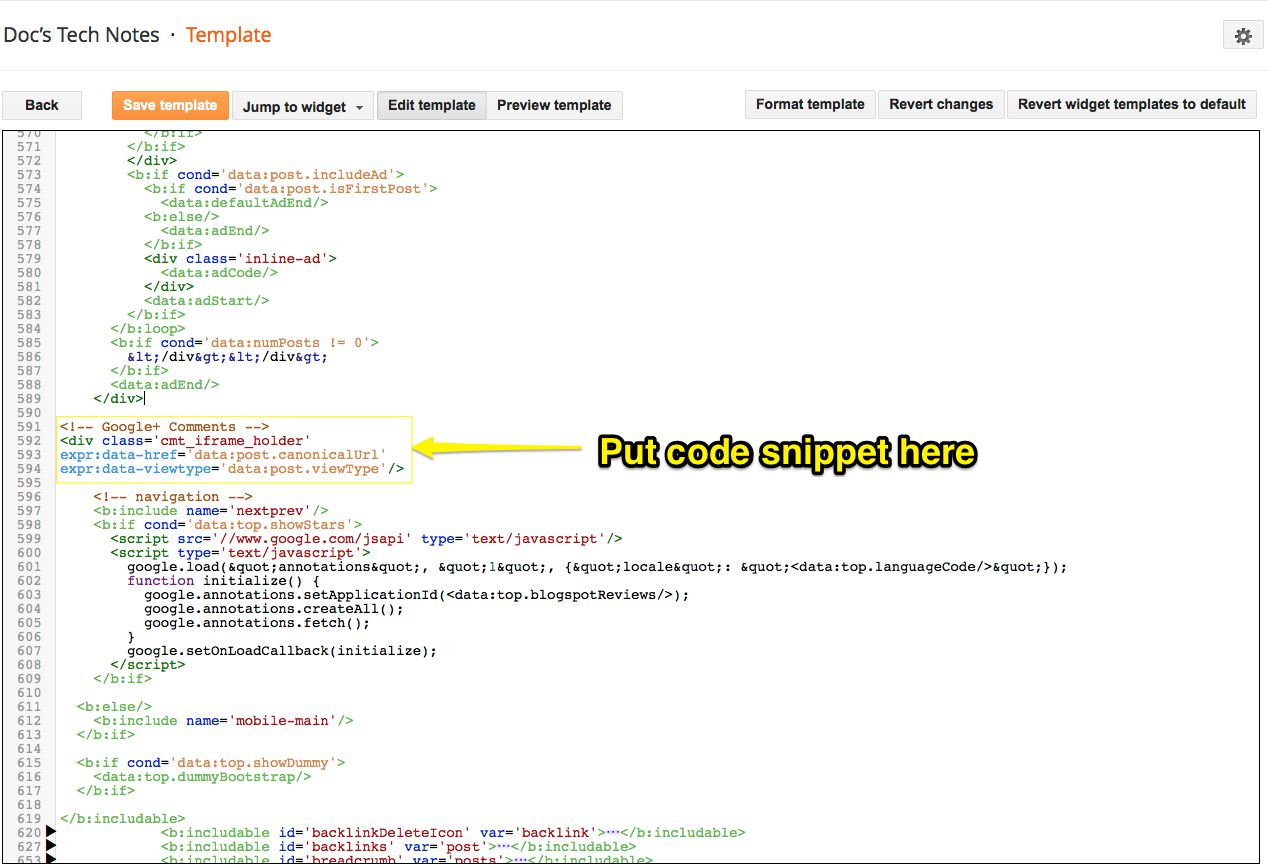 HOWTO: Integrate Google+ comments into Blogger Template
 BULLET REVIEW: New Trent Gladius Air for iPad Air
 BULLET REVIEW: New Trent Airbender 2.0 for iPad Air
 HOWTO: Sublime Text Arduino programming IDE on Peppermint OS
 HOWTO: Install the Arduino IDE on Peppermint OS 4
 What is the number one job skill requested by employers?
 Three interesting electronics components
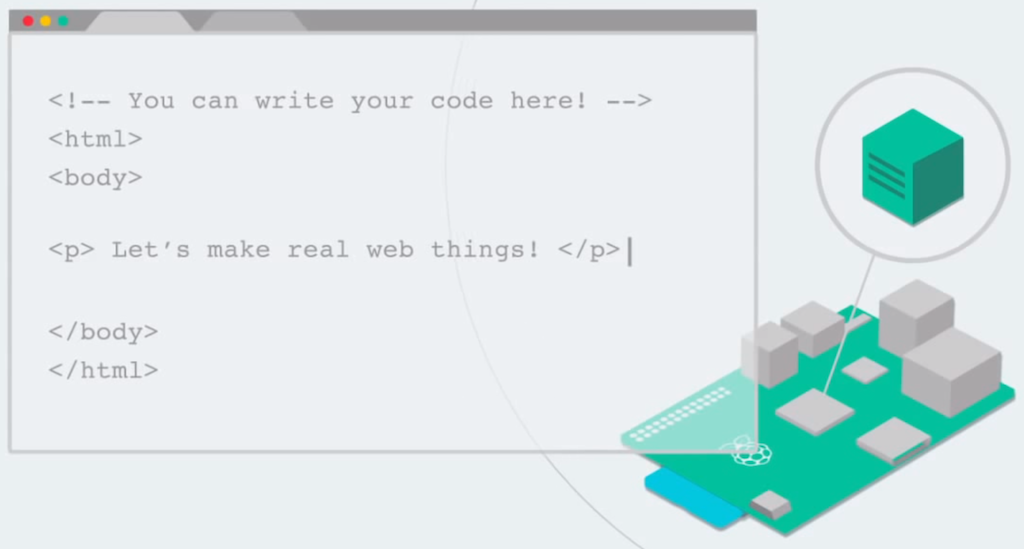 HOWTO: Turn your RaspberryPi into a development platform with Coder
 Make mistakes, learn from them, and own them
 RETRO: Like classic films? Check out TCM this September!
 My first year as a regional academic officer
 BULLET REVIEW: Sonos Play3 with Bridge
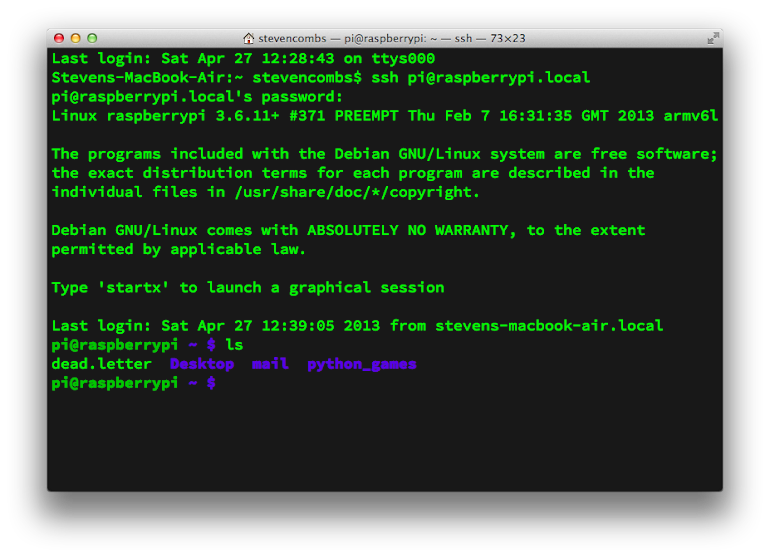 HOWTO: Create an ssh connection to a headless Raspberry Pi
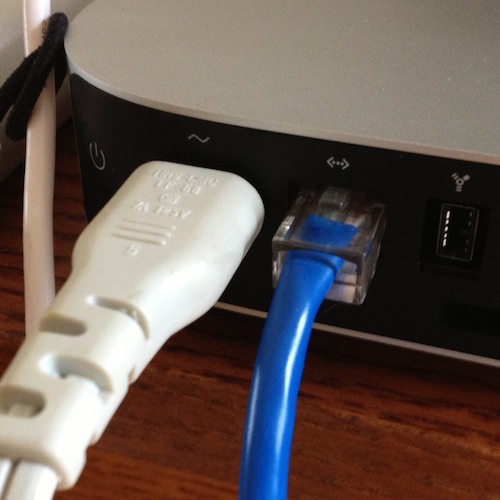 HOWTO: Turn on OS X Internet Sharing
 HOWTO: Remove Duplicate Contextual Alfred Menu Items
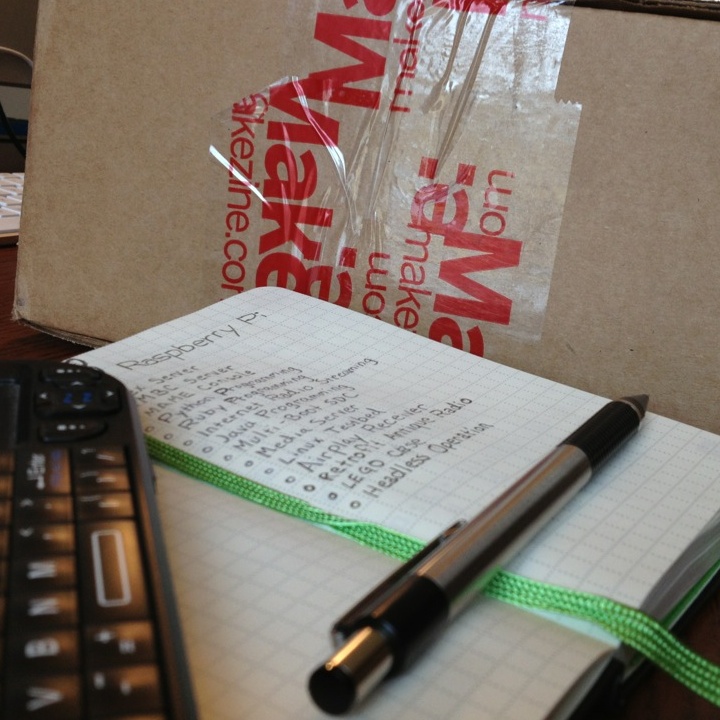 OPENING THE BOX: Maker Shed Raspberry Pi Starter Kit
 HOWTO: Pair a solar bluetooth keyboard to three devices
 A productivity primer for higher education administrators
 Source Code Pro is a wonderful Markdown font
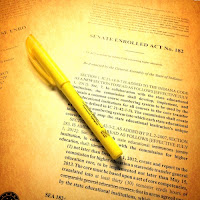 Indiana legislation all faculty should understand
 I’ve found my iPad Markdown Editor!
 Community college quality versus cost
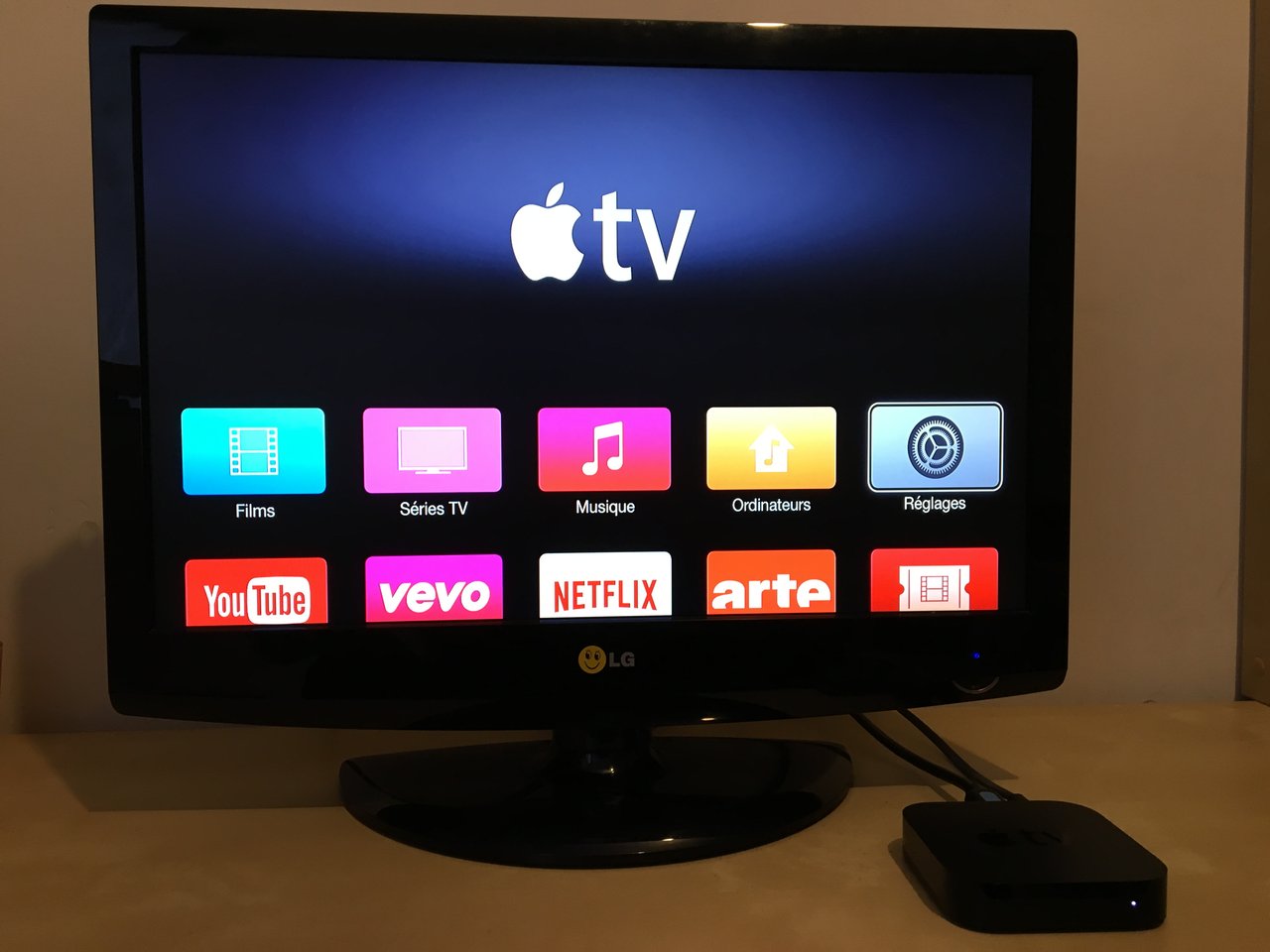 HOWTO: Apple TV in the classroom
 HOWTO: Enhance Course Materials with iTunes U
 BOOK REVIEW: The Unofficial LEGO Builder’s Guide 2nd Edition
 Successful academic professional development sessions
 The College of 2020 is a must read for administrators
 RETRO: O zephyr winds which blow on high...
 Got caught, did you?
 Education by the numbers
 Becoming lean during tough budget cycles
 What I did...
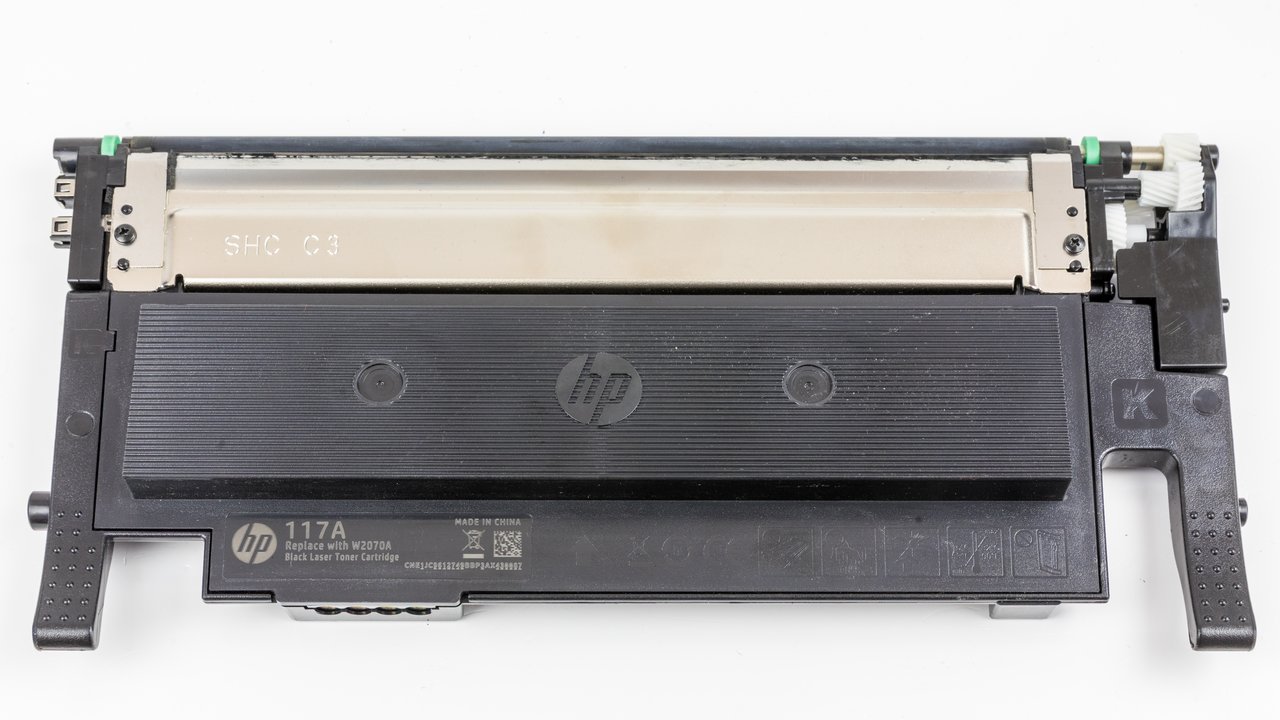 And here’s how we are gonna save some cash
 Mac mini Media Center (MmMC) software winner
 Mac Mini Media Center Unboxing
 Five ways to reduce iPhone or hotspot data usage
 BOOK REVIEW: LEGO Technic Idea Book Series
 HOWTO: Fix Netflix error code 8156-6013 on a Mac
Markdown Test Post